Chapter 3 Quick Start Guide 17
Welcome
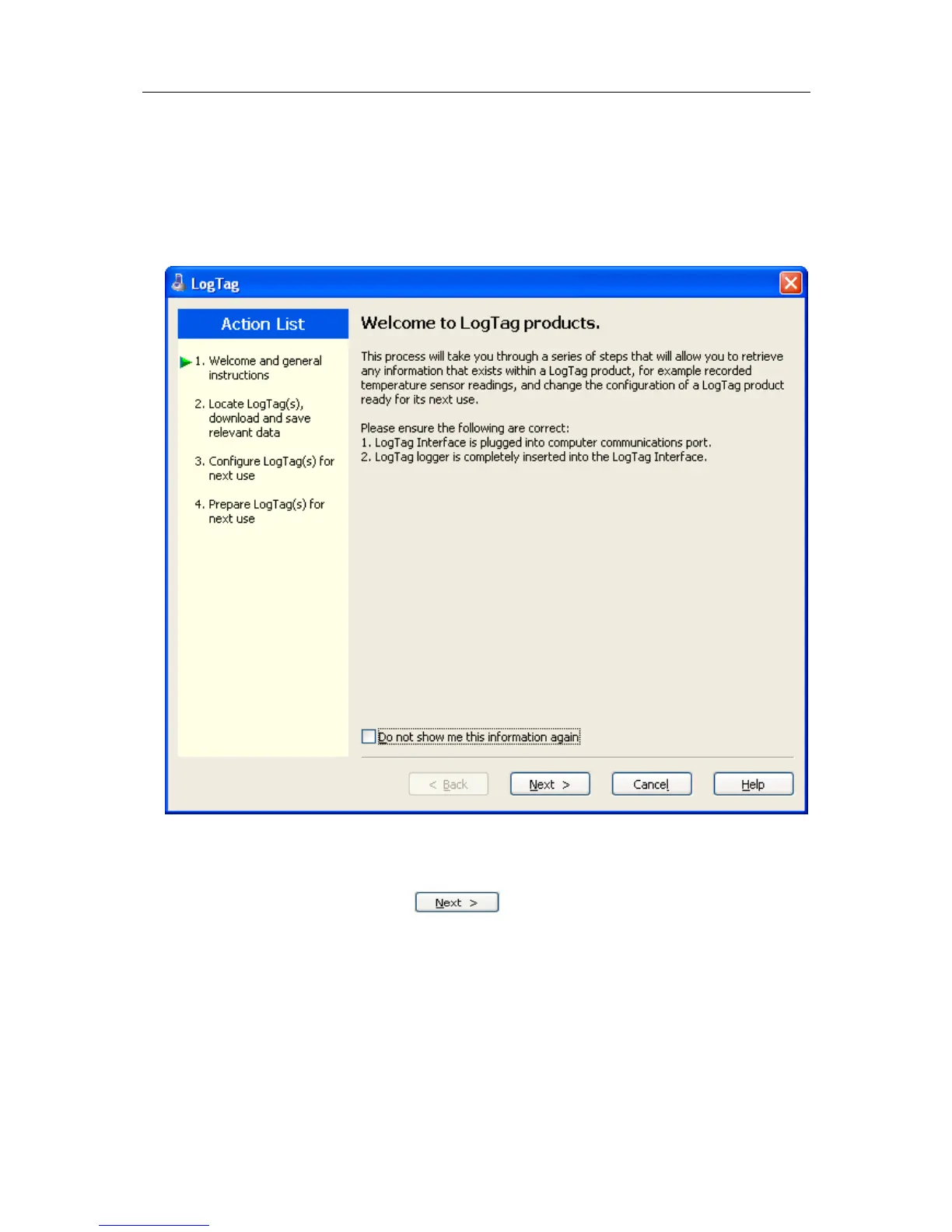
First the Wizard has a welcome screen (this is "1" on the Action List). This asks you to
make sure you have not neglected to place the LogTag firmly in the Interface Cradle.
The Wizard is responsible for certain "Action Steps" and these are clearly listed at the left
in the wizard window.
To get to the next screen, click on
and the next wizard screen will appear.
The green arrow will indicate you have moved to Step 2.



 To Next Page