Chapter 6 Customizing the software 109
If you answer "No" then the action described in the option "Always create a unique
copy of files (recommended)", previously explained, will be performed.
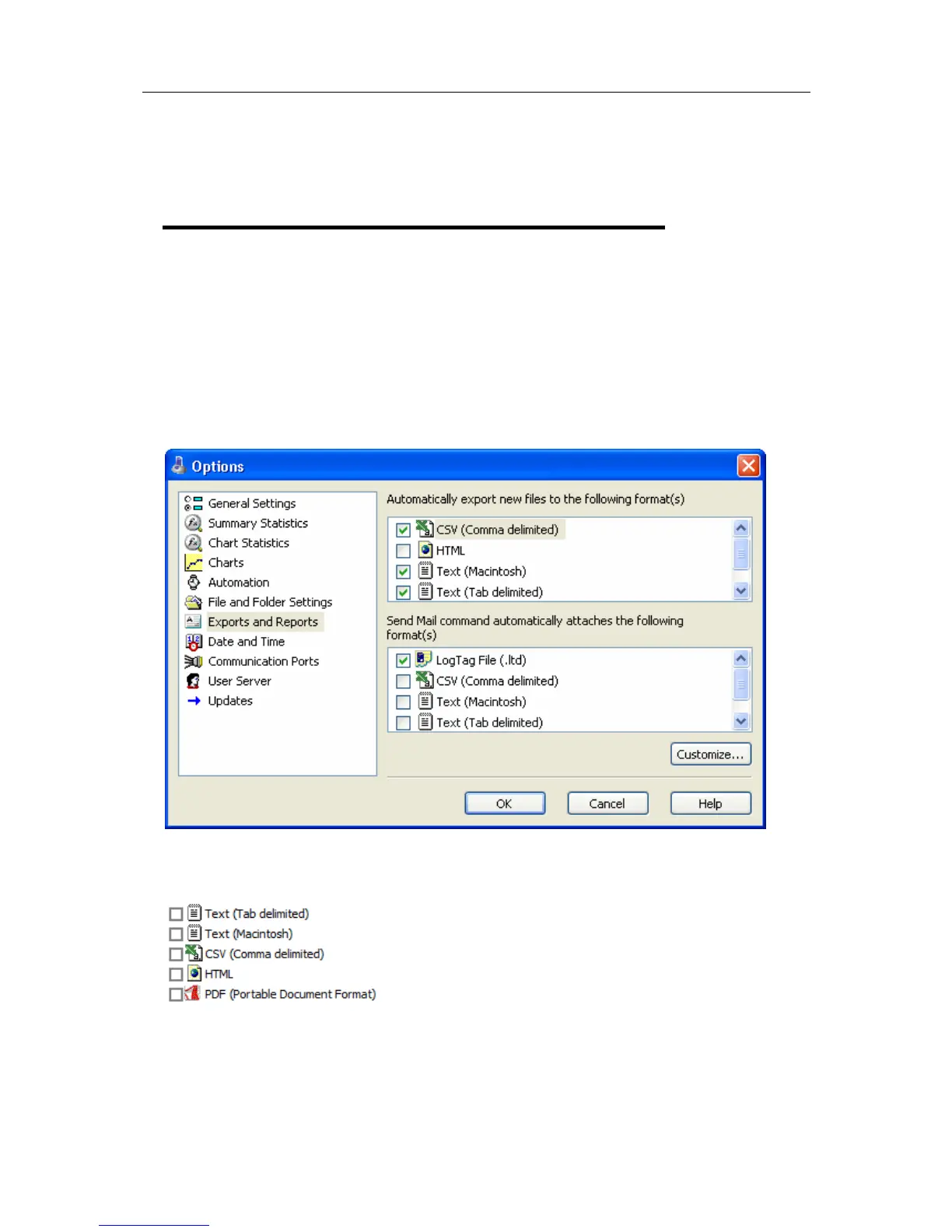
Exports and Reports
Every time recorded data is retrieved from a LogTag it is automatically saved to disk in
the software's native format so that it can be opened and viewed at a later date.
However, it may be that the recorded data is to be regularly integrated with other data
and/or view the recorded data using software other than LogTag Analyzer. Exports and
Reports will instruct the software to automatically create one or more files in a format
that is compatible with the other software being used, whenever recorded data is
retrieved from a LogTag.
To instruct the software to create a copy of the file in a format other than the native
format used by LogTag Analyzer, simply tick the file format from the list available.



 To Next Page