50 LogTag Analyzer User Guide (2.0)
To save a Multi Chart file under a different name, select the Save As... command from the
File menu (on page 119) and enter a new file name.
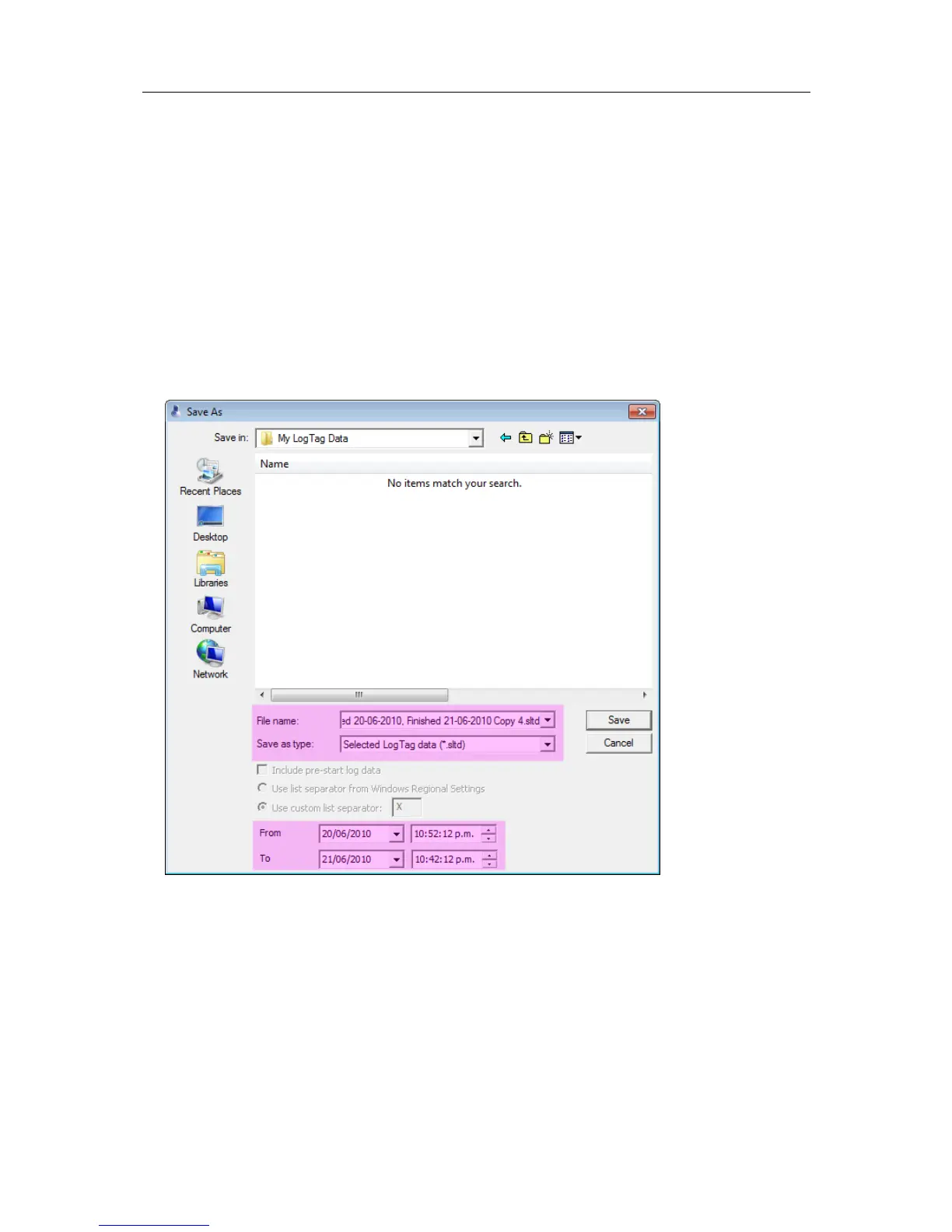
Selected LogTag Data files (*.sltd)
Users can save a file, which when opened again, will only display a selected time window
of the recorded data. The time window of this "Selected LogTag Data" file is defined
through the zoom settings of the currently active tab, or can be entered in the dialog box
displayed when the "Save as..." command from the File menu (on page 119) is chosen
with 'Selected LogTag Data (*.sltd)' as the file type.
Select a file name and location for your file.



 To Next Page