Chapter 6 Customizing the software 113
Configuration Time
Zone
All reading times are displayed in the time zone of the computer
used for configuring the LogTag.
UTC/GMT Time Zone All times are displayed in Universal Time Coordinates, or
Greenwich Mean Time representation.
Display Clock /
Configuration Time
Zone
All times are displayed relative to the clock that is showing on
the display. If the unit has no display, the logger's Configuration
time zone is used.
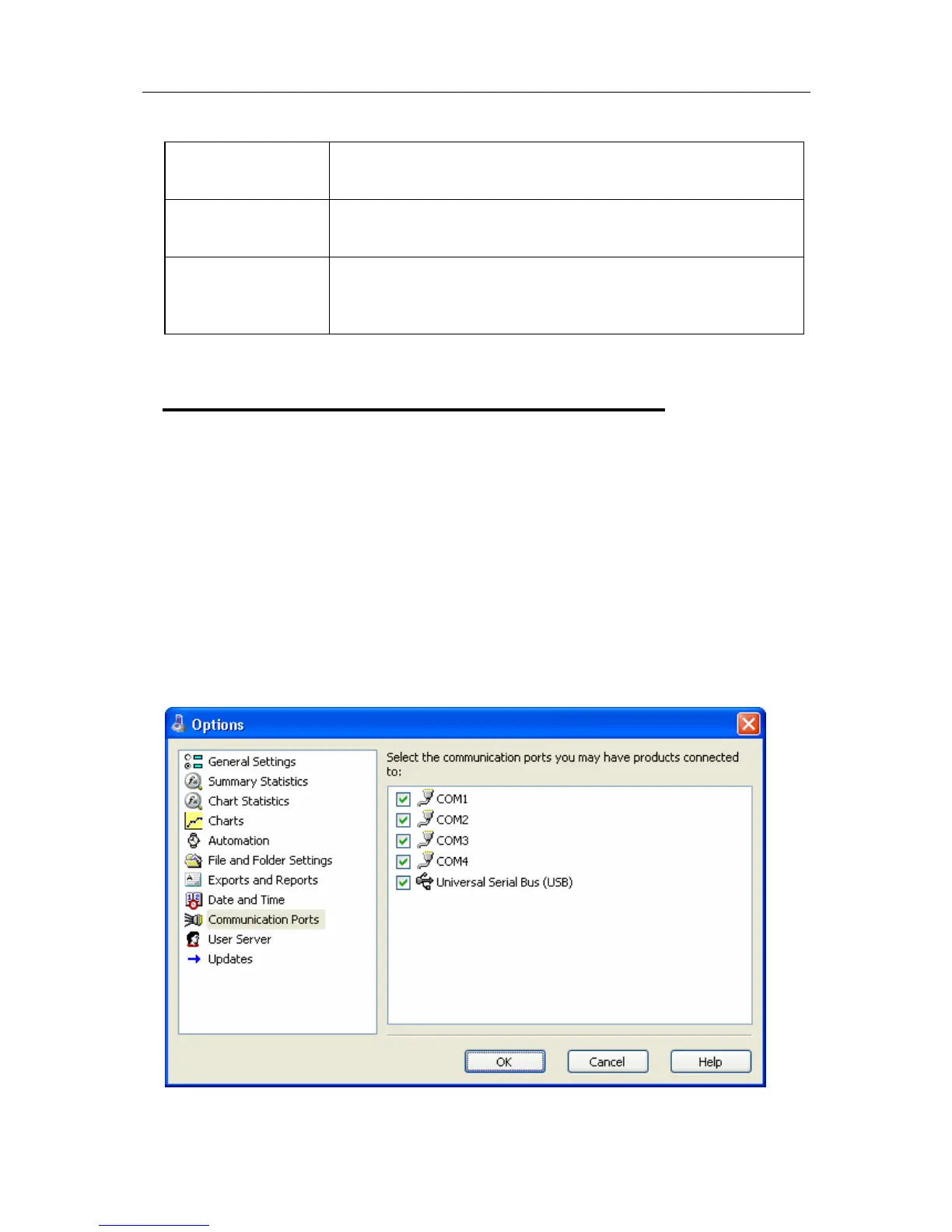
Communication Ports
The Communication Ports options control which communication ports are checked for
connected Interface Cradles. This allows certain communication ports to be excluded,
which are not used to connect Interface Cradles to and/or are regularly used for other
applications, thereby reducing the possibility that this software will interfere with the
operation of other applications running on the current system.
The software checks each communication port at the same time, rather than one after the
other, therefore having the software check multiple communication ports will not
adversely affect the performance of the software significantly. As the software supports
multiple communication ports, it is possible to connect and use to more than one
Interface Cradle at the same time.



 To Next Page