40 LogTag Analyzer User Guide (2.0)
Display Logger Alarms
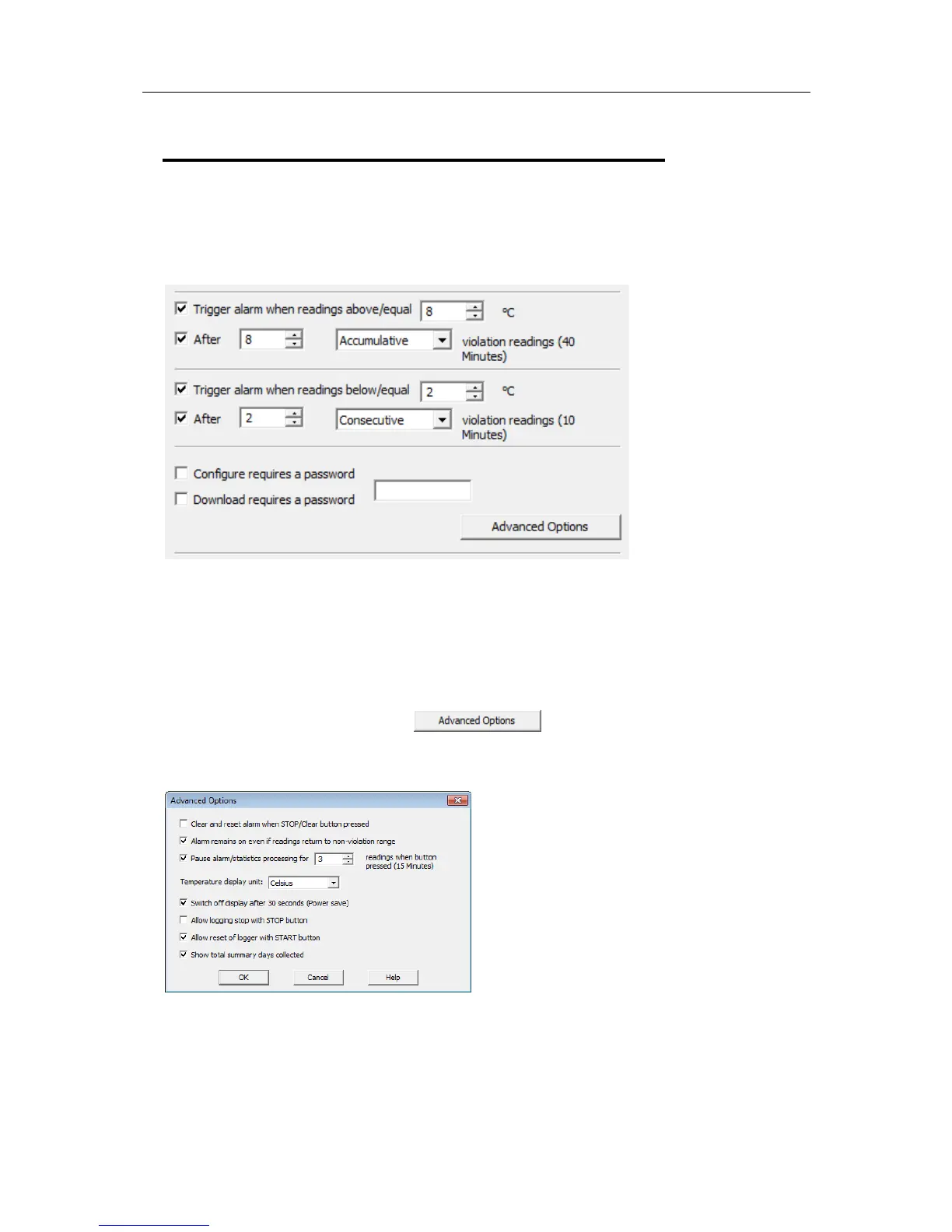
TRID30-7F and TRID30-7R loggers have a different settings screen.
The settings are similar to the Advanced Alert Settings on page 37, hence they are not
explained again here. There is however one notable exception; for each range (above or
below) you can only select either accumulative or consecutive readings, but not a
combination of both. This does however give you the option to select e.g. a different
number of cumulative readings for above and below ranges.
In this screen you can also see an
button. When clicking this button,
following configuration screen is displayed, allowing you to enter parameters specific to
TRID30-7F and TRID30-7R loggers.



 To Next Page