Chapter 6 Customizing the software 99
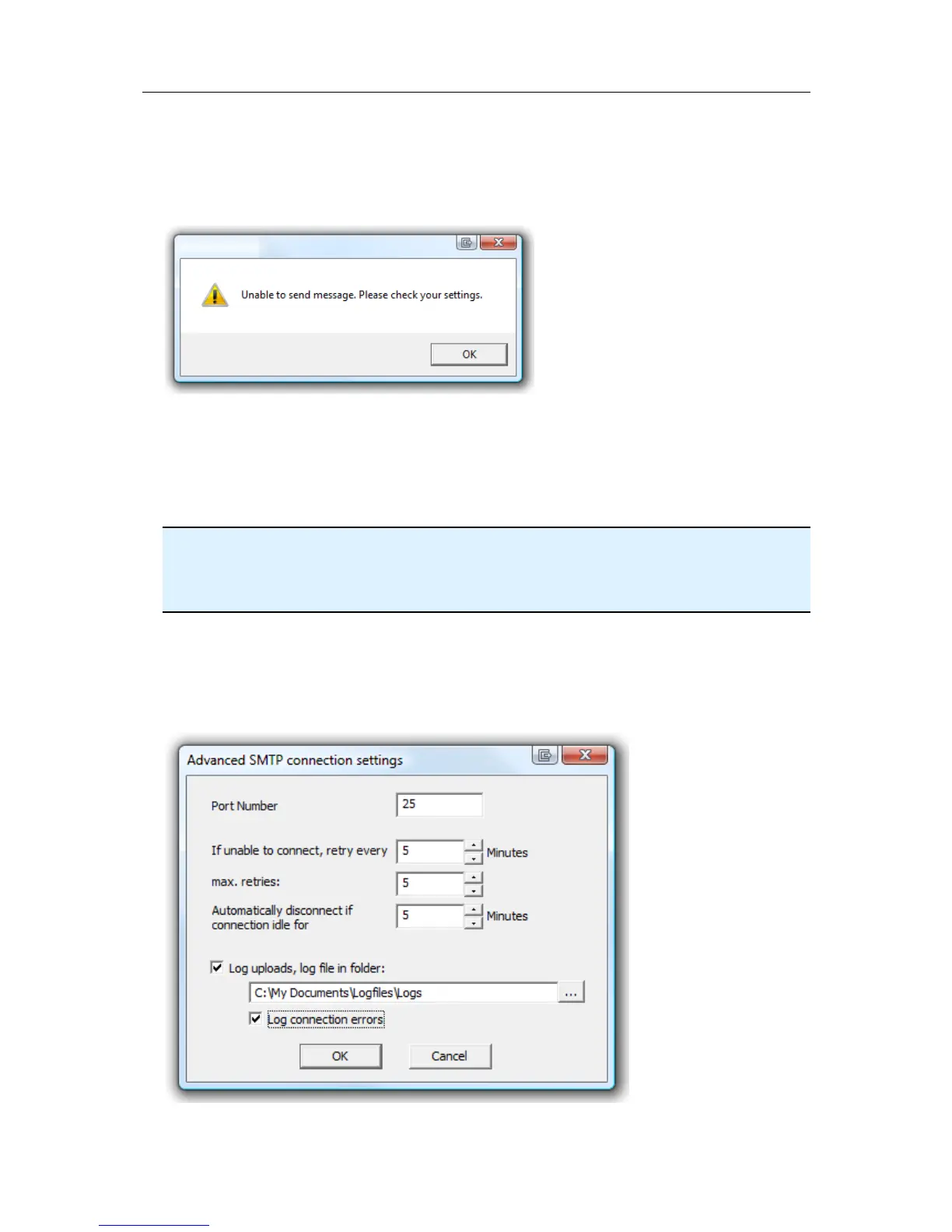
This error message is displayed if LogTag Analyzer could not connect to the specified
SMTP site because it could not find it. This could be due to internet connectivity issues,
due to an incorrect port name or due to a mis-spelt server name.
This error message is displayed if one or more of the addresses in the recipient list have
an incorrect mail format (i.e. are not in the format a@b.c). LogTag Analyzer can only
check for the correct format of the addresses, but not for correctness of the e-mail
addresses. Please note if you do not provide a correct return address, you may not know
that intended recipients are not receiving the messages.
We recommended you add your own e-mail address to the list of recipients. This way you
get feedback if your e-mail has been sent correctly in your e-mail program. It is also good
practice to enter a valid and correct e-mail return address for yourself. Some ISP's will not
relay messages without a sender's address.
Advanced SMTP settings
Clicking on the "Advanced Settings" button in the SMTP settings dialogue displays
following Window:



 To Next Page