52 LogTag Analyzer User Guide (2.0)
PDF files
LogTag Analyzer can save the currently active LogTag data window to a PDF file. One
single file will be generated with chart images, a data listing and summary included for
each tab.
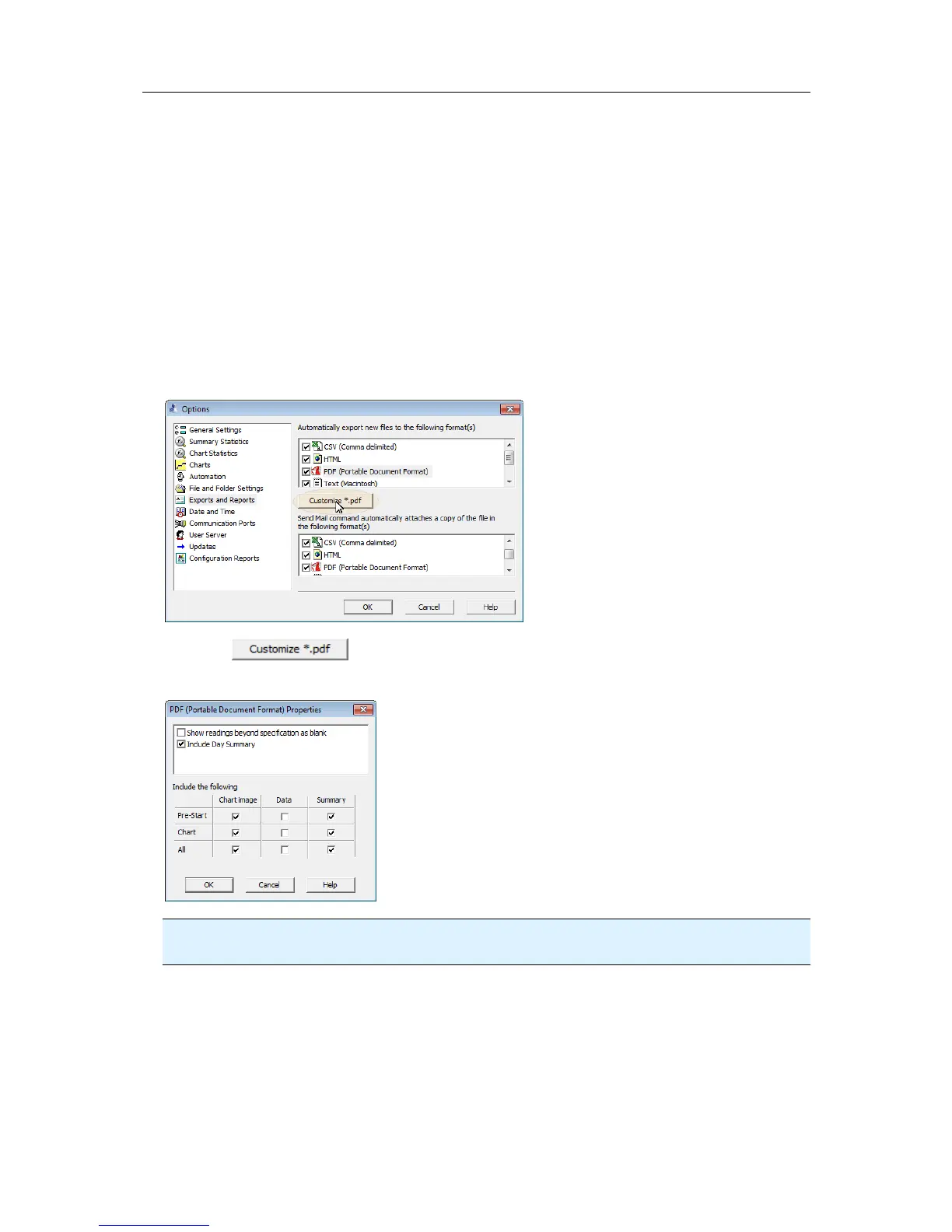
PDF files can be generated automatically, or by selecting "Save as" from the File menu
(on page 119). Select a file name and location for your PDF file. Automatic generation of
PDF files is enabled in the section about Exports and Reports on page 109. Here you can
also define the composition of the PDF file.
Click the
button; the following dialogue window is displayed, allowing
you to select which content of the PDF file will be created.
Note: Only one single Data listing will be created. Depending on which sections are
enabled, pre-start only, chart only or all readings will be included.



 To Next Page