Chapter 10 Appendix 147
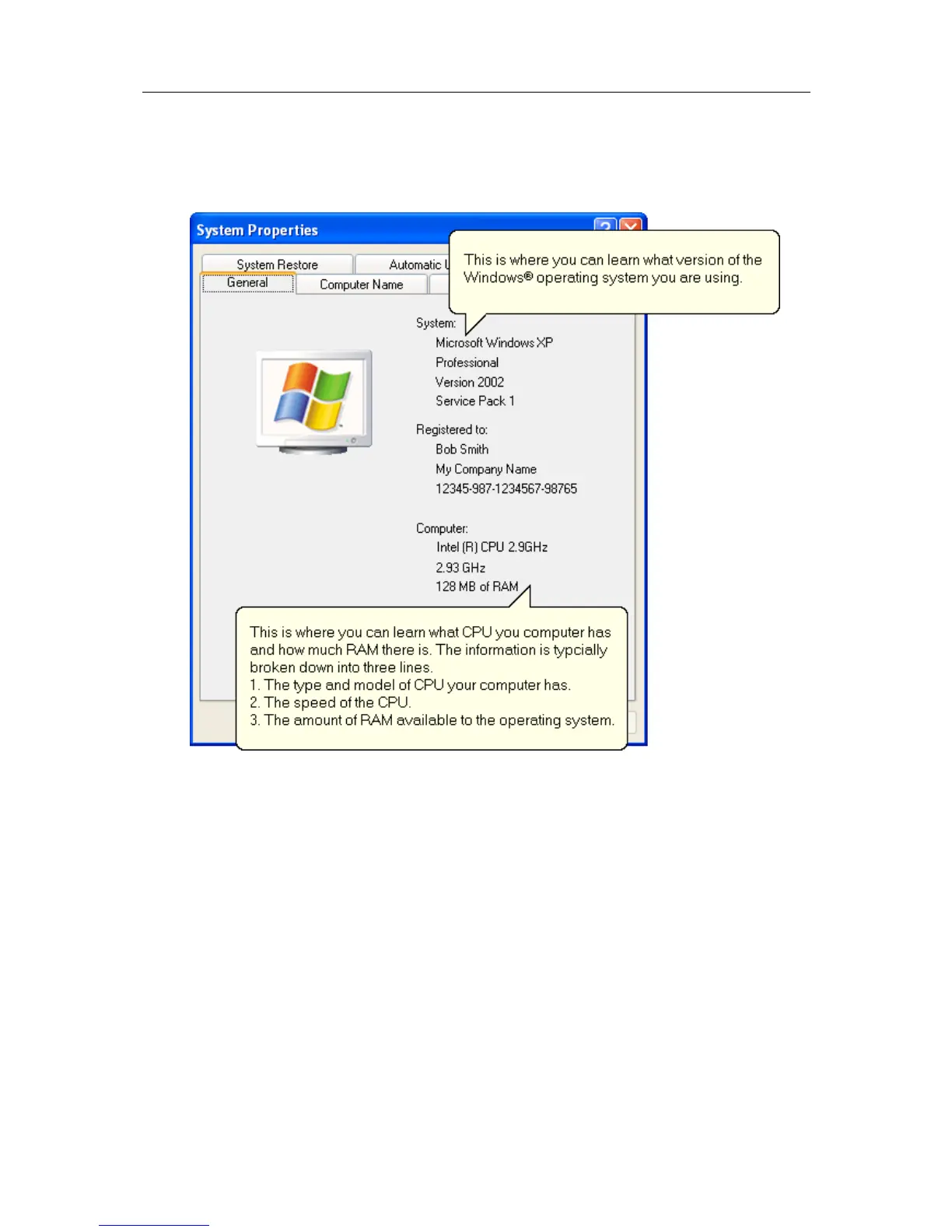
f) Clicking on the "General" tab at the top of the "System Properties" window, which
is usually the default, will display the relevant information for you about your
system.
2 To determine your screen resolution and colors:
a) Open the "Control Panel" as explained in step 1.
b) Open the "Display" item.
c) Click on the "Settings" tab at the top of the "Display Properties" window will
display the relevant information for you about your display.



 To Next Page