158 LogTag Analyzer User Guide (2.0)
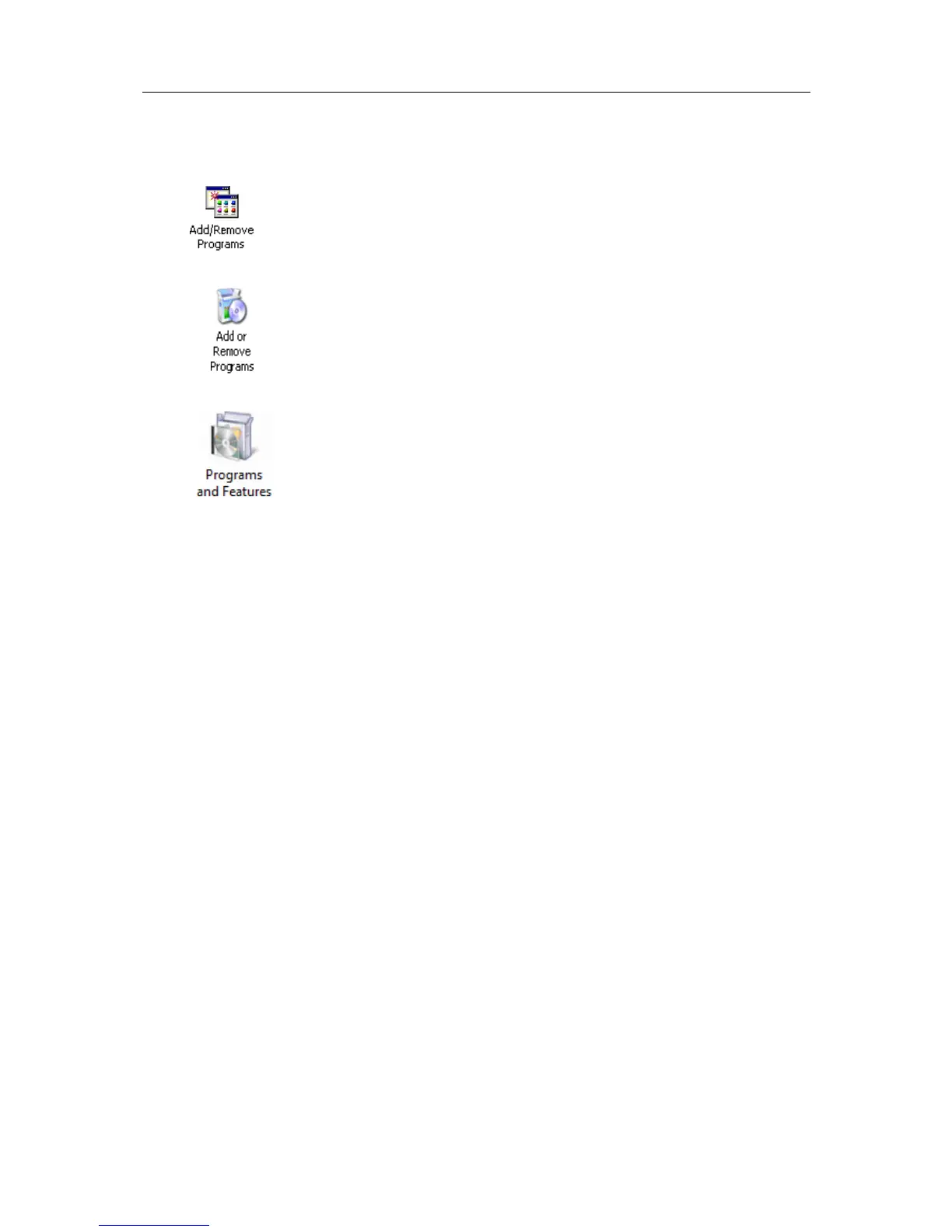
3 Within the "Control Panel" window there is an icon which allows you to un-install or
change already installed programs:
- In Windows 2000 this is called "Add/Remove Programs" and looks like this:
- In Windows XP it is called "Add or Remove Programs" and looks like this:
- In Windows VISTA it is called "Programs and Features" and looks like this:
Windows XP and Windows Vista users may need to "Switch to Classic View" to locate
this icon quickly.
Start (open) the "Add or Remove Programs" icon once you have located it.
4 Locate the "LogTag Analyzer" entry and click the "Change" button.
5 Once the "LogTag Analyzer Setup Maintenance" window is open, select the "Repair"
option and then click the "Next >" button.
6 Click the "Finish" button when it is displayed to complete the reinstallation of the
software and USB driver files.



 To Next Page