166 LogTag Analyzer User Guide (2.0)
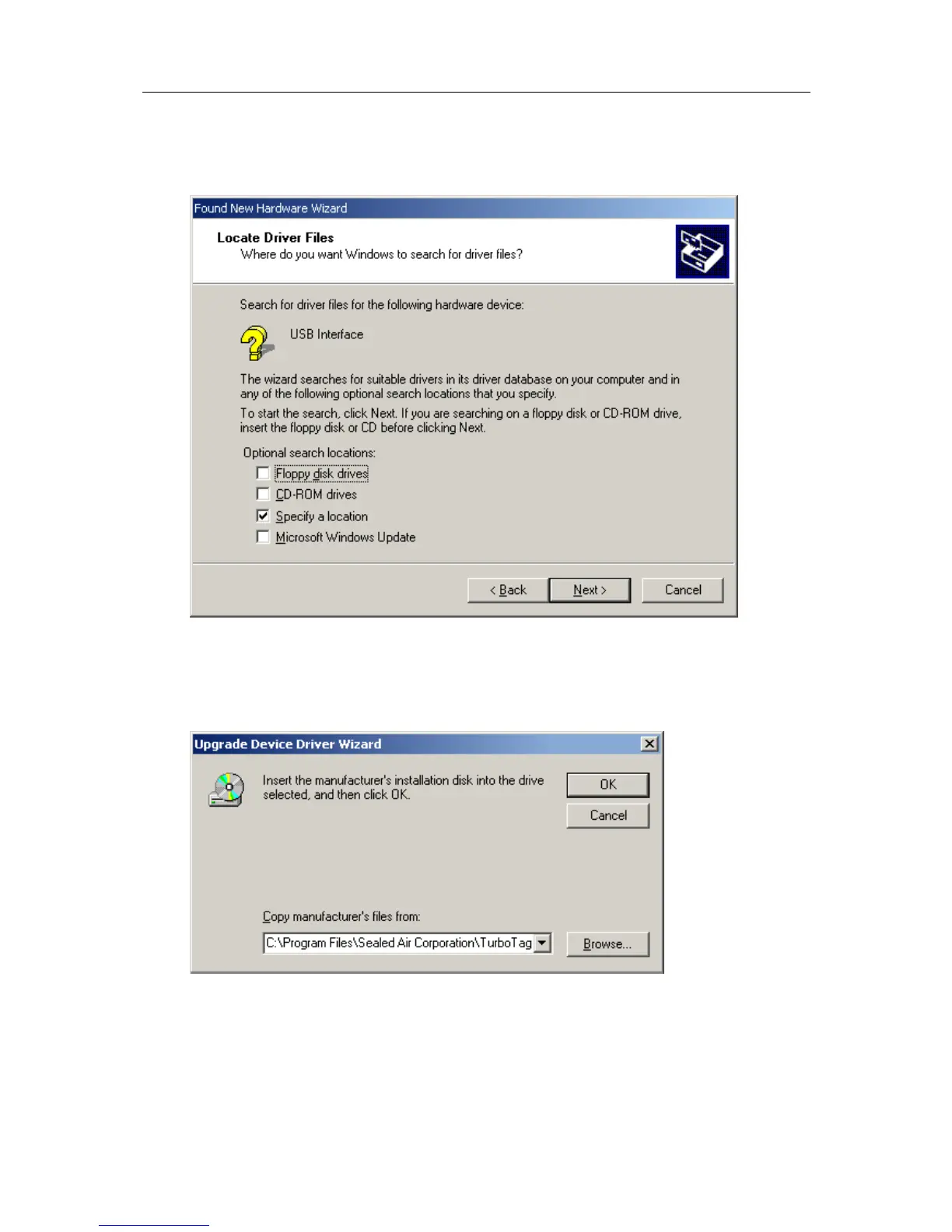
6 Ensure the "Specify a location" option is selected and click the "Next >" button to
continue. It is best that the "Specify a location" option is the only one selected for the
installation of the USB Interface Cradle driver files.
7 When prompted for the location of the driver files, enter the location of the installation
of the software followed by the path to the USB driver files. The default location for
these driver files is "C:\Program Files\LogTag Recorders\LogTag
Analyzer\Drivers\i386". You may use the "Browse..." button in the window that
appears, similar to the following picture to help you locate the appropriate folder.



 To Next Page