Chapter 5 Results from LogTag 61
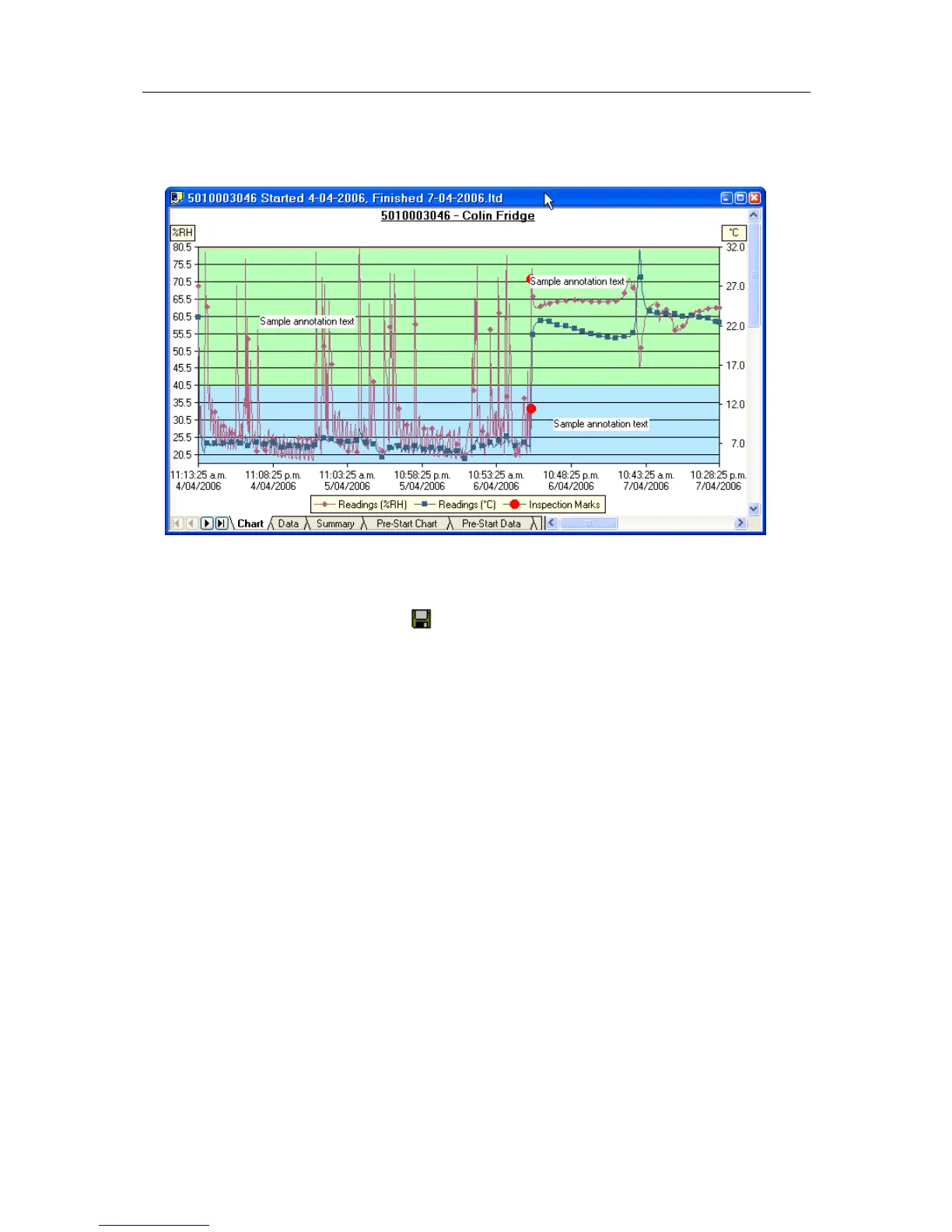
To delete all annotations, select "Delete All" from the Annotations popup context menu.
Selecting the "Show" command from the Annotations popup context menu will show or
hide all of the annotations on the chart.
To save the annotations, click the
toolbar button or select the "Save" command from
the "File (see "File Menu" on page 119)" menu. The annotations will be saved in a file
with the same name as the data file and the file extension ".anno".
When saving annotations in Multi Chart mode, the software will ask you to specify a file
name for the Multi Chart configuration, if you are saving this configuration for the first
time.



 To Next Page