Chapter 5 Results from LogTag 63
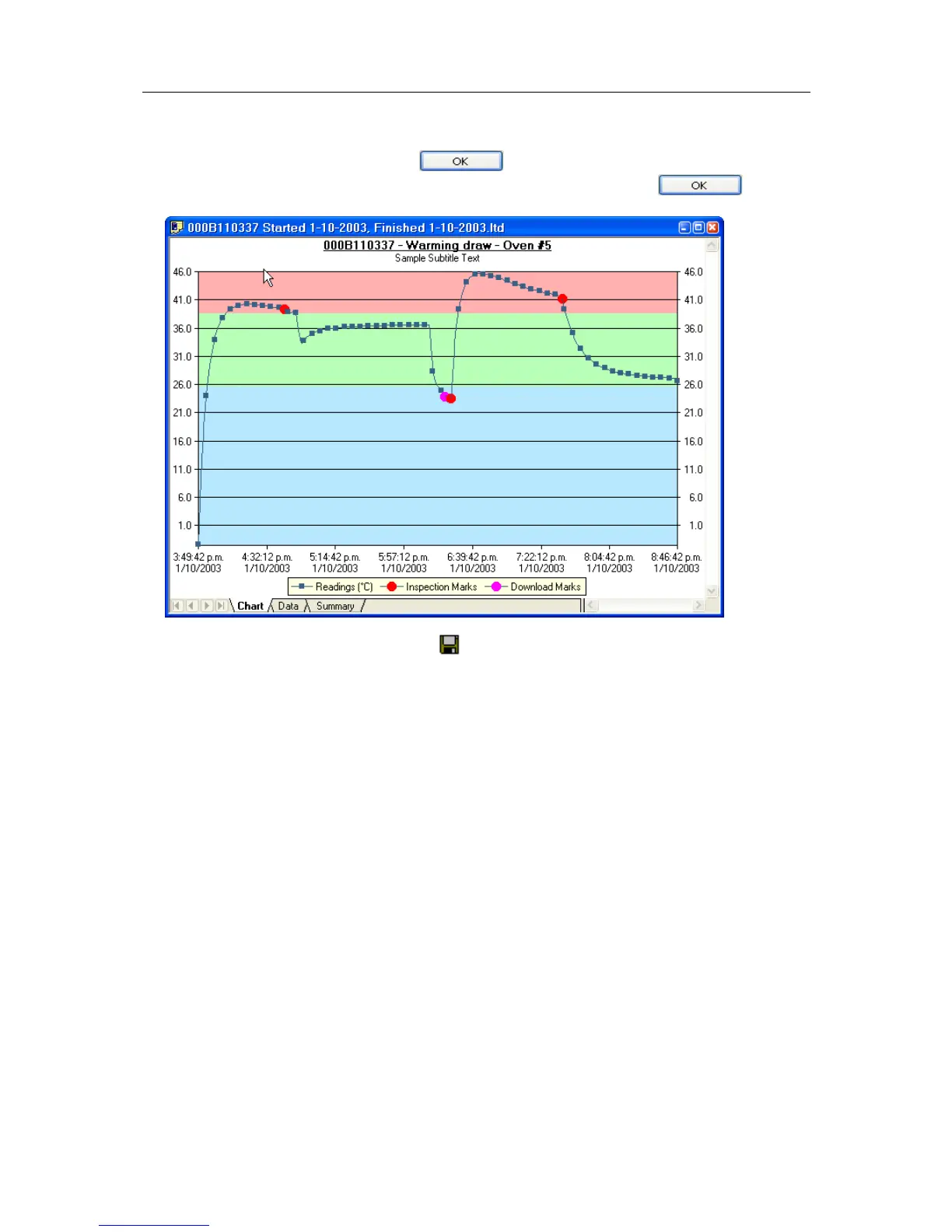
Enter or modify the text, then click to display the edited subtitle. To remove
the subtitle, delete the text in the Edit Chart Subtitle dialog and click
.
To save the chart subtitle click on the
toolbar icon or select the Save (see "File Menu"
on page 119) command from the File (see "File Menu" on page 119) menu.
If the LogTag Analyzer application is in Single Chart mode, the subtitle (and annotations)
for the currently active chart will be saved in a file with the chart file name and the file
extension .anno.
In Multi Chart mode, the subtitle is saved in the Multi Chart configuration file (file
extension .multi). If you are saving the configuration for the first time, you will be asked
to specify a file name for the Multi Chart configuration.



 To Next Page