Chapter 5 Results from LogTag 81
While the file that the digital signature is to be added to is open and currently selected,
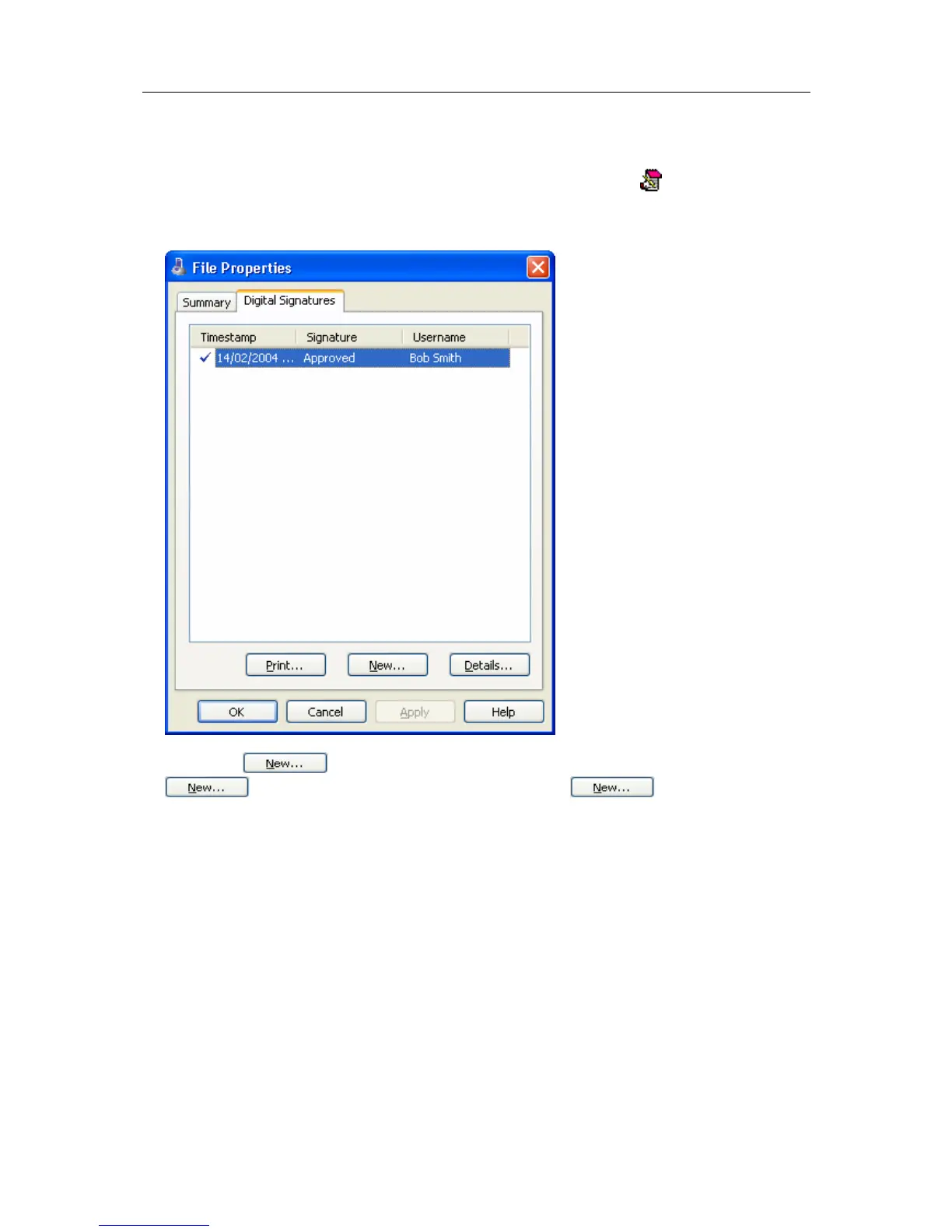
add a digital signature by clicking on the "Digital Signatures" icon (
) located on the
toolbar (see "Menus and Toolbars" on page 117), which will display the "File Properties"
dialog with the "Digital Signatures" tab already activated, similar to the following picture.
Then click
to begin the process of adding a digital signature to the file. If
is disabled, moving the mouse pointer over and leaving it still
for a short time will revel the reason why the button is disabled.



 To Next Page