Page 15 of 35
3.6 Warning and confirmation screens
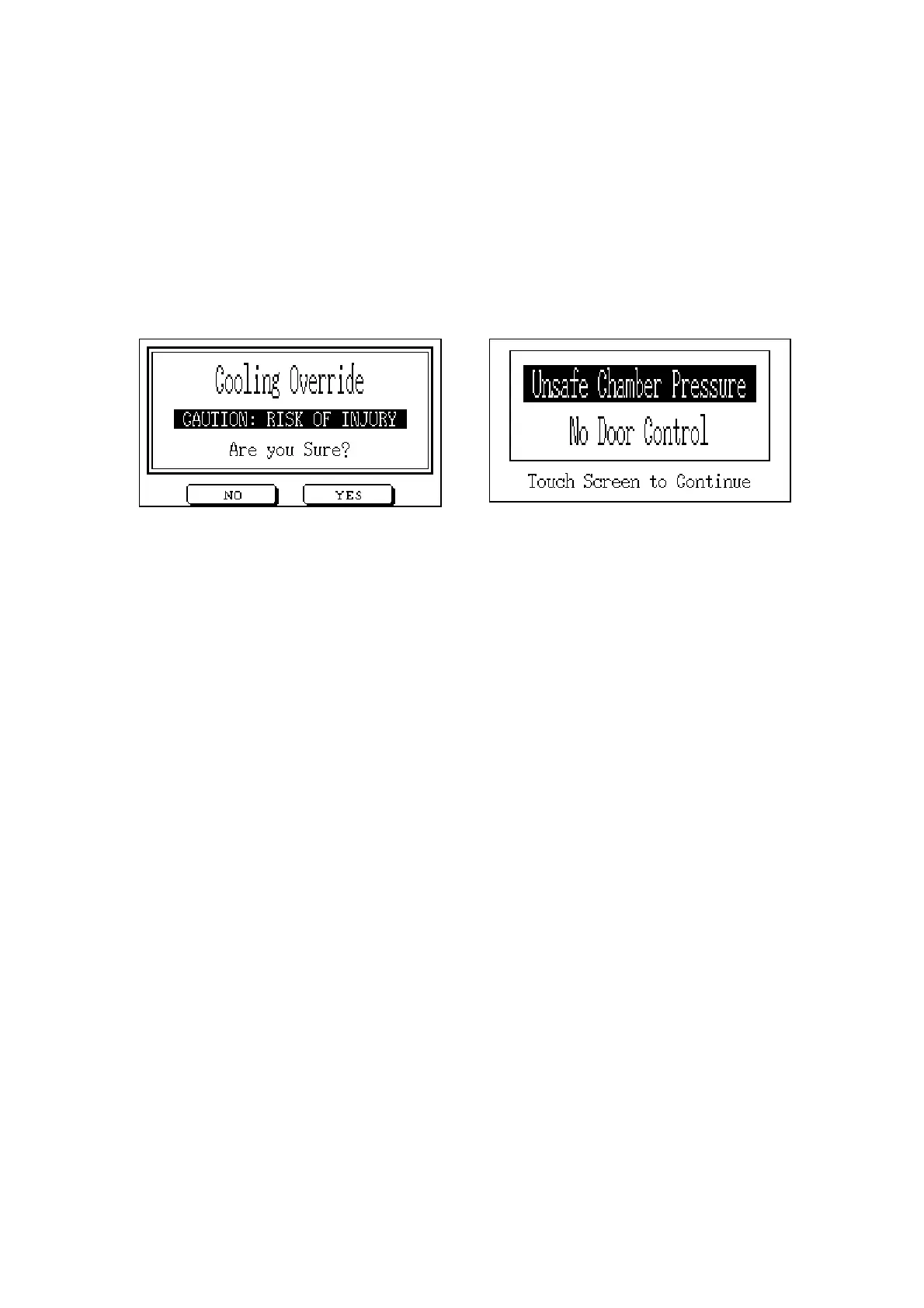
Warning Screens appear automatically if a selected action cannot be executed for any reason.
An example is shown below. When the Warning Screen is touched as indicated, the system will
return to the previous screen.
Some actions require confirmation by the operator before being executed, as in the example
below. Touching the No or Yes buttons will confirm or cancel the action.



 To Next Page