Page 19 of 35
5.4 Cooling Override
It is possible to shorten the overall cycle time by accessing the Cooling Override through the
menu, which can bring the cooling stage to an end after the temperature has reduced to below
100
o
C (rather than the normal 80
o
C). If the Cooling Override is used, care must be taken to
ensure that the temperature inside the chamber is safe for the load when it is suddenly exposed
to ambient air temperature. It is recommended that the user draws up a procedure for use of
the Cooling Override function, and that its availability is limited to supervisors.
5.5 Finishing the cycle
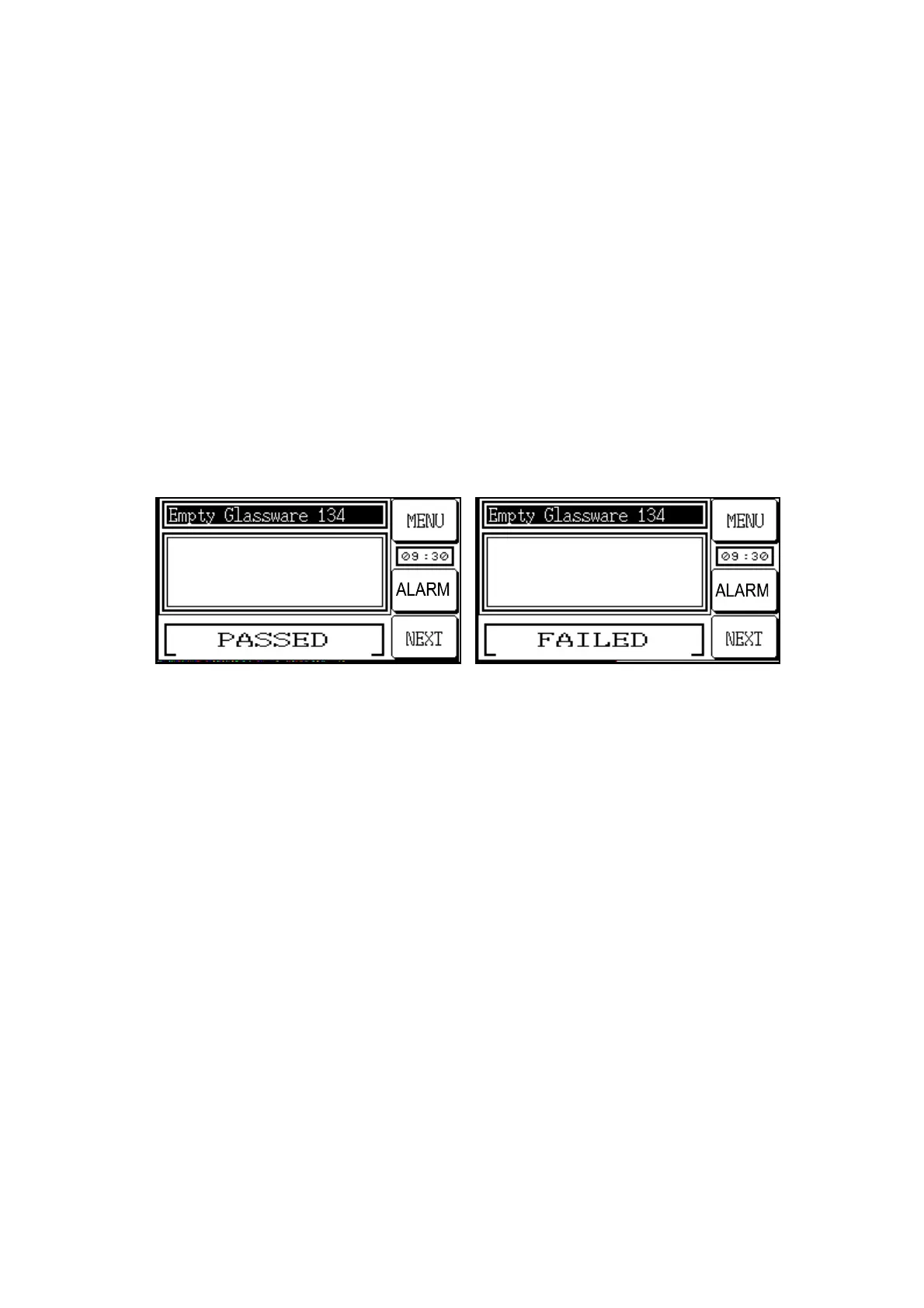
At the end of the cycle, a ‘passed’ or ‘failed’ screen will appear as illustrated below. If the
Cooling Override has been used, a text message indicating this will flash below the result
message.
Vent 019.6 DegC
Load 023.2 DegC
Vent 019.6 DegC
Load 023.2 DegC
The NEXT button is touched to lead directly to door control.



 To Next Page