EasyManua.ls Logo

LTE TOUCHCLAVE-R - CONTROL SYSTEM: ADVANCED FUNCTIONS; 6.1 Menu Access Tree

LTE TOUCHCLAVE-R
35 pages
Print Icon
To Next Page IconTo Next Page
To Previous Page IconTo Previous Page
Loading...
Page 21 of 35
6. THE CONTROL SYSTEM – RUNNING A CYCLE
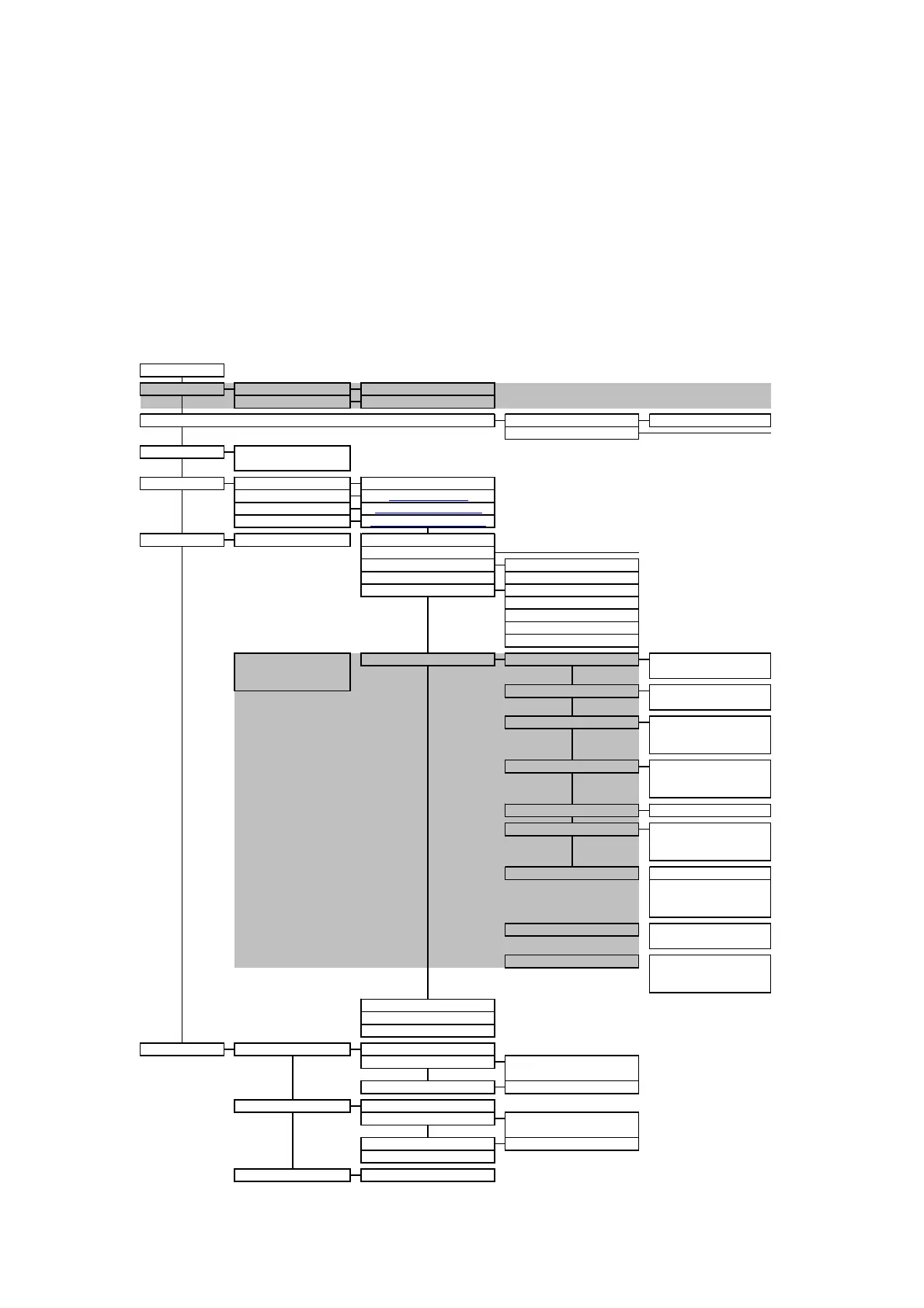
6.1 Menu access tree for supervisors and operators
Access to the menu at Operator Level is limited to locking and unlocking the door, selecting a
cycle to run, starting a cycle, and viewing alarms.
A person with Supervisor Level or higher status has wider access to the main menu. The access
tree is set out below. Highlighted areas are only present in the menu if the applicable option has
been fitted to the autoclave. The main functions are described later in this section.
New User
Keypad Entry Screen
< User Level >
Rename
Keypad Entry Screen
Delete
Edit Other Users
<< >> User Select
Change
< Password >
Change
< Password >
< User Level >
Rename
Keypad Entry Screen
< Pulse Quantity >
Lock Cycle
Remove Cycle
User Setup
Edit My Details
User Details Screen
< Drying Time >
Air Wash
< Low Pressure Point >
< High Pressure Point >
< Cooling Interlock >
Stage Parameters available
will depend upon the
Drying
< Drying Pressure >
options on autoclave
< Boost Enable >
< Sterilize Time >
< Sterilize Temp >
< High Pressure Point >
< Pulse Quantity >
Heatup
Sterilization
< Set Temp >
Pre Vacuum
< Set Time >
< Low Pressure Point >
Keypad Entry Screen
Stage Parameters
< Set Pressure >
< Hold Time >
View Outputs
<< >> Outputs Screens
Cycle Setup
< > Select Cycle
(Cycle Menu)
View Analogs
Analogs Screen
View Inputs
<< >> Inputs Screens
< Date >
Status
Machine Information
Information Screen
< Time >
View / Print Last Cycle (out of cycle) | Abort Cycle (in cycle)
Set Time/Date
View Cycle Screen
Information sent to printer
Main Menu
Data Archiving
View/Print Cycles
Date Archiving Reprint
Data Archiving Option TC/IDA/01
Flash Card Status
Status Screen
View
Print
< User level for Approve >
Set Time/Date
Set Time/Date Screen
Print Cycle
Information sent to printer
Cycle Name
Cycle Parameters
< User level for Start >
Print During Cycle
Batchcode Required
Keep Warm
Negative Pulsing
Steam Purge
< Logging Interval >
Cooling Type
Cycle Options
Positive Pulsing
< Low Pressure Point >
< High Pressure Point >
< Pulse Quantity >
< Logging Interval >
Cooling
< Cooling Temp >

Related product manuals