Page 16 of 35
4. THE CONTROL SYSTEM – OPERATING THE DOOR
It is only possible to operate the door of the chamber when there is no cycle in progress and no
automatic start has been set.
4.1 Locks
Locking
The door lock is operated by closing the door and touching the LOCK button on the screen.
Unlocking
At the end of a cycle, a screen will appear stating whether the cycle has passed or failed. By
touching the NEXT button, the screen shown below on the left will be displayed, confirming
that the door is locked and that there are no restrictions on unlocking it. The unlocking
sequence can then be started by touching the UNLOCK button. During the unlocking sequence,
a screen such as that illustrated below on the right will appear. The unlocking sequence can be
stopped by touching the ABORT button.
UNLOCK
Vent 019.6 DegC
Load 023.2 DegC
Vent 019.6 DegC
Load 023.2 DegC
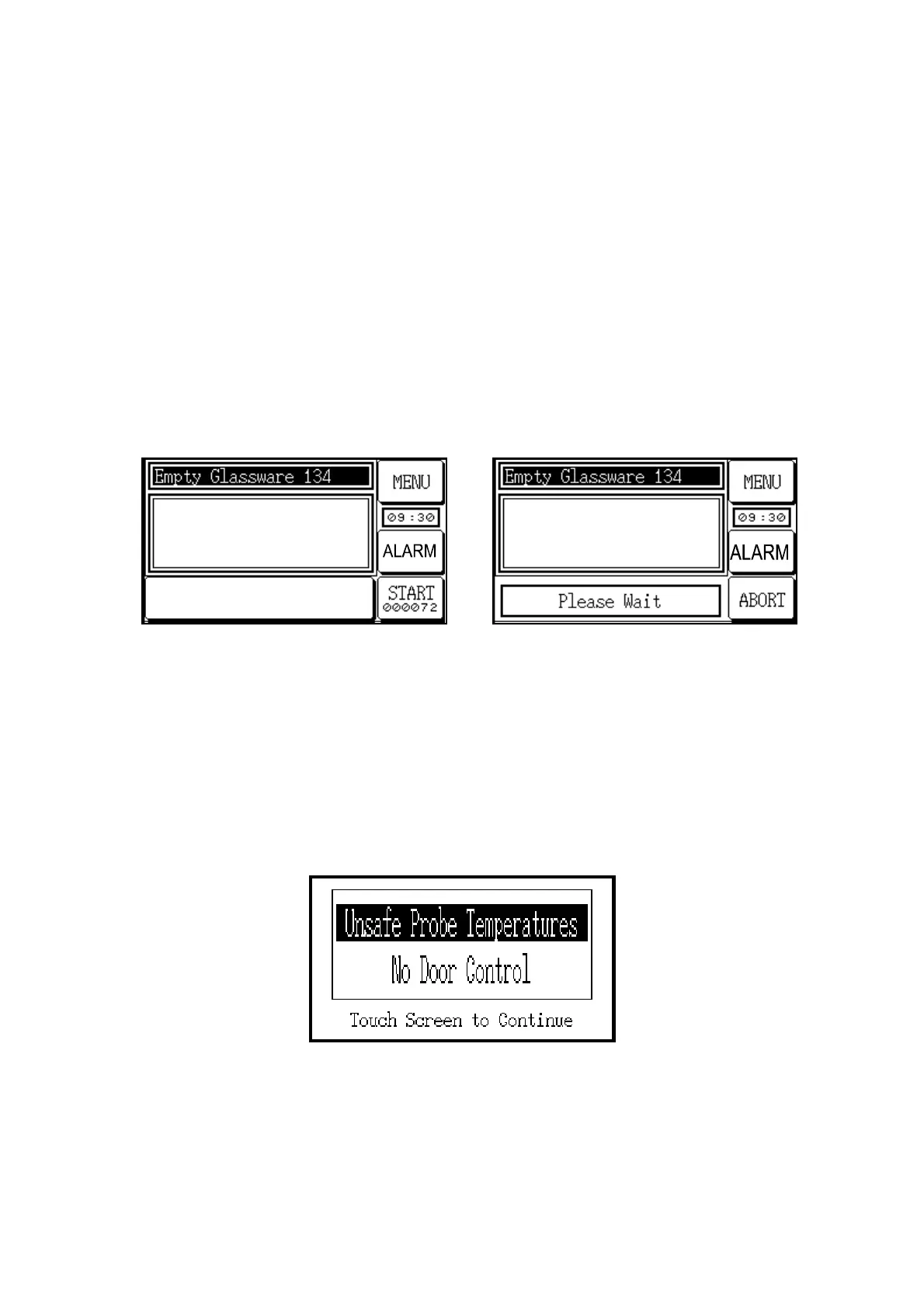
4.2 Restrictions on door operation
When certain fault or alarm conditions occur, the control system may restrict the door operation
and show a screen stating the reason for the restriction. For example, the screens for ‘Chamber
Pressure Low’ and ‘Unsafe Chamber Pressure’ show that the door is prevented from being
opened even if the sterilization cycle has been successfully completed, because the chamber
pressure is either lower than the pre-set minimum or higher than the pre-set maximum. The
screen shown below for ‘Unsafe Probe Temperatures’ prevents the door from being opened if
the temperature is higher than the pre-set maximum.



 To Next Page