Page 22 of 35
6.2 Initial Access
Access to the main menu is not required for operating the autoclave and is normally limited to a
person with supervisor or higher status. Touching the MENU button on the Process Screen
leads to the Password Screen to gain access to the main menu. Depending on the authorisation
allowed by the password and the current operating mode of the autoclave, a range of functions
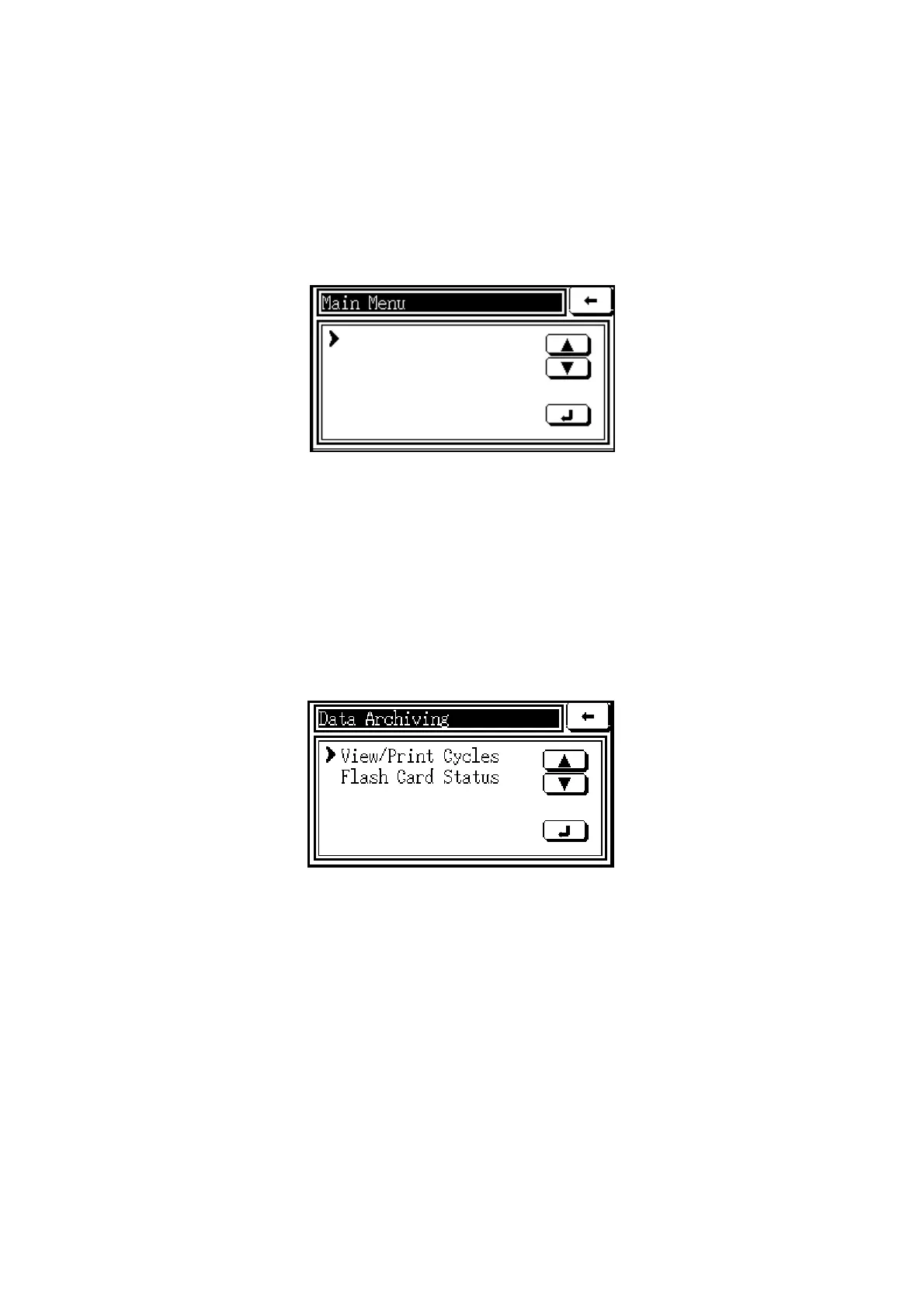
will appear on the ‘main menu’ screen. A typical menu screen is shown below.
Data Archiving
Set Date/Time
Alarms
Status
Cycle Setup
The main functions accessible through the menu are described in more detail below.
6.3 Data Archiving
If the system includes the Data Archiving option, it can be accessed when there is no cycle
running. Data Archiving, which allows detailed cycle records to be kept, is useful for reference
purposes, and may help the user to determine the best cycle for a given load. When Data
Archiving is accessed on the main menu by touching the
command, the following screen will
appear:
View/Print Cycles When this function is selected, the user can browse rapidly between the
cycles recorded in the archiving system using the and buttons. When a cycle is selected,
its details appear on the screen and the data in the archive will be verified. When the screen
shows ‘Report OK’, as shown in the example below on the left, the VIEW button will display
the data on the screen and the PRINT button will print it if a printer is fitted to the autoclave.
Flash Card Status When this function is selected, the status of the Data Archiving system
will be displayed as on the screen below on the right. If remote archiving is available, the value
for ‘Awaiting Transfer’ will normally be close to zero, unless there is a transfer communication
problem. The value for ‘Free Space’ shows how close the card is to needing to be replaced.



 To Next Page