Page 26 of 35
‘Logging Interval’ determines how often the cycle details are recorded or
printed during this stage.
Lock Cycle Enables the cycle to be locked or unlocked. A locked cycle cannot be used.
Remove Cycle Allows the cycle to be removed from the menu, thereby creating an Empty Slot.
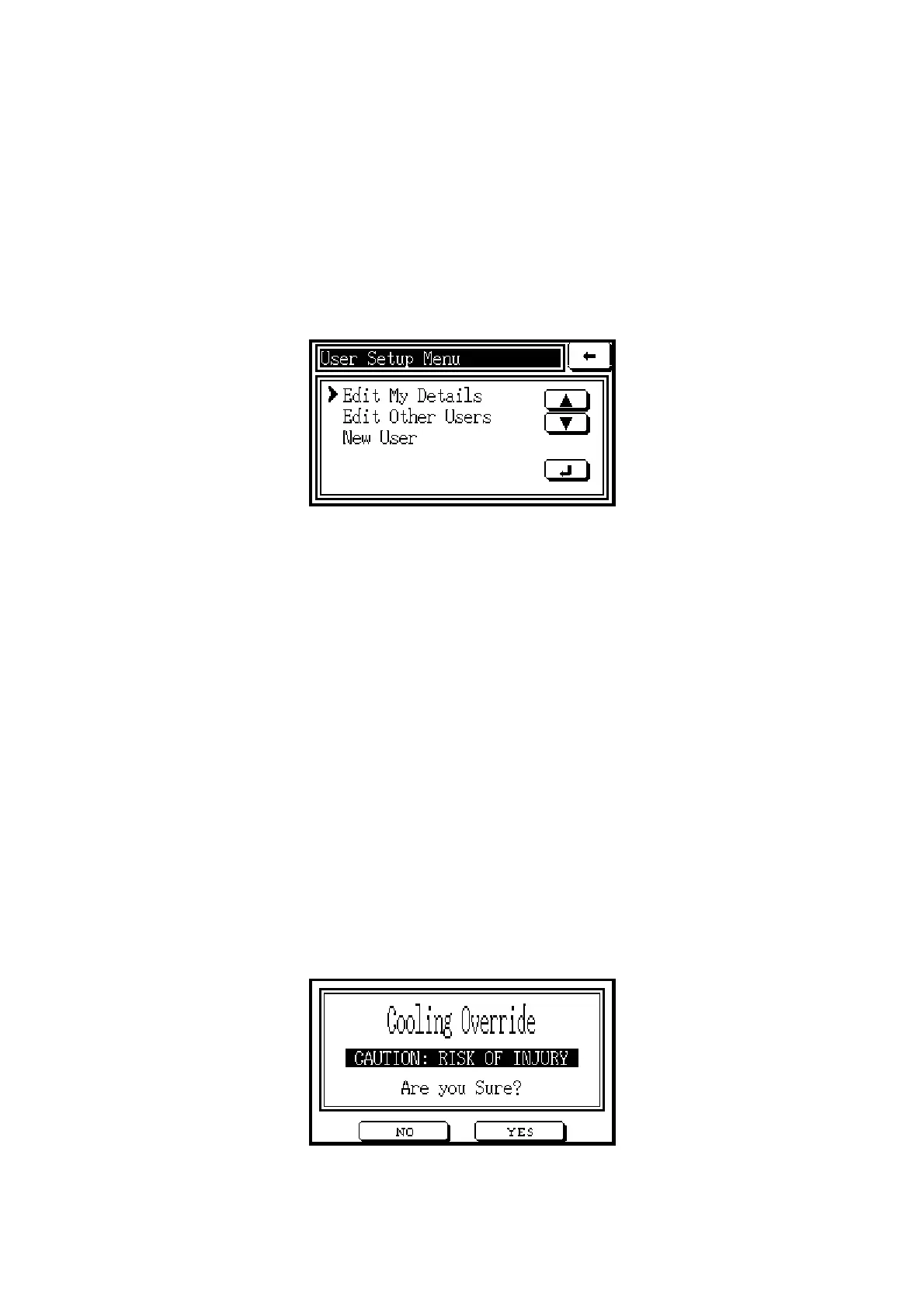
6.9 User Setup
This function is used to nominate users of the autoclave, using the menu screen below.
Edit My By selecting this function, the screen displays User Name, together with the
Details Level (for allowing access to certain parts of the control system) and Password
of the User. Touching the CHANGE button allows a User who is currently
logged on to the system to change the Password, but not the Level. Touching
the RENAME button allows the User to be re-named.
Edit Other This function displays details of Users who have a lower Level than the User
Users who is currently logged on to the system. Touching the CHANGE button
allows the current User to change the Password and Level of a lower-level User,
provided that the new Level is no higher than that of the current User.
Touching the RENAME button allows the current User to re-name a lower-
level User. Touching the DELETE button allows the current User to remove a
lower-level User.
New User When a new User’s name is entered using the keypad, the system will display
the ‘Edit Other Users’ screen to allow the new User’s details to be entered.
6.10 Cooling Override
This function is only available during the cooling stage of the cycle, after a pre-set minimum
cooling time has elapsed. Only Users at supervisor Level may use it. When selected, the
following screen appears, with a warning message:



 To Next Page