Page 23 of 35
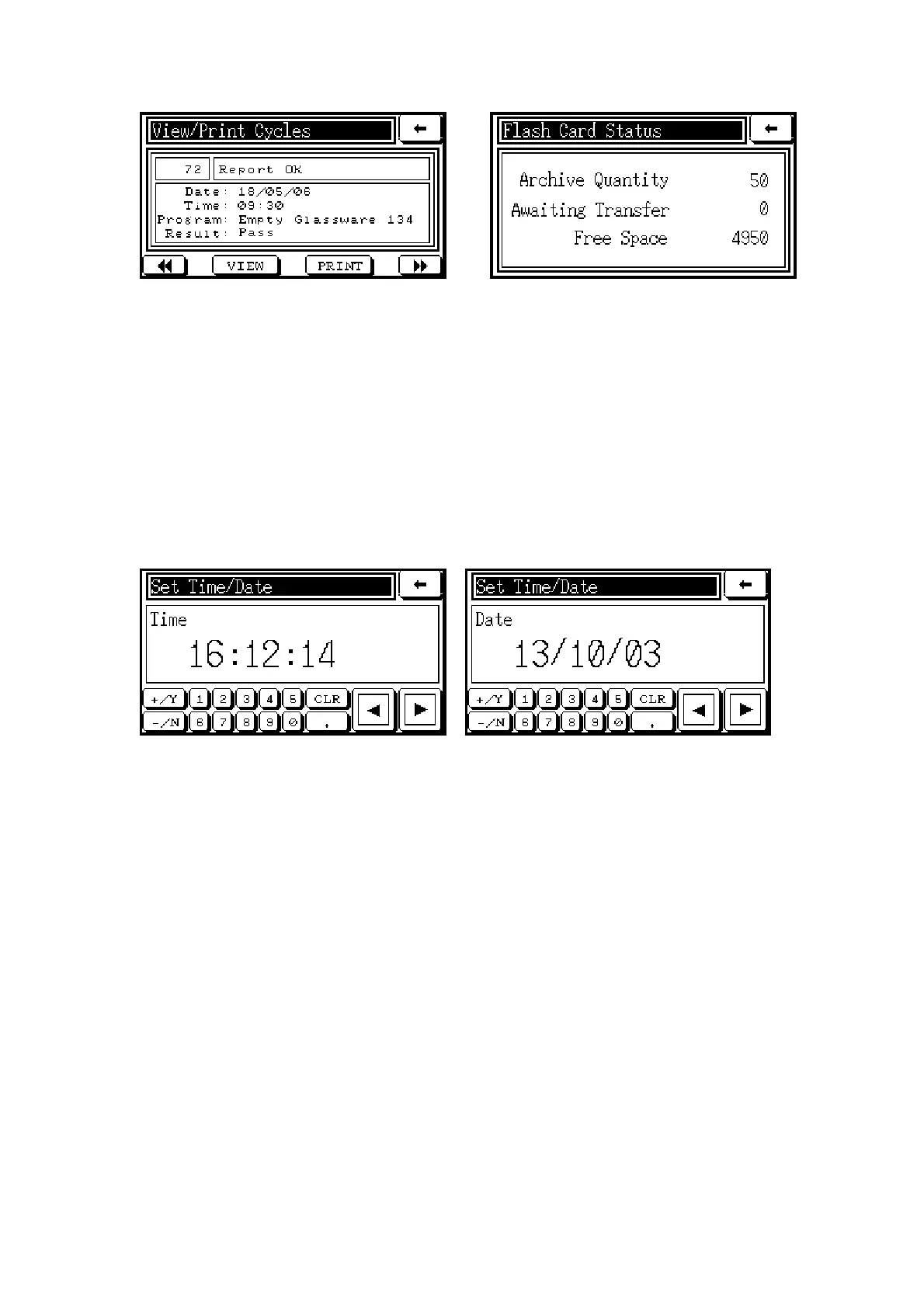
6.4 View/Print Last Cycle
If the system does not include the Data Archiving option, this function will appear in the menu
when there is no cycle running. It is useful for fault finding or replacement of a printout. It is
important to remember that, when a new cycle is started, the ‘last cycle’ information is
permanently deleted from the system’s memory.
6.5 Set Time/Date
Selection of this function allows the system clock to be set using the screens. The browse
buttons are used to move between the date and time screens.
6.6 Alarms
This function calls up the Alarm List screen (illustrated in the preceding section). The Reset
button is only used when no cycle is running.
6.7 Status
By selecting Status, a list of the following information display screens appears.
Machine Information Displays the type and version of the autoclave, and its software
version.
View Analogs Displays the analog inputs to the control system – vent, load, keep
warm (if fitted), temperature channels, chamber pressure. The raw data are displayed by signal
direct from the sensor, together with the calibration-adjusted figures.
View Inputs Shows the condition of key inputs required to run a cycle, such as
water level or door status, as monitored by the sensors and switches of the system.
View Outputs Shows the condition of various outputs whilst running a cycle, such as
valves or pumps, in order to assist with identifying faults or problems.



 To Next Page