Page 24 of 35
Sterilization Information Displays the F0 value (a measure of sterilization) for the last
cycle. This information can be useful for improving cycle times.
6.8 Cycle Setup
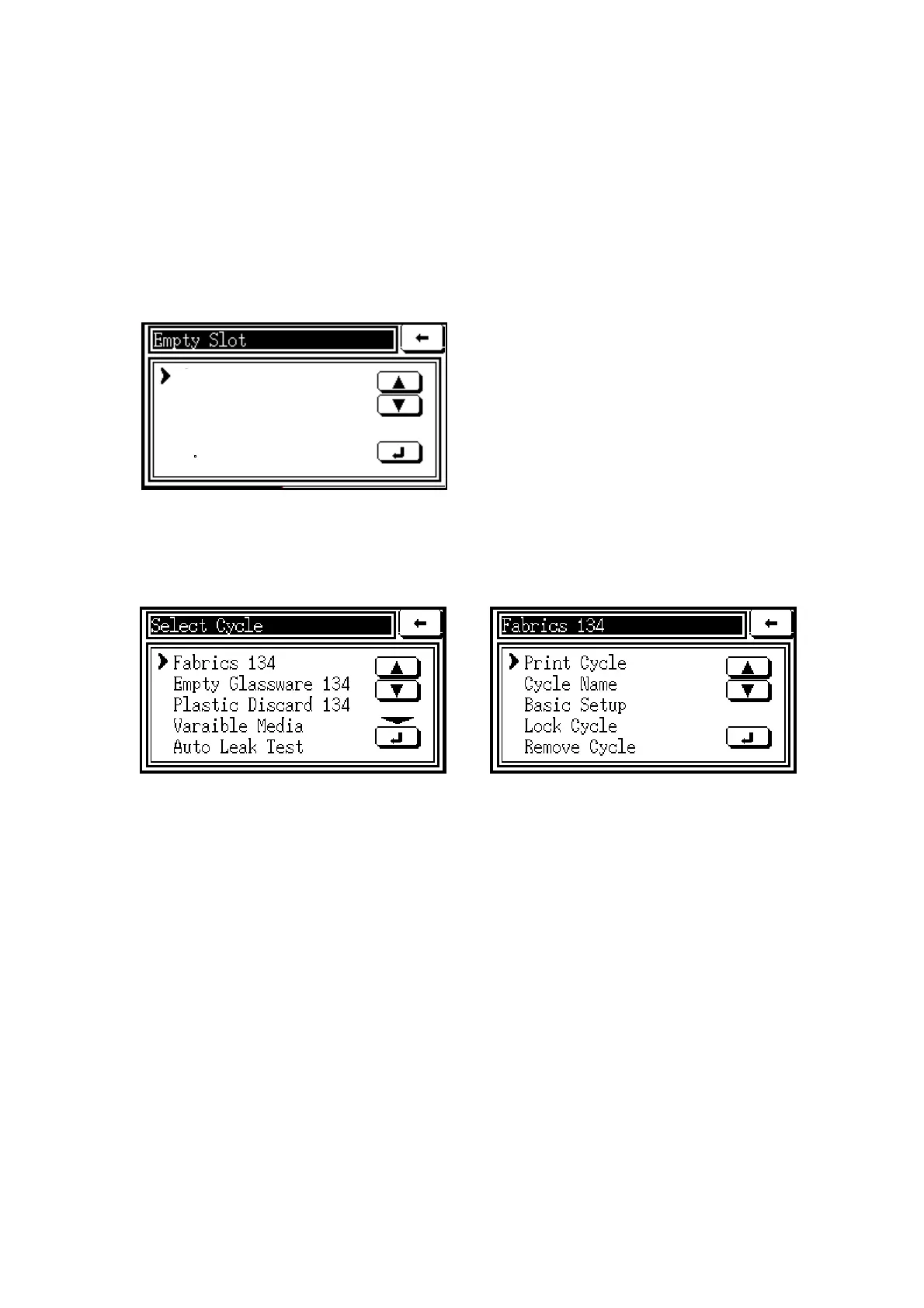
When an ‘empty slot’ is selected within the Cycle Setup menu, the following sub-menu is
displayed.
By selecting Copy Existing, an existing
cycle can be duplicated in the Empty Slot or,
by choosing Move Existing, an existing
cycle can be moved from its original slot to
the Empty Slot.
When an existing cycle is selected within the Cycle Setup men (as in the screen below on the
left), a sub-menu appears for that cycle (as in the screen below on the right).
The following functions can be selected from the cycle sub-menu.
Print Cycle Prints full details of the cycle and its parameters at each stage.
Cycle Name Allows a cycle to be named or re-named.
Cycle Allows a user level to be specified to start a cycle, or to approve a cycle if it is
Parameters recorded as ‘failed’; also used to specify whether printouts, batch codes, or
‘keep warm’ facility (if fitted) are required.
Stage Allows the supervisor to set the variable parameters for each stage of the cycle.
Parameters The stages and parameters available for setting are as follows:
Steam Purge –
Set Temperature; Set Time
For non-vacuum machines, air is removed from the chamber during this stage.
Steam is generated in the chamber and escapes through a valve, carrying air
out of the chamber with it. If the load is likely to contain air pockets, the time
may be extended to remove as much air as possible.



 To Next Page