Page 32 of 35
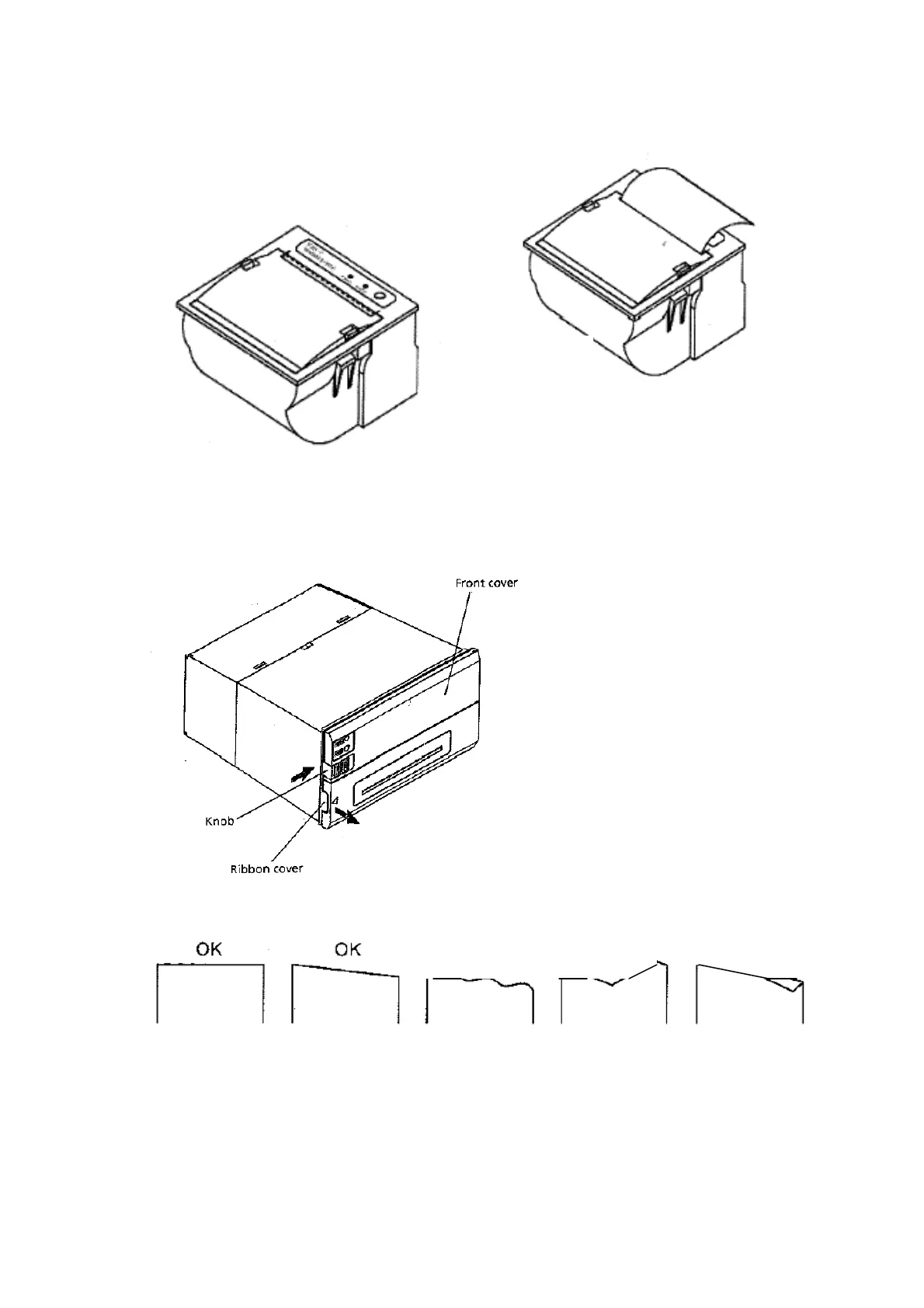
6. Pull out a small amount of paper and then close the cover as shown.
7. Tear off the paper.
CBM 920 Printer
1. Open the front cover by pushing the ‘Knob’ to the right and pull forward.
2. Cut the edge of the paper as per the following drawing.
3. Insert the paper into the printer paper insertion slot in the printer mechanism.
If auto loading is selected the paper will load automatically, if not, push the LF switch
until the paper enters the printer mechanism.
NO
NO NO



 To Next Page