LK-T21 Technical Manual
ESC ! n
[Name] Select print mode(s)
[Format] ASCII ESC ! n
Hex 1B 21 n
Decimal 27 33 n
[Range]
0≤n ≤255
[Description] Selects print mode(s) using n as follows:
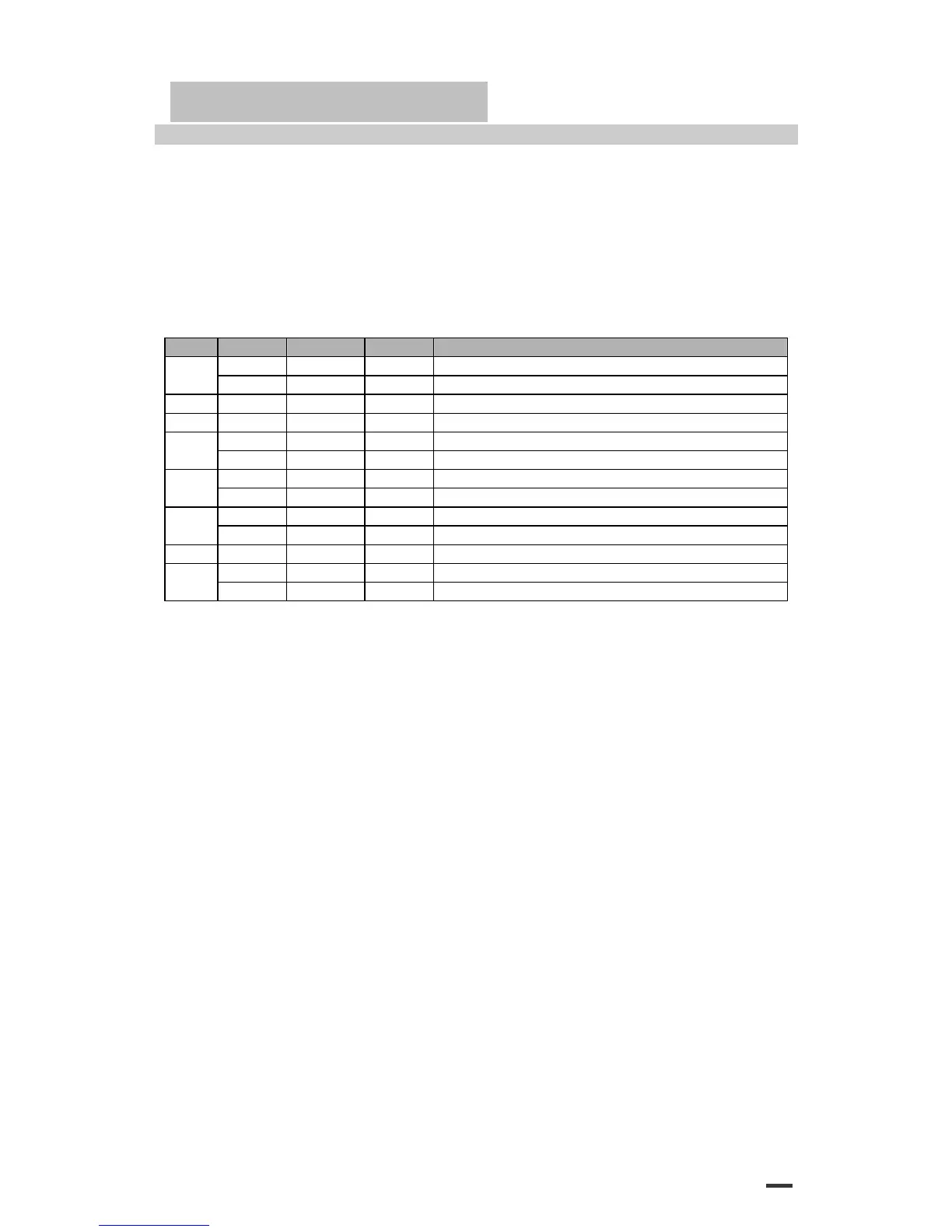
Bit Off/On Hex Decimal Function
Off 00 0 Character font A (12x24) 0
On 01 1 Character font B (9x24)
1 - - - Undefined.
2 - - - Undefined.
Off 00 0 Emphasized mode not selected. 3
On 08 8 Emphasized mode selected.
Off 00 0 Double-height mode not selected. 4
On 10 16 Double-height mode selected.
Off 00 0 Double-width mode not selected. 5
On 20 32 Double-width mode selected.
6 - - - Undefined.
Off 00 0 Underline mode not selected. 7
On 80 128 Underline mode selected.
[Details] ·When both double-height and double-width modes are selected,
quadruple size characters are printed.
·The printer can underline all characters, but can not underline the space set by HT or 90°
clockwise rotated characters.
·The thickness of the underline is selected by ESC-, regardless of the character size.
·When some characters in a line are double or more height, all the characters on the line are
aligned at the baseline.
·ESC E Can also turn on or off emphasized mode. However, the setting of the last received
command is effective.
·ESC - Can also turn on or off underline mode. However, the setting of the last received
command effective.
·GS ! Can also select character size, However, the setting of the last received command is
effective.
·Emphasized mode is effective for alphanumeric and Kanji. All print modes except emphasized
mode is effective only for alphanumeric.
[Default] n = 0
[Reference] ESC E, ESC -, GS !
28


 To Next Page