LK-T21 Technical Manual
GS ! n
[Name] Select character size
[Format] ASCII GS ! n
Hex 1D 21 n
Decimal 29 33 n
[Range] 0 ≤ n ≤ 255
(1 ≤ vertical number of times ≤ 8, 1 ≤ horizontal number of times ≤ 8)
[Description] Selects the character height using bits 0 to 3 and selects the character width using bits 4 to 7, as
follows:
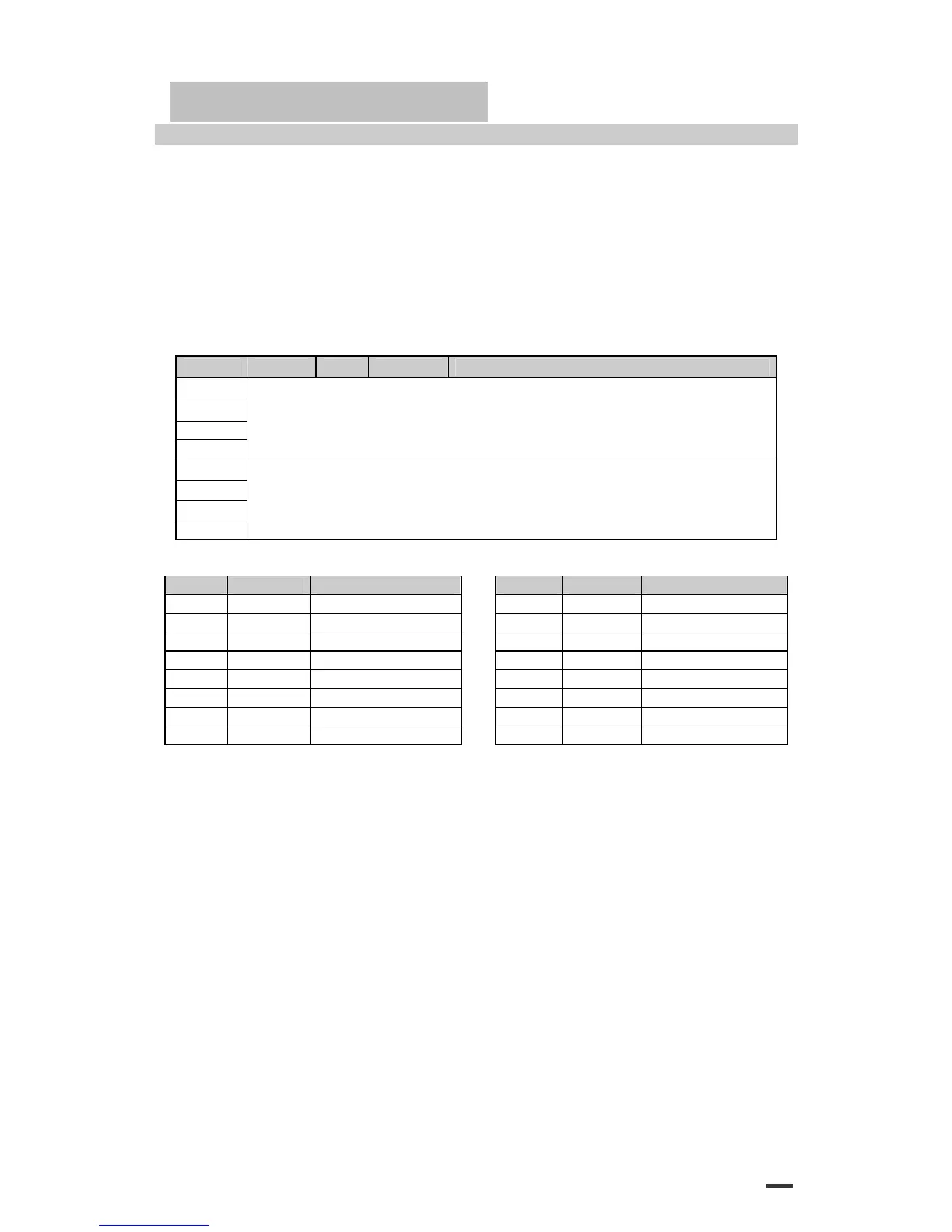
Bit Off/On Hex Decimal Function
0
1
2
3
Character height selection. See Table 2.
4
5
6
7
Character width selection. See Table 1.
Table 1. Character Width Selection. Table 2. Character Height Selection.
Hex Decimal Width Hex Decimal Width
00 0 1 (normal) 00 0 1 (normal)
10 16 2 (double-width) 01 1 2 (double-height)
20 32 3 02 2 3
30 48 4 03 3 4
40 64 5 04 4 5
50 80 6 05 5 6
60 96 7 06 6 7
70 112 8 07 7 8
[Details] ·This command is effective for all characters (except for HRI characters).
·If n is outside of the defined range, this command is ignored.
·In standard mode, the vertical direction is the paper feed direction, and
the horizontal direction is perpendicular to the paper feed direction.
However, when character orientation changes in 90° clockwise-rotation mode, the relationship
between vertical and horizontal directions is reversed.
·In page mode, vertical and horizontal directions are based on the
character orientation.
·When characters are enlarged with different sizes on one line, all the characters on the line are
aligned at the baseline.
·The ESC ! command can also turn double-width and double- height modes on or off.
However, the setting of the last received command is effective.
[Default] n = 0
[Reference] ESC !
57


 To Next Page