LK-T21 Technical Manual
[Name] Select paper sensor(s) to stop printing
[Format] ASCII ESC c 4 n
Hex 1B 63 34 n
Decimal 27 99 52 n
[Range] 0≤n ≤255
[Description] Selects the paper sensor(s) used to stop printing when a paper-end is detected, using n as
follows.
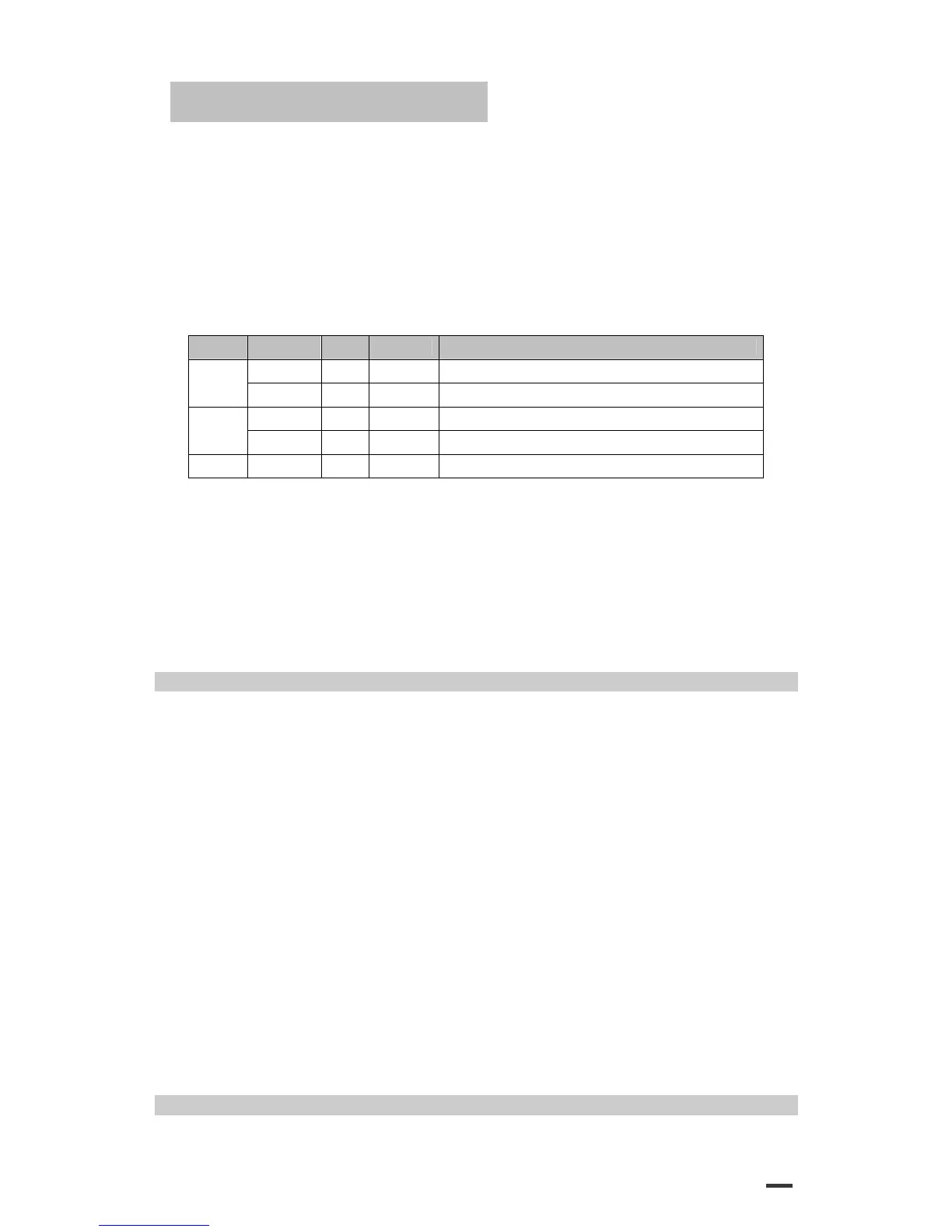
Bit Off / On Hex Decimal Function
Off 00 0 Paper roll near end sensor disabled.
0
On 01 1 Paper roll near end sensor enabled
Off 00 0 Paper roll near end sensor disabled
1
On 02 2 Paper roll near end sensor enabled
2 – 7 - - - Undefined
[Details] ·When a paper sensor is enabled with this command, printing is stopped
only when the corresponding paper is selected for printing.
·When a paper-end is detected by the paper roll sensor, the printer goes off-line after printing
stops.
·When either bit 0 or 1 is on, the printer selects the paper roll near-end sensor for the paper
sensor to stop printing.
[Default] n = 0
ESC c 5 n
[Name] Enable / disable panel buttons
[Format] ASCII ESC c 5 n
Hex 1B 63 35 n
Decimal 27 99 53 n
[Range] 0≤n ≤255
[Description] Enables or disables the panel buttons.
·When the LSB of n is 0, the panel buttons are enabled.
·When the LSB of n is 1, the panel buttons are disabled.
[Details] ·Only the lowest bit of n is valid.
·When the panel buttons are disabled, none of them are usable when the
printer cover is closed.
·In this printer, the panel buttons are the FEED button.
·In the macro ready mode, the FEED button are enabled regardless of the settings of this
command; however, the paper cannot be fed by using these buttons.
[Default] n = 0
ESC d n
49


 To Next Page