2.6. FULL SETTINGS
piece o your plate.
2.6 Full Settings
Full settings should not be used until enough experience with 3D printing
has been gained to feel comfortable with all aspects of the printer and its
operation. Quickprint Mode will provide good results for most models. The
rst time Cura is launched it will default to the Quick Print interface. In
order to have more control of your slicing and GCODE generation, switch to
Full Settings. Choose your desired Quick Print prole, as you can copy
over the current settings when changing to Full Settings mode. This
will automatically update the settings for that lament. Select Expert >
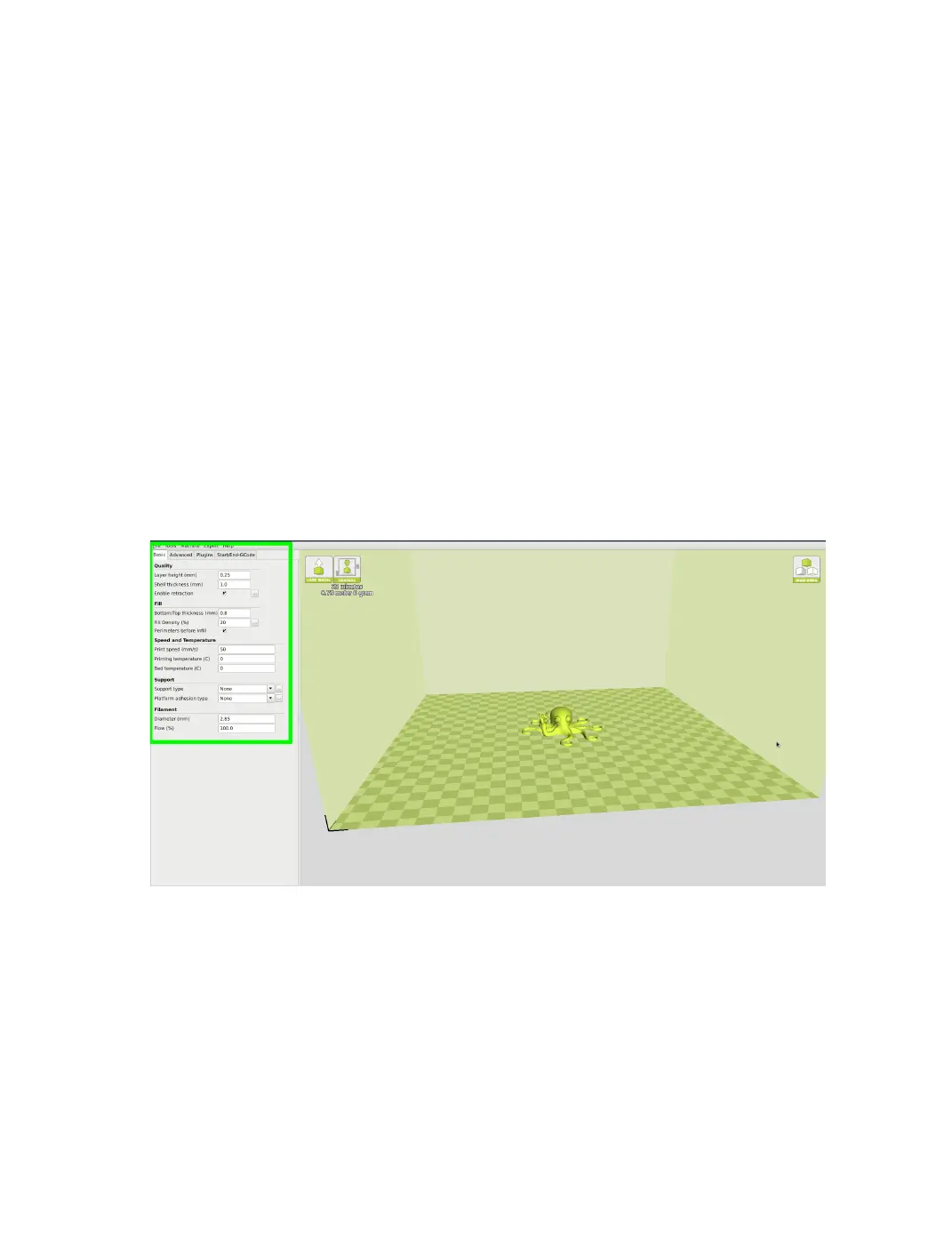
Switch to Full Settings. The following tabs will now be available: Basic,
Advanced, Plugins, and Start/End-GCODE. You will also have access to
the Expert Settings menu entry.
Figure 2.13: View in Full Settings
View in Full Settings
When you rst switch to Full Settings, Cura will need to know what
lament and quality you wish to use. It will automatically transfer our
31



 To Next Page