Cura LulzBot Edition
experimenting with new temperatures. Be prepared to power o the
3D printer if the probing sequence fails.
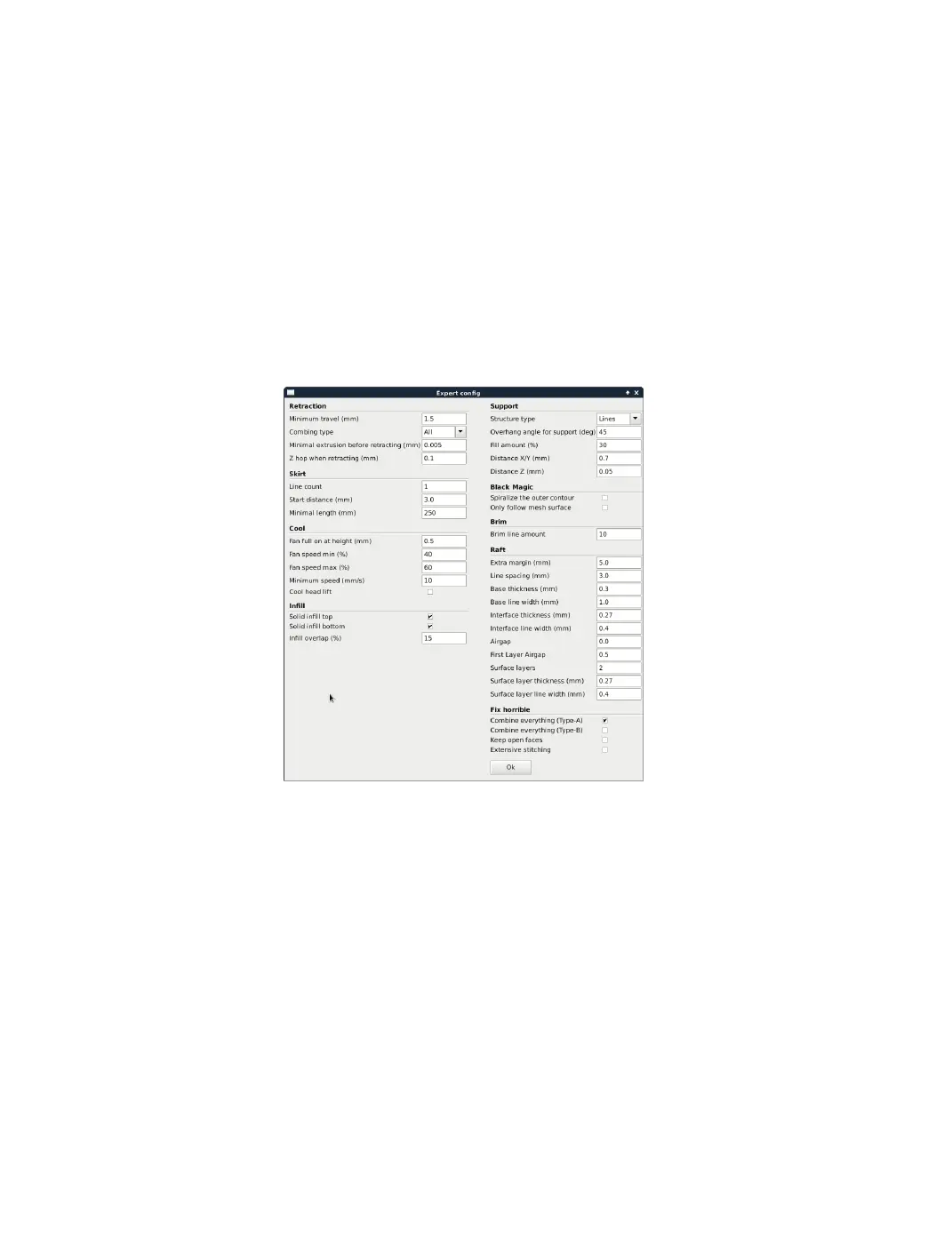
2.11 Expert Settings
Expert settings will give you more specic options for your retraction, skirt,
active cooling, inll, support, brim, raft, and special settings. To gain
access to this section you go to Expert > Open Full Settings or on your
keyboard press Control + E.
Figure 2.18: View Expert Settings
2.12 Retraction
Retraction pulls lament out of your nozzle when it is not extruding to
prevent your print head from dripping on your object. This section is
where you will control how your extruder retracts its lament.
42



 To Next Page