2.4. STARTING YOUR FIRST PRINT
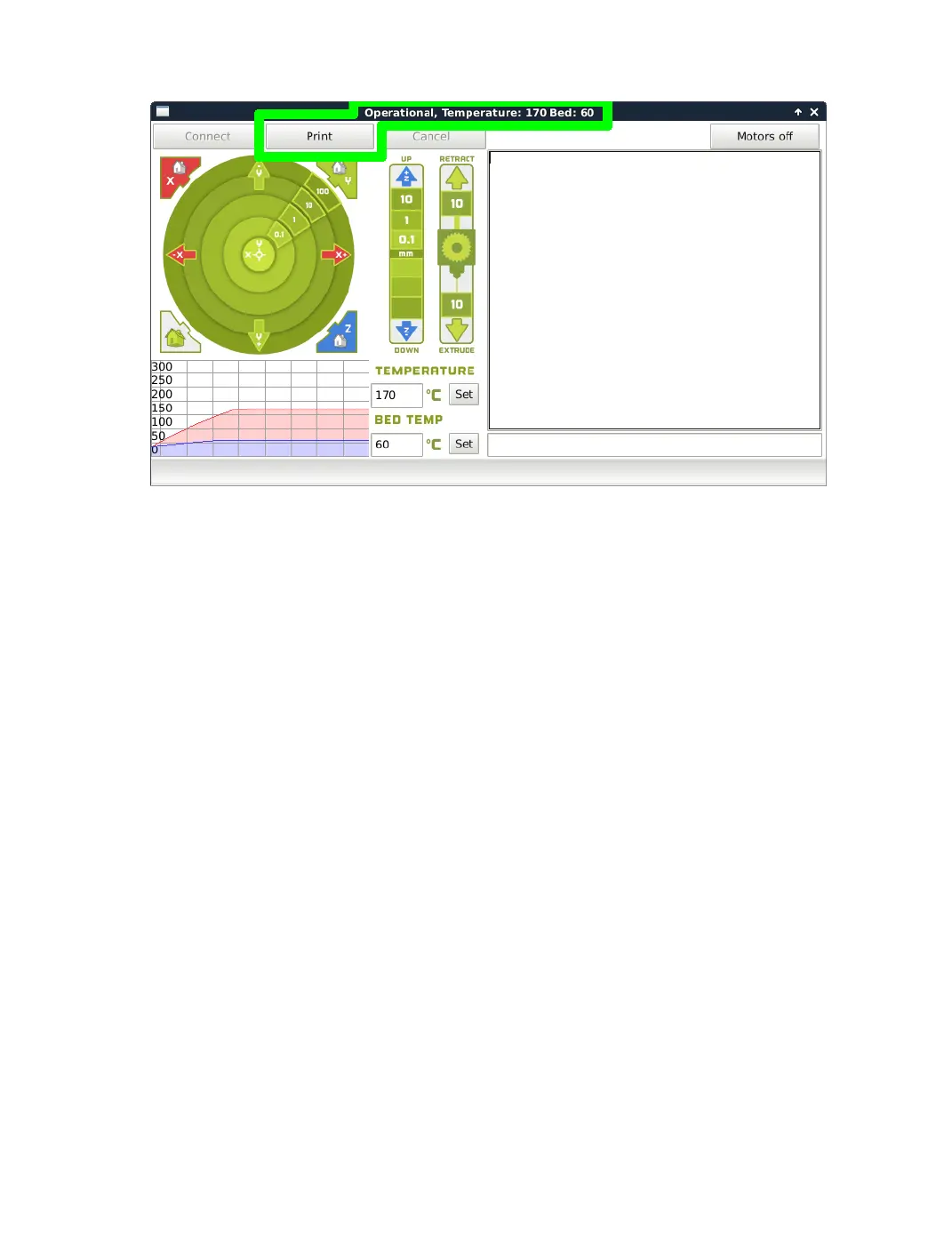
Figure 2.12: Control Screen
Pausing Mid-Print
You will notice after you click the print button through Cura, it will
change to a pause button. When activated, it will pause the print and
automatically move your print head away from your object. This will allow
color changes or material changes mid print.
Recommended Temperatures and Bed Preperation
When generating GCODE, it may be benecial to adjust temperatures
depending on your specic model le or lament. We have also found that
for certain materials applying unscented glue stick to the print surface is
required for successful bed adhesion and/or part release. Glue stick can also
be added to help rst layer adhesion on any material, and may be helpful
for objects with a larger surface area. You can nd our recommended
temperature ranges and adhesion techniques below.
29



 To Next Page