3.4. PRINTING WITH THE GRAPHICAL LCD CONTROLLER
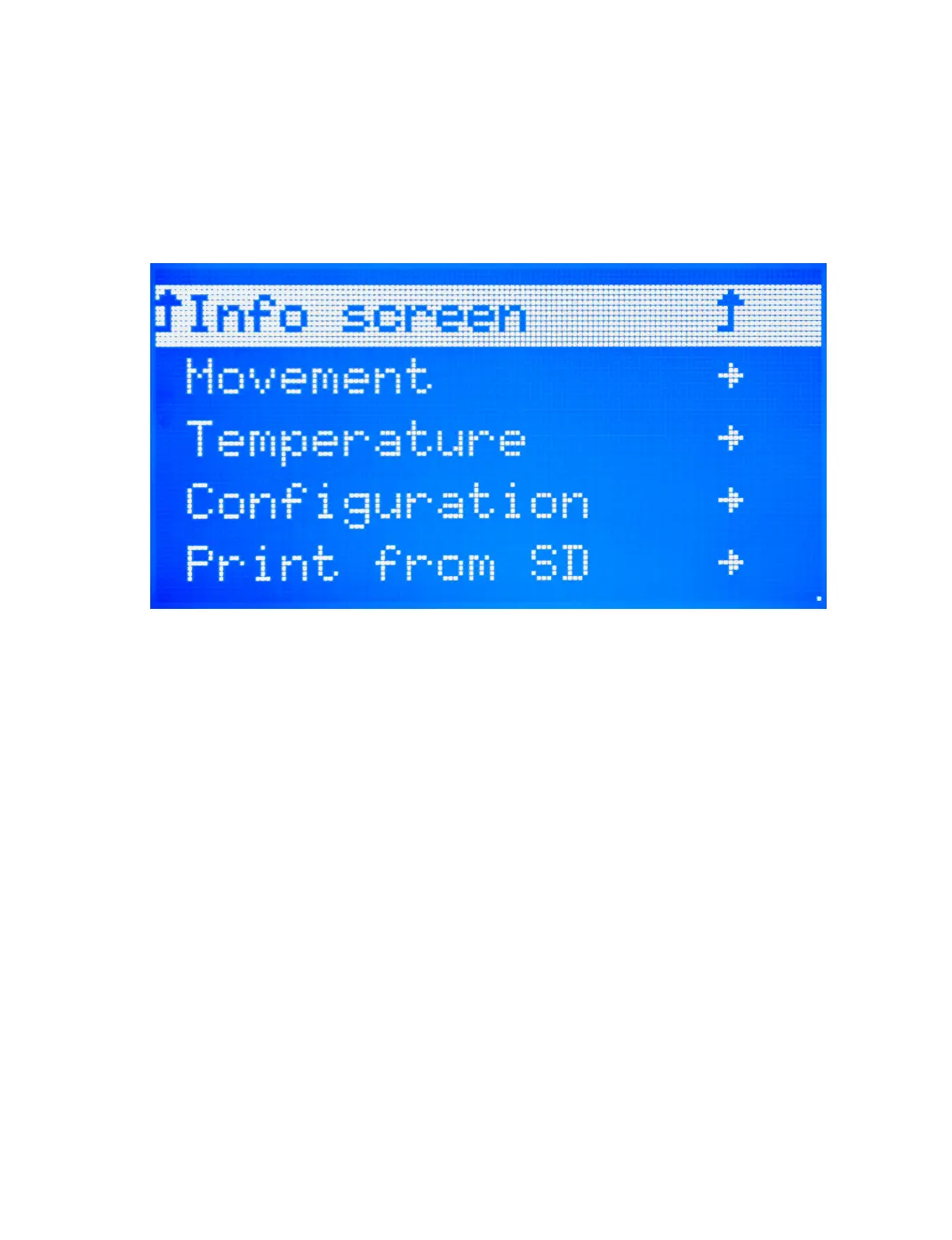
(Figure 3.2, page 59). To move backwards in the menu tree, select the top
most menu selection on the current screen. Selections that will move you
backwards through the menu tree are noted by an upwards-facing arrow.
Note that if the menu is left idle it will automatically move back to the
main status screen.
Figure 3.2: Main Menu
Selecting a File From the SD and Starting a Print
Once the SD card has the desired GCODE le loaded onto it, you can begin
your rst print. From the main menu select the Print from SD option.
You will now see a selection of the directories and .gcode les on the SD
card. Navigate through the menu to locate the le you would like to print.
Select the desired le to begin the print.
Making Manual Movements With the Graphical LCD
Controller
As noted previously (page 56), making numerous manual movements is
easier done using Cura. However, you can make manual movements with
the GLCD. Navigate to Movement -> Move Axis. You will select the length
59



 To Next Page