Cura LulzBot Edition
at your own risk. Be sure to turn these off before switching back
to quick print mode. They will affect quickprint settings if
left on.
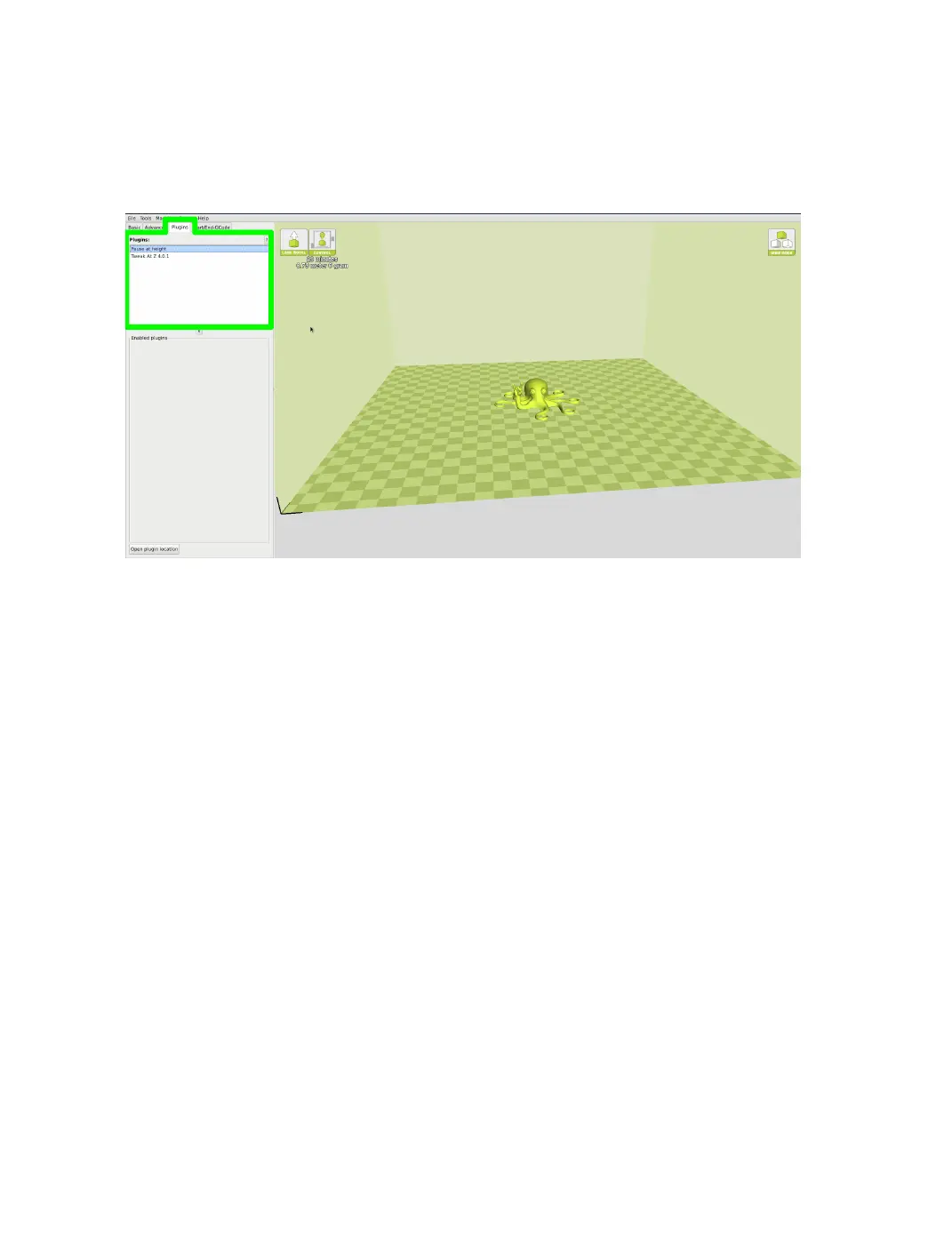
Figure 2.17: View of Plugins
Tweak at Z
Make basic changes at specied Z heights. You can dene the Z height or
layer count at which you want to make a change. Then choose how you
would like to change your settings. You can alter temperatures, fan speeds,
and print speeds. Fine tuning these for specic STL les, can produce
cleaner prints.
Pause at Z Height
Pause your print at a specied height. You can also specify where to
move the print head and how much lament to retract. This will prevent
“blobs” from accumulating on your print while paused. This setting is most
commonly used when switching colors of laments in the middle of a print.
40



 To Next Page