2.4. STARTING YOUR FIRST PRINT
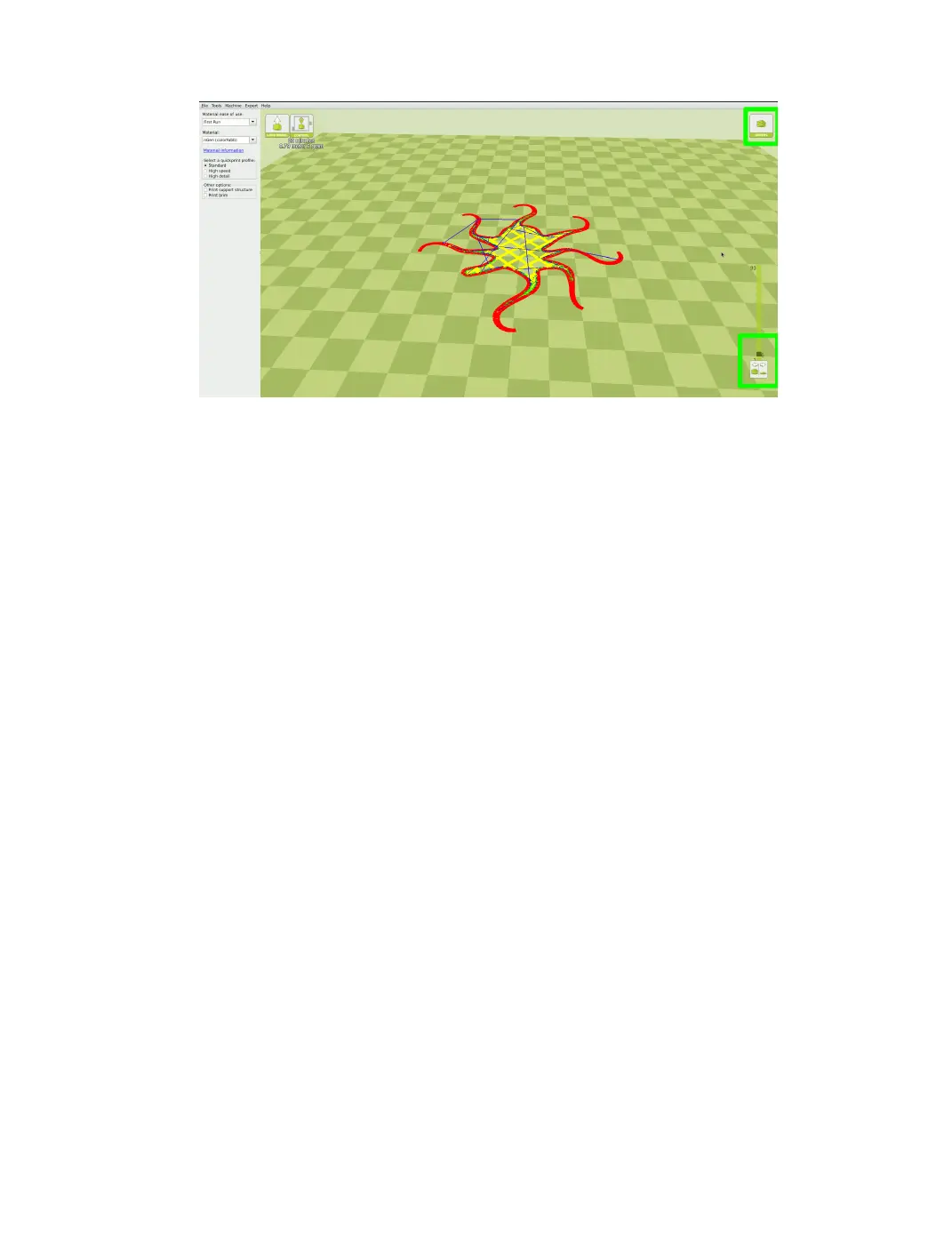
Figure 2.11: Viewing Specic Layers
2.4 Starting Your First Print
Once you have your model, prole, and lament loaded, it is time for your
rst print! Refer to the Quick Start Guide included with your 3D printer.
A PDF version is available at LulzBot.com/downloads.
Automatic Bed Leveling
Before each print your, TAZ will go through a wiping and a probing
procedure in order to determine the slope/tilt of your bed. If your nozzle is
dirty or not cleaned properly, this will prevent the printer from being able to
create an electrical contact with the corners. Your TAZ will automatically
retry the wiping and probing procedure if this happens, up to a maximum
of three times. If three consecutive wipes and probes have failed, the printer
will stop and a warning will sound. If this is happening consistently, you
should replace the wiping pad and/or adjust your wiping and probing temps
for that specic lament. See section 2.10 on page 41 for details on changing
these temps.
Printing from SD Card
Load your model into Cura with the proper lament and prole selected.
Next, insert the included SD card into your computer. Select File > Save
27



 To Next Page