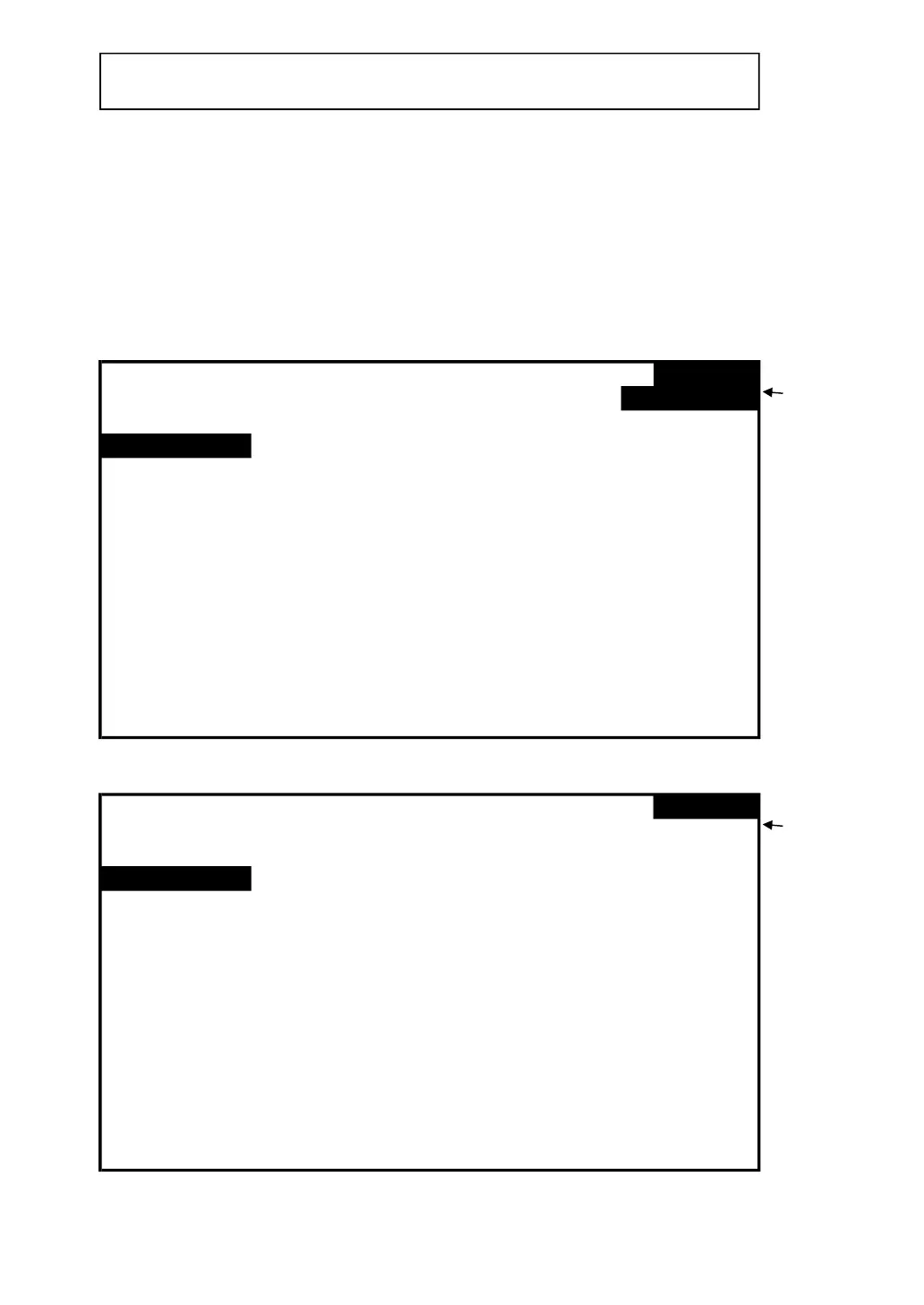
4-5-3 Sampling time: Set the data logger sampling time
for SD
A : When press SHIFT KEY once, the symbol " SHIFT1 "
will disappear on up right display, at this time press
▲ or ▼ to adjust expect sampling time as screen 2,
adjusting numbers are from 2 to 7200 seconds.
Remark : When press ▲ or ▼ > 2 sec, the setting no. will change fast.
B : The up right display will show " SHIFT1 " symbol
while pressing SHIFT KEY again, and then press ▼ to
enter next setting function (Sampling Time → Delete File)
screen 1 ( 4-5-3 )
Folder Name: WTA01
SETUP
File Name: 3P401001.XLS
SHIFT 1
REC Date: 2008-11-28 00:03:17
Sampling Time:
2 Trans Ref : 220.0 V
2010 11 13 14 37 25
screen 2 ( 4-5-3 )
Folder Name: WTA01
SETUP
File Name: 3P401001.XLS
REC Date: 2008-11-28 00:03:17
Sampling Time:
2 Trans Ref : 220.0 V
2010 11 13 14 37 25
22











 To Next Page