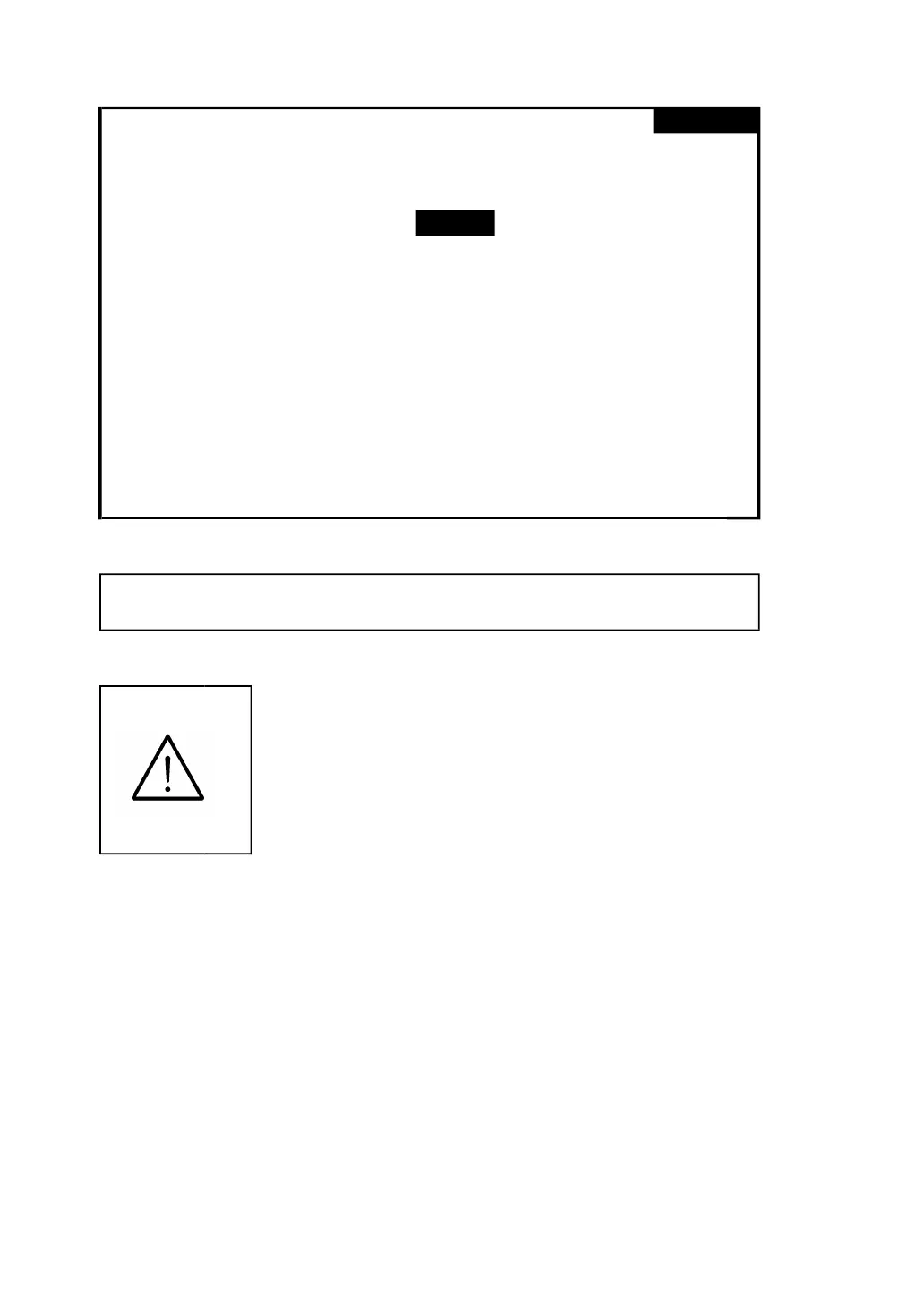
screen 2 ( 4-5-10 )
Folder Name: WTA01
File Name: 3P401026.XLS
REC Date: NO File
Sampling Time: 2 Trans Ref : 220.0 V
Delete File: 0 %
10%
SD Format: 0 % Decimal: Basic
Use Size: 23 MB Clamp Type: CP1201
Free Size: 1904 MB A Range: 200A
Total Size: 1927 MB V Range: 200mV
RS232 Out Sel:
PT: 1 : 1 V1 I1 P1
CT: 1 : 1 S1 Q1 PF1
Beep: ON Φ1 FREQ
Year Month Date Hour Minute Second
2010 12 14 09 22 41
4-5-11 Decimal Type: set the Decimal type to
Basic ( .) or Euro ( , )
The numerical data structure of SD card
is default used the " . " as the decimal,
for example "20.6" "1000.53" . But in
certain countries ( Europe ...) is used
the " , " as the decimal point, for
example " 20,6 " "1000,53". Under such
situation, it should change the Decimal
character at first.
A : When press SHIFT KEY once the symbol " SHIFT1 " will
disappear as screen 2, at this time press ▲ or ▼ to select
the Decimal type to " Basic " or " Euro ".
33











 To Next Page