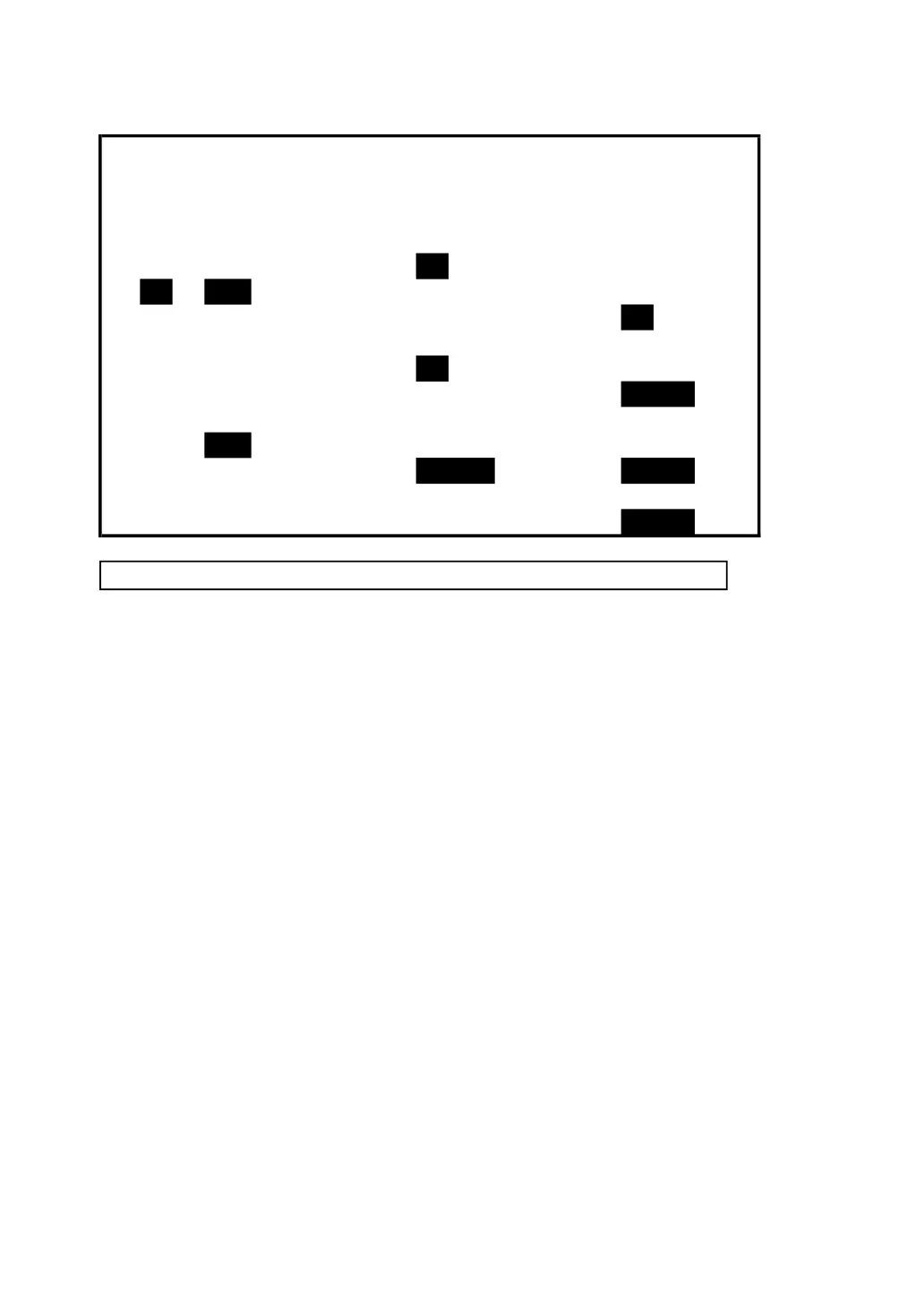
screen 6 ( 4-5-15 )
RS232 OUTPUT SELECT
1. V12 12. P3 23. PF2
2. V23 13. PΣ 24. PF3
3. V31 14.
25. PFΣ
15. S2 26. PFH
5. V2 16. S3 27.
6. V3 17. SΣ 28.
2
7. I1 18.
29.
3
8. I2 19. Q2 30.
9. I3 20. Q3 31. SH
10.
21. QΣ 32. QH
11. P2 22.
33.
FULL
4-5-16 Year/Month/Date/Hour/Minute/Second setting
A : When press SHIFT KEY once the symbol " SHIFT1"
will disappear as screen 2, at this time press ▲ or ▼
to adjust expect numbers, and press ▲ or ▼
continuously at least two seconds can skip the
numbers faster.
B : When press SHIFT KEY once, the symbol " SHIFT1"
will appear as screen 1, at this time press ▼
to enter next setting function ( Year → Month ).
C : The settings about ( Month → Date ), (Date →
Hour ), (Hour → Minute ), ( Minute → Second ) are
same as above step A and step B.
43











 To Next Page