Rev #35 March 2024
Page 18 of 43
6.3 USB port
USB port serves as a SD card on other Flarm devices (FlarmMouse).
Advantage of the USB is, that you can install PowerMouse behind the panel and connect USB
extension cable to the front panel.
User can use it for:
• Updating PowerMouse
• Changing PowerMouse settings (flarmcfg.txt)
• Downloading flights
USB is active only when the device is powered ON.
It supports up to USB 2.0 type
6.4 Wiring
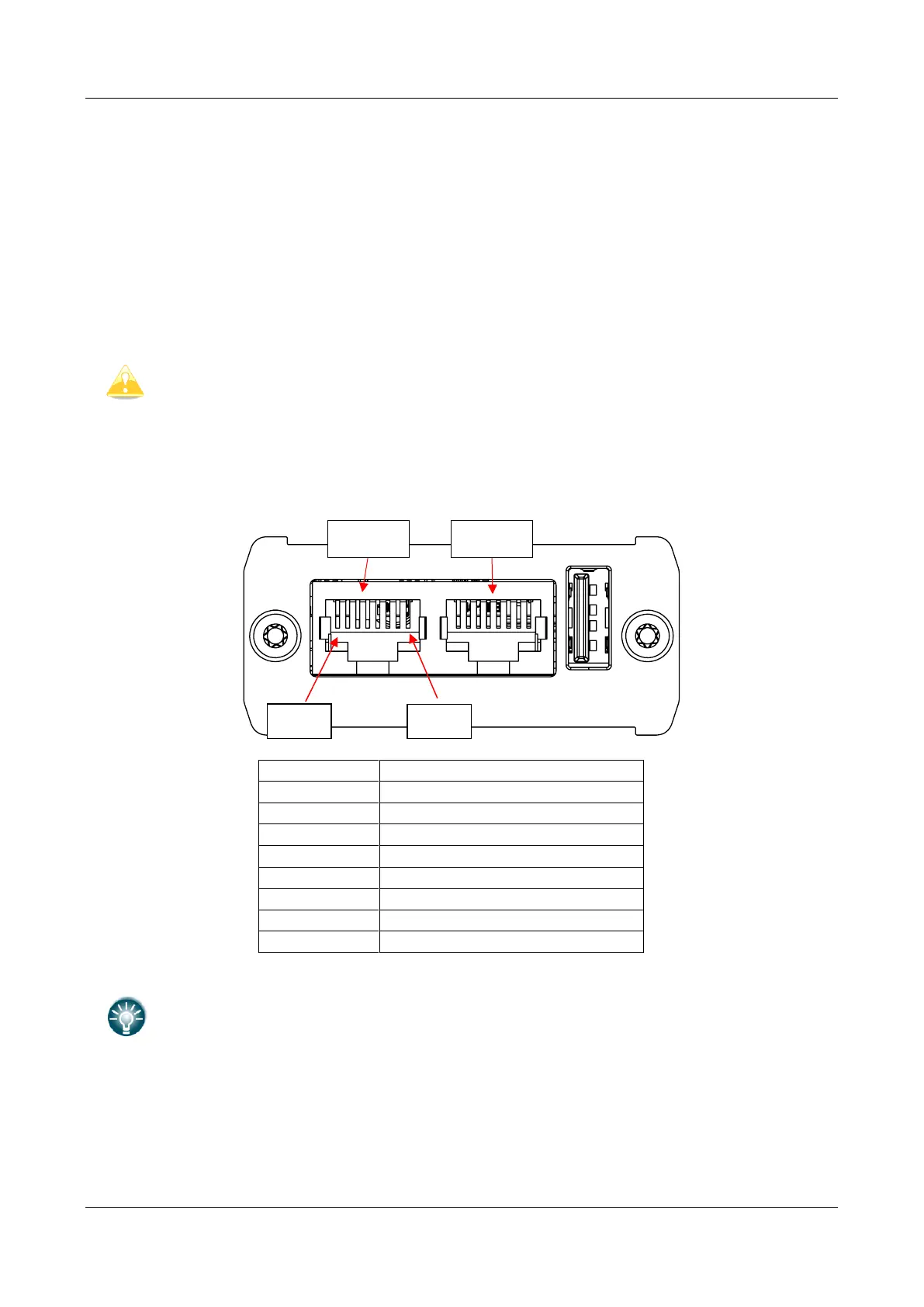
6.4.1 PowerMouse PORT1 and PORT2 pinout (RJ45)
3.0V Indicator power output
Underneath each port there are TX (transmit-green) and RX (receive-red) status
LEDs that flash when that port is receiving or transmitting data.
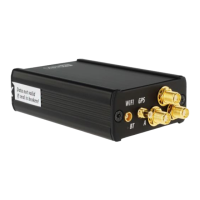
6.4.2 PowerMouse RF connector side description


 To Next Page