Rev #35 March 2024
Page 24 of 43
7.3 Configuring PowerMouse/PowerMouse+
Traffic data will be present only if baud rate is set to 19200 or higher.
7.3.1 Configuring PowerMouse+ via Wi-Fi
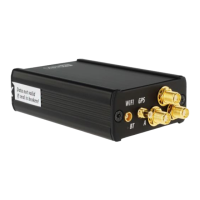
Wi-Fi connection between PowerMouse+ and smart phone can be established simply with scanning
the QR code on the PowerMouse+ housing or manually. The password for PowerMouse+ Wi-Fi
access point is as well on the label near the QR code. If the main flight declaration screen will not
appear automatically in a browser, you can open a browser and enter 192.168.1.1
Traffic data will be present only if baud rate is set to 19200 or higher.
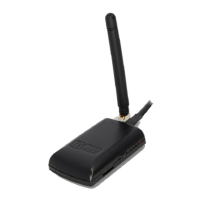
PowerMouse (not plus version) can be configured the same way by using
FlarmWi-Fi dongle.
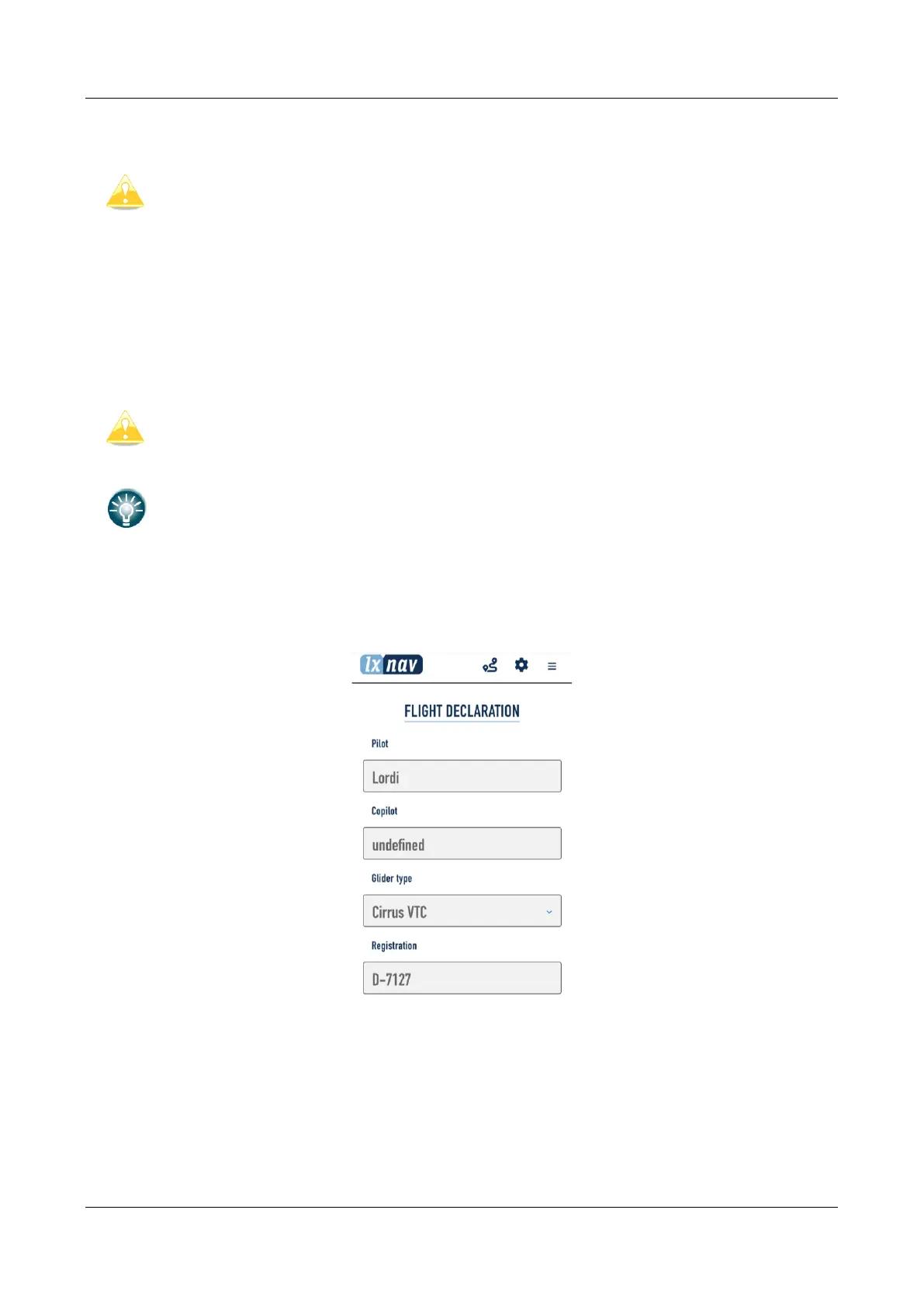
7.3.1.1 Flight declaration screen
On this screen user can enter the pilot's and glider information.


 To Next Page