Rev #35 March 2024
Page 32 of 43
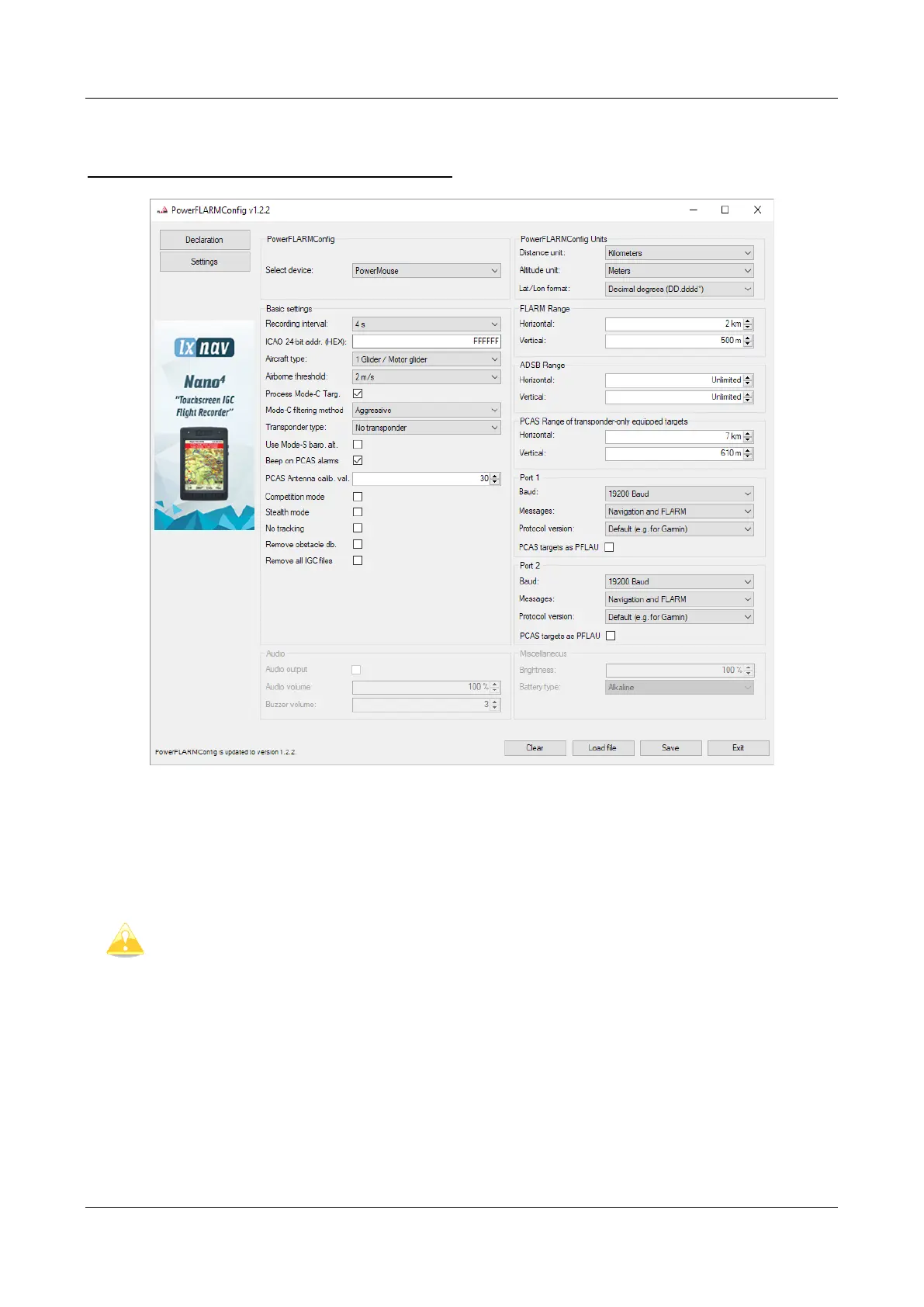
7.3.2 Configuring PowerMouse settings with PowerFLARM config
PowerFlarm config is available at:
https://gliding.lxnav.com/lxdownloads/software/
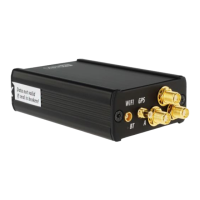
Here you can set all settings for your PowerMouse device. File will be saved as flarmcfg.txt file,
which you should save on the USD memory stick. To load this file into PowerMouse, insert USB key
into USB slot on PowerMouse and switch on PowerMouse. File will be automatically loaded into
device.
For Bluetooth to operate properly, baud rate of the port (port 1) must be set to
19200bps. If you changed baud rate for any other purpose (ex. updating) make
sure to set it back to 19200bps if you want to use Bluetooth on that port.


 To Next Page