Rev #35 March 2024
Page 31 of 43
7.3.1.3.13 FlarmLink Button settings
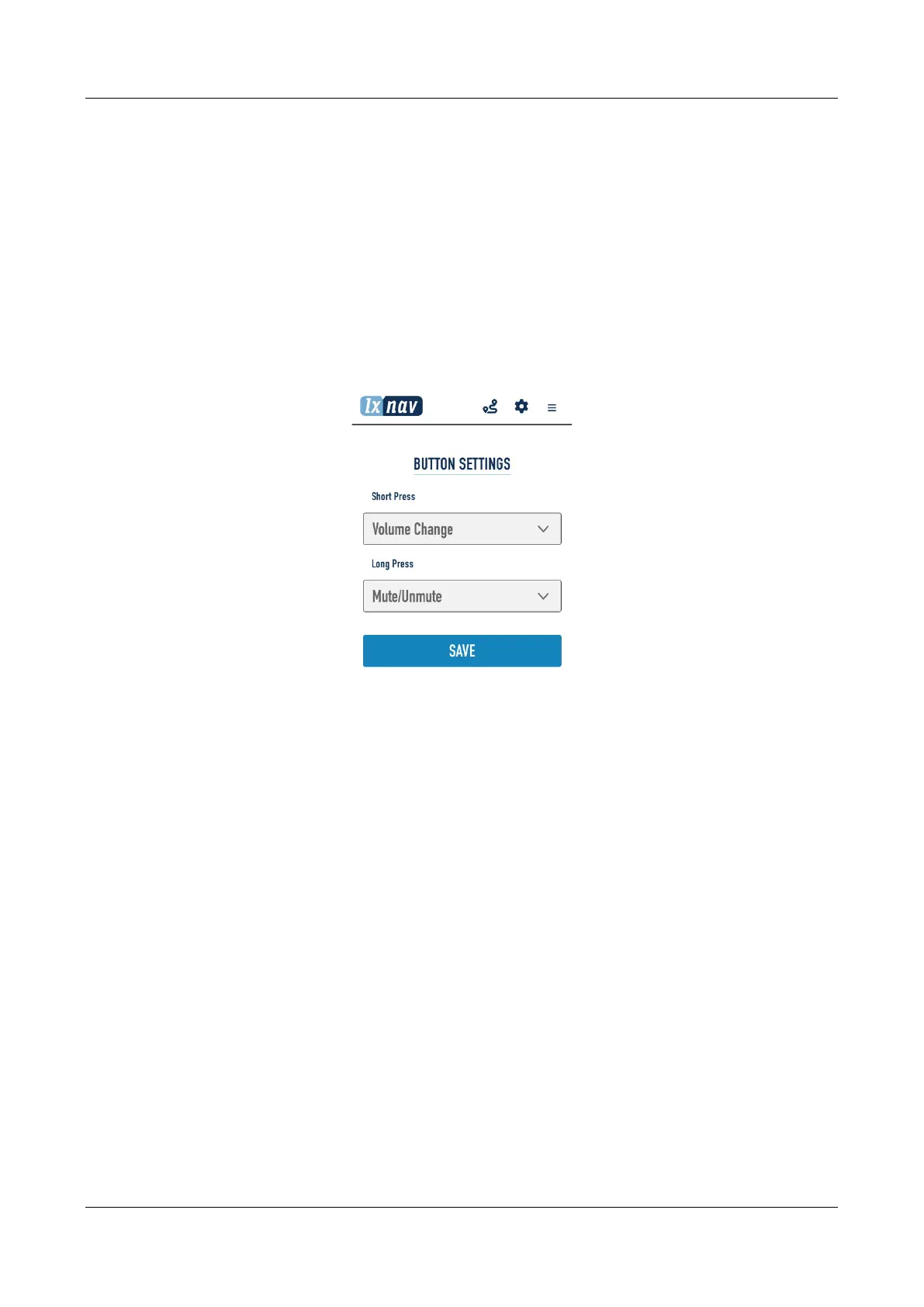
In this menu a digital input/button function can be configured.
Button can be pressed short (click) or long (1sec). To each method can be applied one function.
Following functions are available:
• Volume change
• Mute/Unmute
• Pilots event
• Mute/Unmute for 5 minutes
Each action on the button is supported also with voice message. If you press “Volume change”, You
will hear “high volume”, “medium volume”, “low volume”. For Mute/Unmute you will heare “mute”
or “unmute”,….


 To Next Page