Rev #35 March 2024
Page 30 of 43
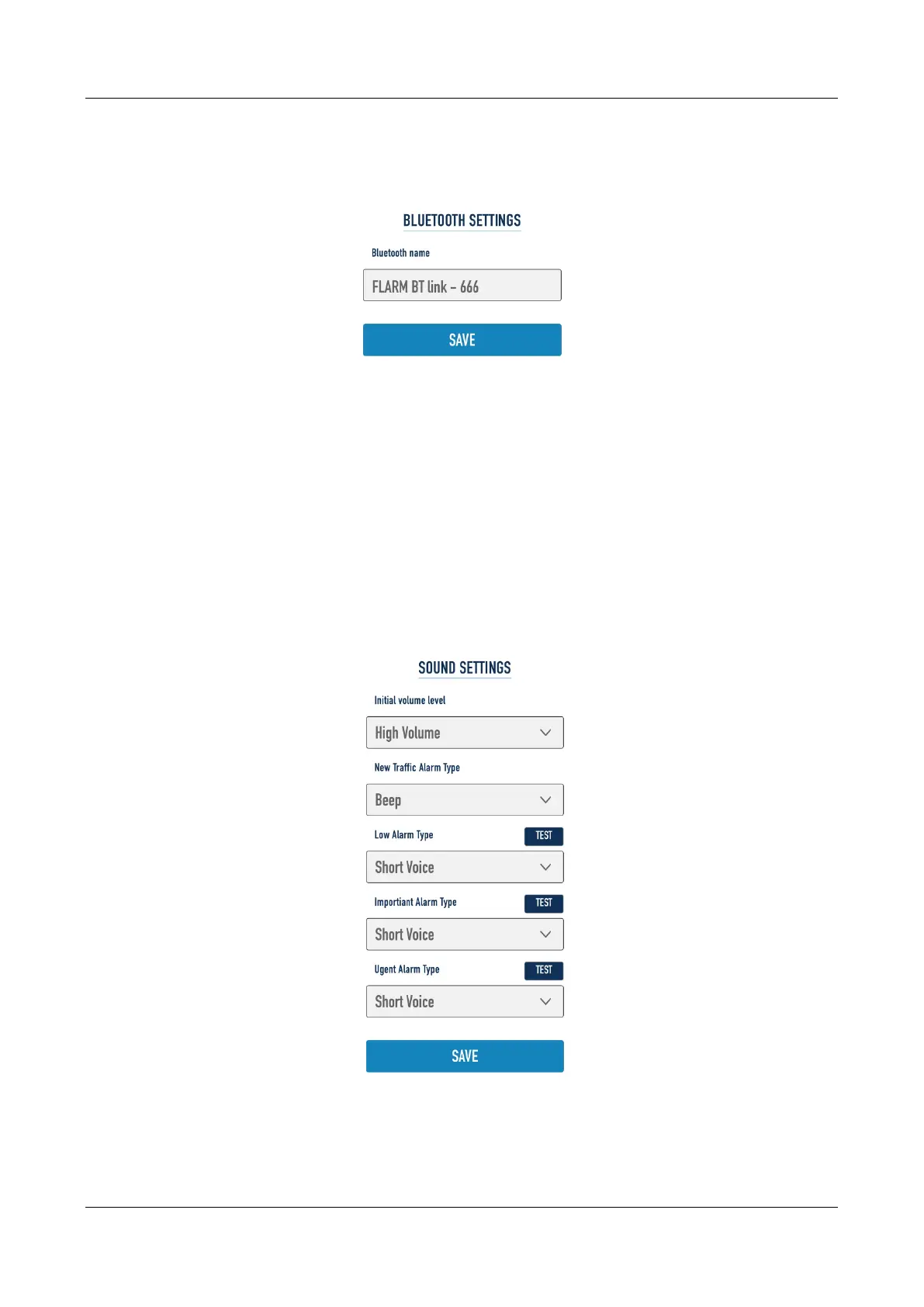
7.3.1.3.10 FlarmLink Bluetooth setup
Bluetooth name can be changed here.
7.3.1.3.11 FlarmLink database update
On that page user can load OGN database
7.3.1.3.12 FlarmLink sound settings
For each level of alarm, the user can set the type of the warning (quiet – no alarm, beeping or voice)
The initial volume can be set here.
If you press the TEST button, you can hear on audio output, what type of the warning is selected.


 To Next Page