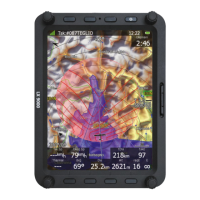
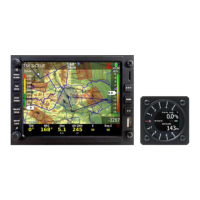
7.1.3 ADS-B firmware update via LXxxxx
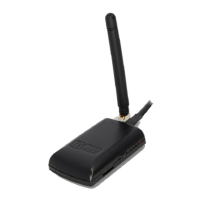
If Power mouse is connected to LXxxxx via LX5PF or LX5Flarm cable connected o Port 2 on
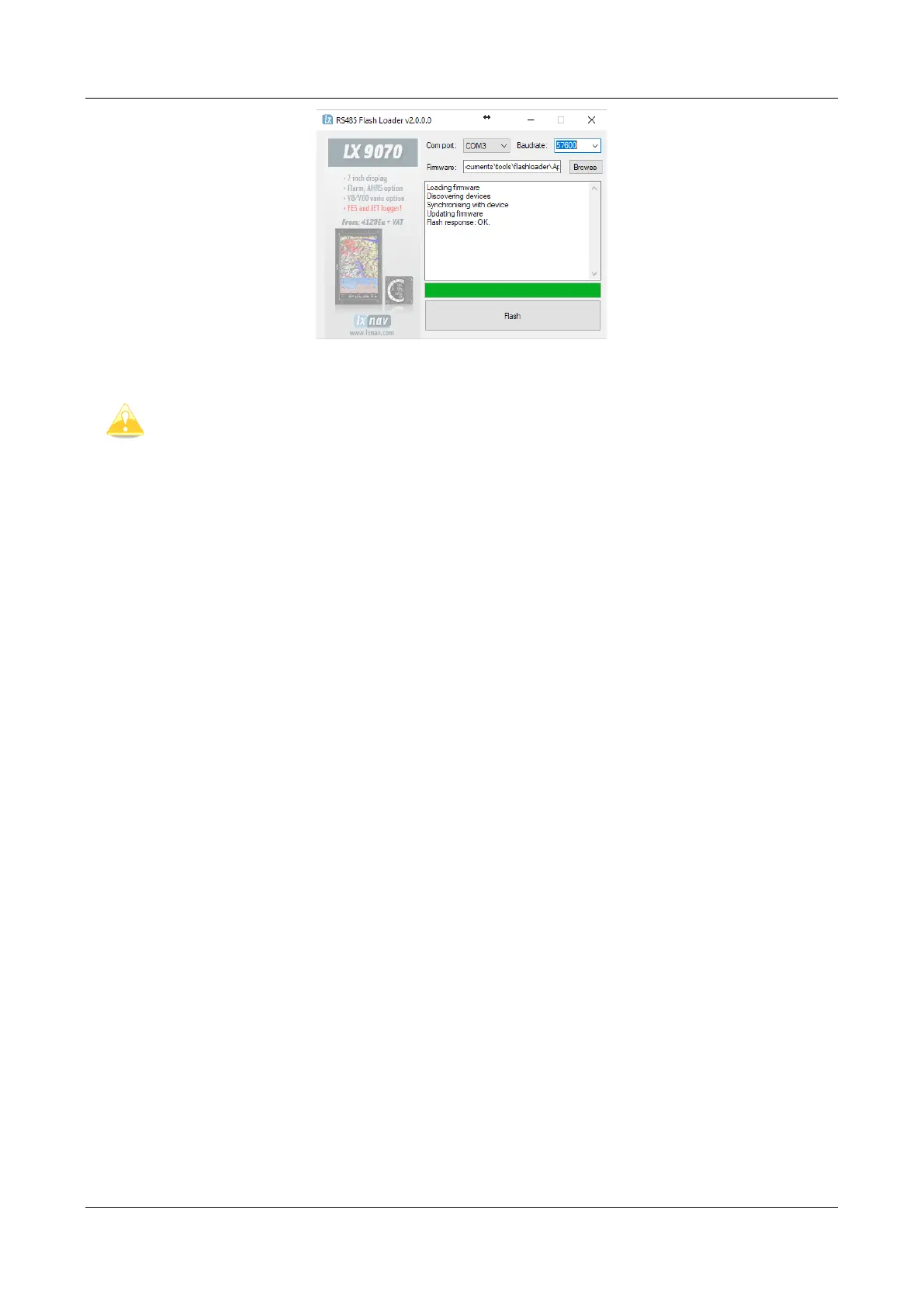
PowerMouse, firmware update can be performed directly from LXxxxx. Load an update file to SD
card and put SD card into LXxxxx device. If LXxxxx has no built in Flarm, just enter password 89891
and select file with ADSB firmware App_FADS_X.XX.lxfw.
In case you have built in Flarm and connected external PowerMouse, before update procedure
described above, enter password 49147.
7.2 Installing a new license
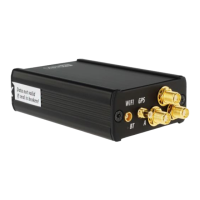
If you need to activate a purchased license (example ENL), you must do that via USB. Copy the
received license file (.lic) to your USB drive. Insert the USB in to powered down Power mouse and
then power on the device. The license will install automatically.


 To Next Page