34
Note
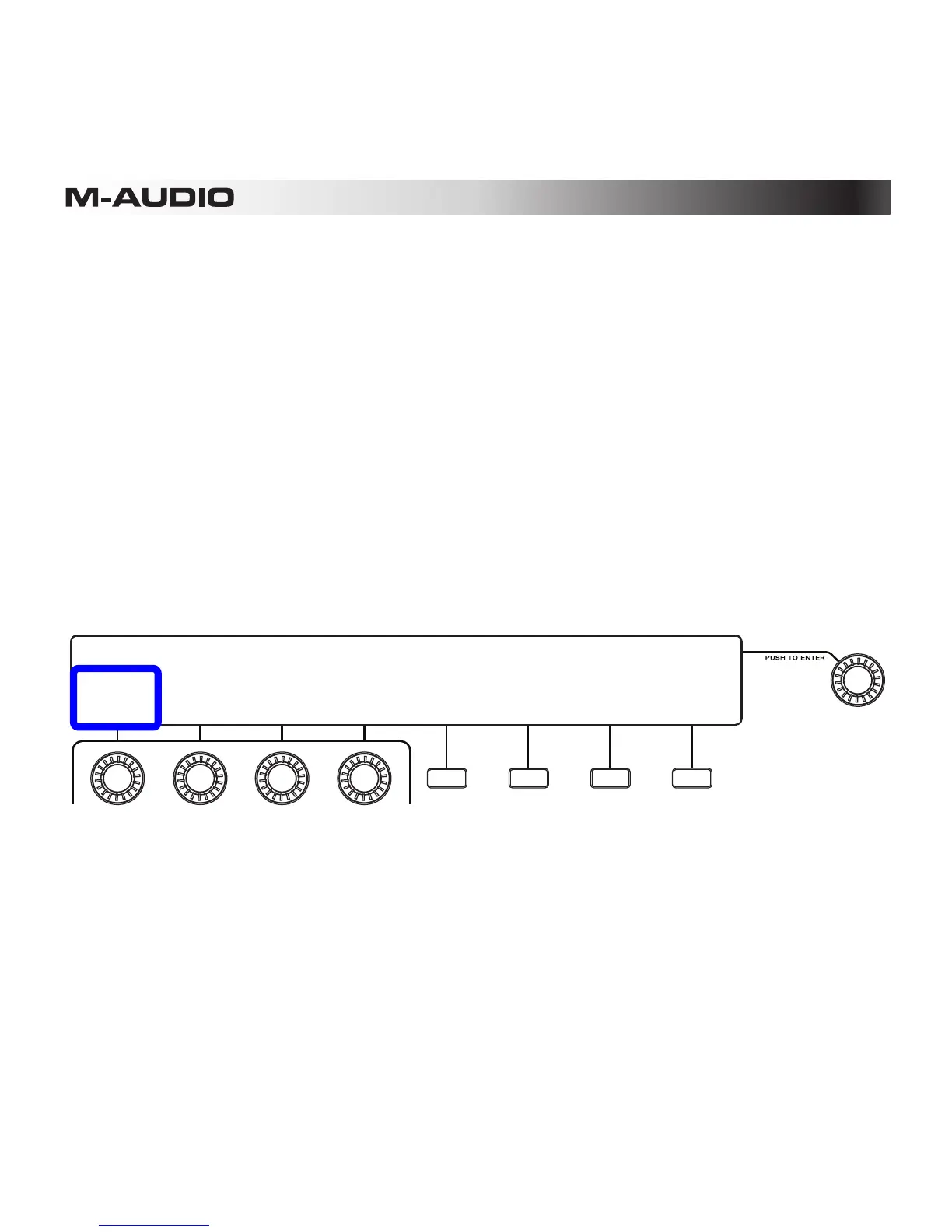
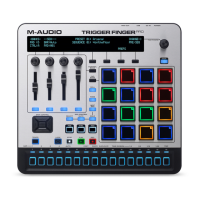
The Note setting determines what MIDI note each pad sends out.
To change a pad's note:
1. Enter Pad Mode by pressing the Pad Mode Button (Pad).
2. Press the second Function Button (Edit Pads).
3. Use the Pad Bank button to select the desired pad bank, and press the pad whose note
you want to edit.
4. Turn the first Assignable Knob (Note) to select the desired note (C-2 – G8).
5. Make other changes in Pad Mode, or exit Pad Mode by pressing the Pad Mode Button
(Pad) or the fourth Function Button (Exit).
TRIGGER PADS 01: Preset
NOTE:
C1
MIN VEL:
00
MAX VEL:
127
PRESSURE:
Poly MORE EXIT
BANK:A PAD:A01
SELECT->
PAD










 To Next Page