147762 21 Revision C
MD # 167969 Rev. A
F23 - 15A
F21 - 10A
1022989
Figure 3.34: Inline Fuse Decal (MD #167969)
6. Install inline fuse decal (MD #167969) in the bottom of the
fuse box cover as follows:
a. Clean and dry the installation area on the inside of the
fuse box cover.
b. Place the new decal in position. Slowly peel off the
backing paper, smoothing the decal as it is applied.
c. Prick small air pockets with a pin, and smooth out.
7. Reinstall the fuse box cover.
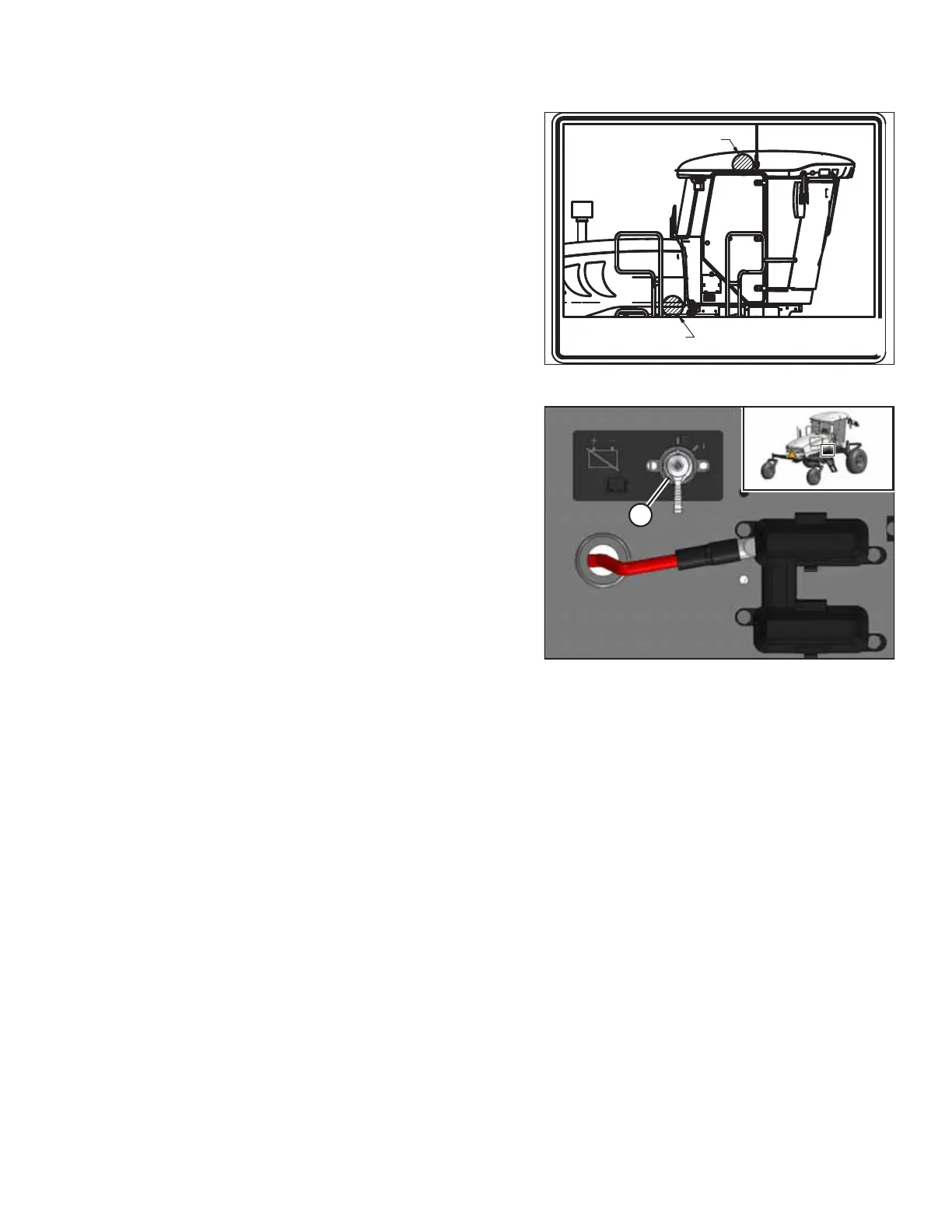
Figure 3.35: Battery Main Disconnect Switch
8. Turn the BATTERY MAIN DISCONNECT switch (A) to POWER
ON position.
9. Close the right platform. For instructions, refer to the windrower operator’ s manual or technical manual.
INSTALLATION INSTRUCTIONS



 To Next Page