147762 9 Revision C
Chapter 3: Installation Instructions
To install the Auxiliary Lighting Harness Repair kit, follow these steps:
WARNING
To avoid bodily injury or death from the unexpected startup of the machine, always stop the engine and remove the
key from the ignition before leaving the operator’s seat for any reason.
1. Stop the engine and remove the key.
2. Open the right platform. For instructions, refer to the windrower operator’s manual or technical manual.
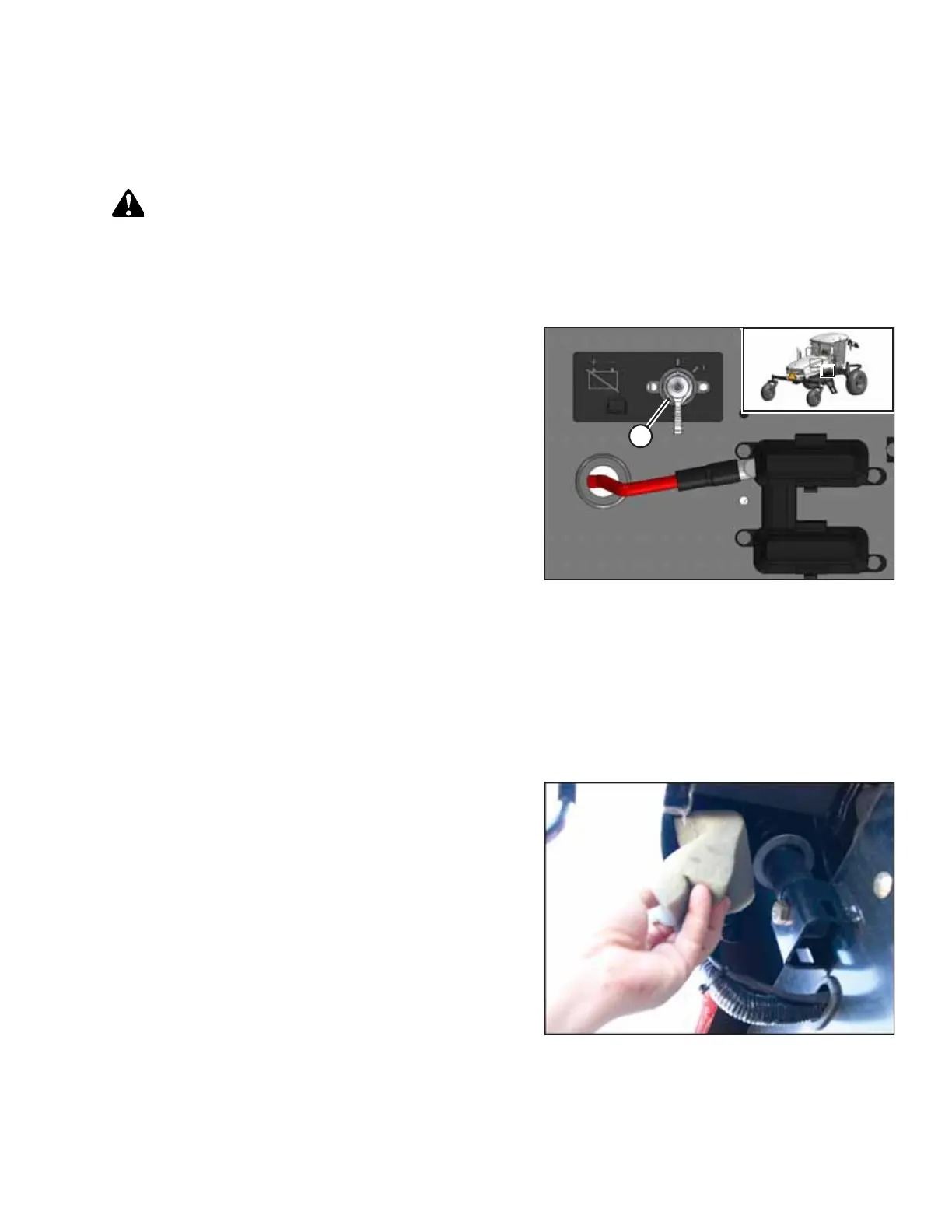
Figure 3.1: Battery Main Disconnect Switch
3. Turn the battery main disconnect switch (A) to POWER OFF.
3.1 Installing Auxiliary Lighting Roof Harness
To install the auxiliary lighting roof harness (MD #183559) provided in the kit, follow these steps:
NOTE:
You may need to remove and replace some of the existing cable ties. New cable ties in two lengths have been provided in
the kit for this purpose. Use them as needed.
Figure 3.2: Bottom of Right Rear Cab Post
1. Remove the corner post seal from the bottom of the right
rear cab post. Retain for reinstallation.



 To Next Page