PERFORMING PREDELIVERY CHECKS
5.11.4 Checki
ng Engine Speed
1. Move th rottle to idle posit ion.
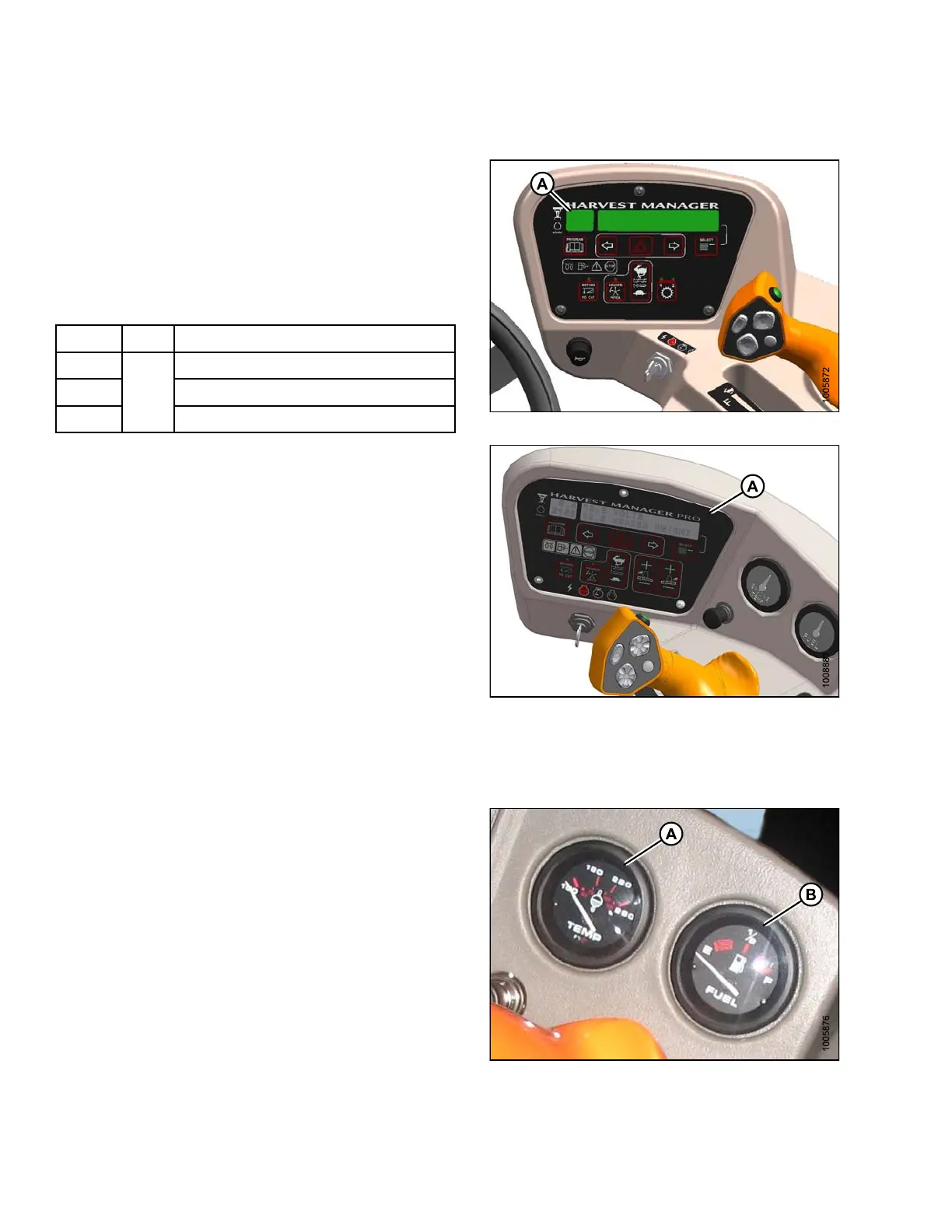
2. Chec k engine speed on cab dis pla y module (CDM) (A)
andcomparetovalueintable.
3. Move throttle t o maximum rpm position .
4. Check engine speed on CDM (A) and compare to value
in ta ble.
Table 5.3 Engine Speed
Model Idle
Maximum rpm
(No Load)
M105 2270–2330
M155 2320–2350
M205
1100
2250–234
0
Figure 5.27: M105 Cab Display Module (CDM)
Figur
e 5.28: M155/M205 Cab Display
Modul
e(CDM)
5.11
.5 Checking Gauges and Cab Display Module (CDM) Display
1. M205 and M155 only: Ensure the engine temperature
gauge (A) and fuel gauge (B) are working.
Figure 5.29: M155/M205 Temperature and
Fuel Gauges
147962 338 Revision A



 To Next Page