170 Creating Graphics: Making Animations with Easing (Flash Professional only)
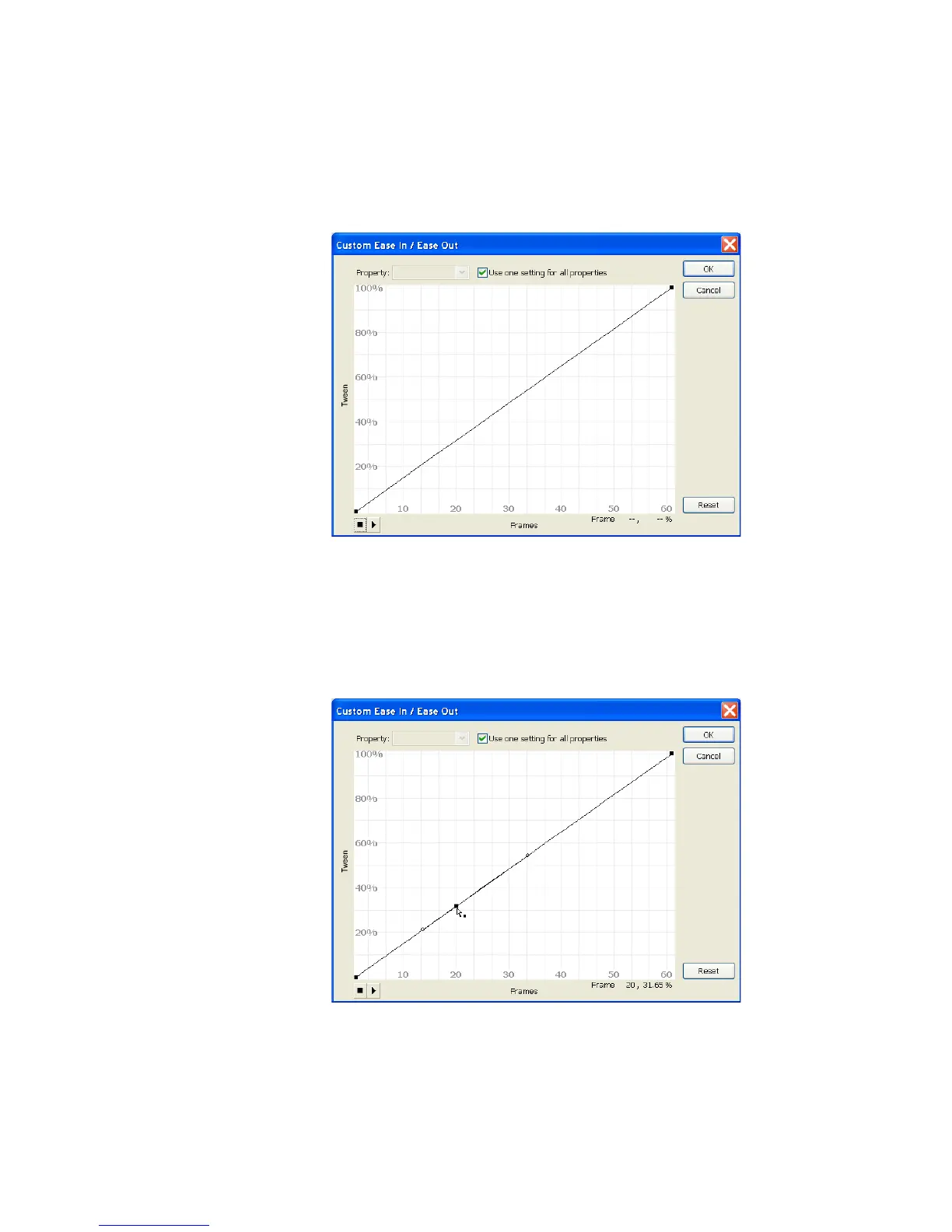
The Custom Ease In / Ease Out dialog box displays a graph
representing the degree of motion over time. Frames are represented by
the horizontal axis, and the percentage of change is represented by the
vertical axis.
The Custom Ease In / Ease Out dialog box
3. In the Custom Ease In / Ease Out dialog box, Control-click (Windows)
or Command-click (Macintosh) on the diagonal line where it crosses
Frame 20 in the horizontal axis and on about 32% in the vertical axis.
Click just once. This adds a new control point to the line.
Clicking the Ease In / Ease Out diagonal line



 To Next Page