86 Basic Tasks: Create Accessible Flash Content
If you have Flash Professional 8, follow this procedure to view a tab order:
■ Select View > Show Tab Order.
The tab index number that you entered appears next to the instance on
the Stage.
Follow this procedure to control the tab order and reading order using
ActionScript:
1. In the Timeline, select Frame 1 of the Actions layer.
2. In the Actions panel (Window > Actions), view the ActionScript that
creates the tab index for each instance in the document.
3. If you’re using Flash Basic 8, or if you’re using Flash Professional 8 and
you did not create the tab index using the Accessibility panel, delete the
/* and */ in the script to uncomment the script:
this.logo_mc.tabIndex = 1;
this.dealers_btn.tabIndex = 2;
this.orders_btn.tabIndex = 3;
this.research_btn.tabIndex = 4;
this.text4_txt.tabIndex = 5;
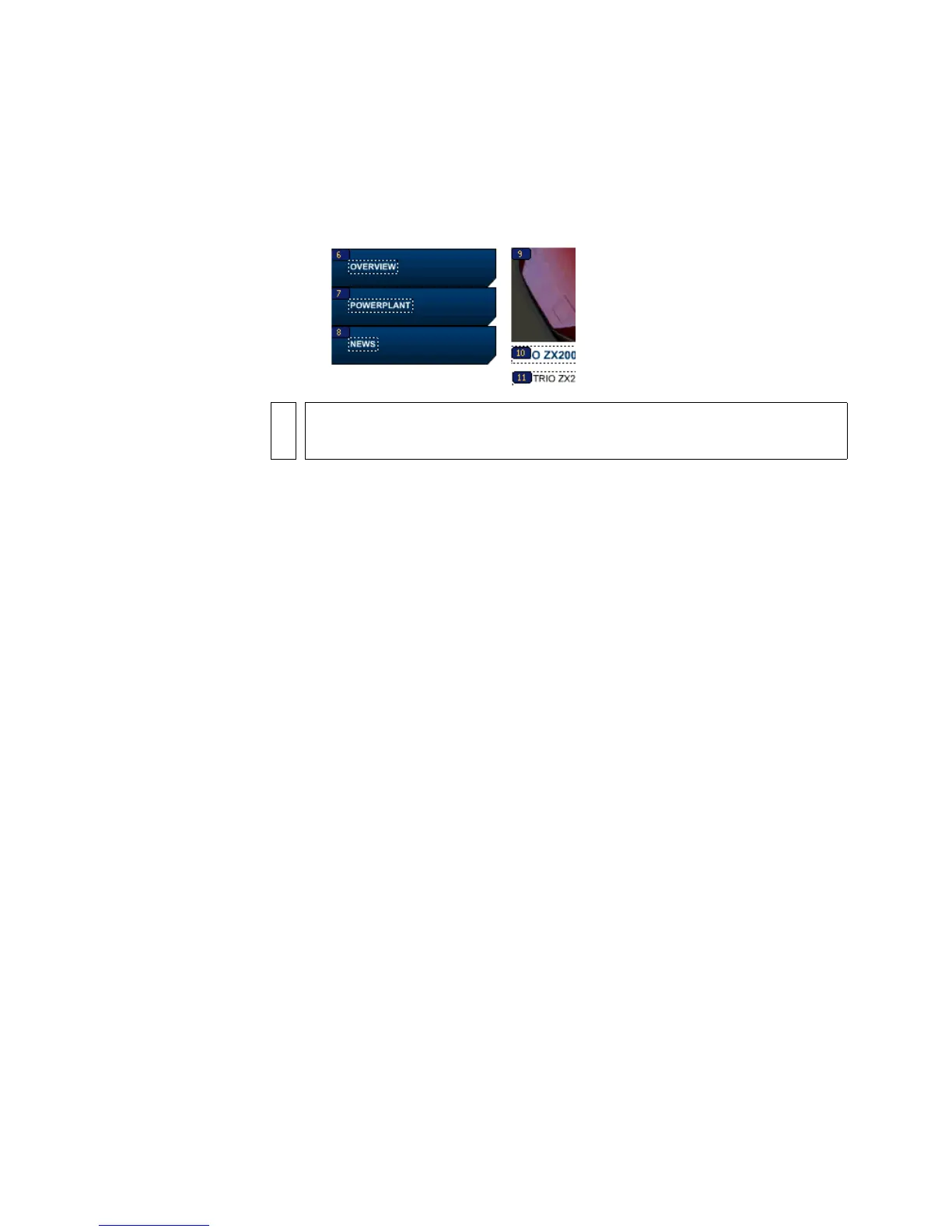
this.overview_btn.tabIndex = 6;
this.powerplant_btn.tabIndex = 7;
this.news_btn.tabIndex = 8;
this.safety_mc.tabIndex = 9;
this.text8_txt.tabIndex = 10;
this.text9_txt.tabIndex = 11;
this.bevel_mc.tabIndex = 12;
NOTE
A tab order created with ActionScript, rather than the Accessibility panel,
does not appear when Show Tab Order is enabled.



 To Next Page