24
www.rbcbioscience.com
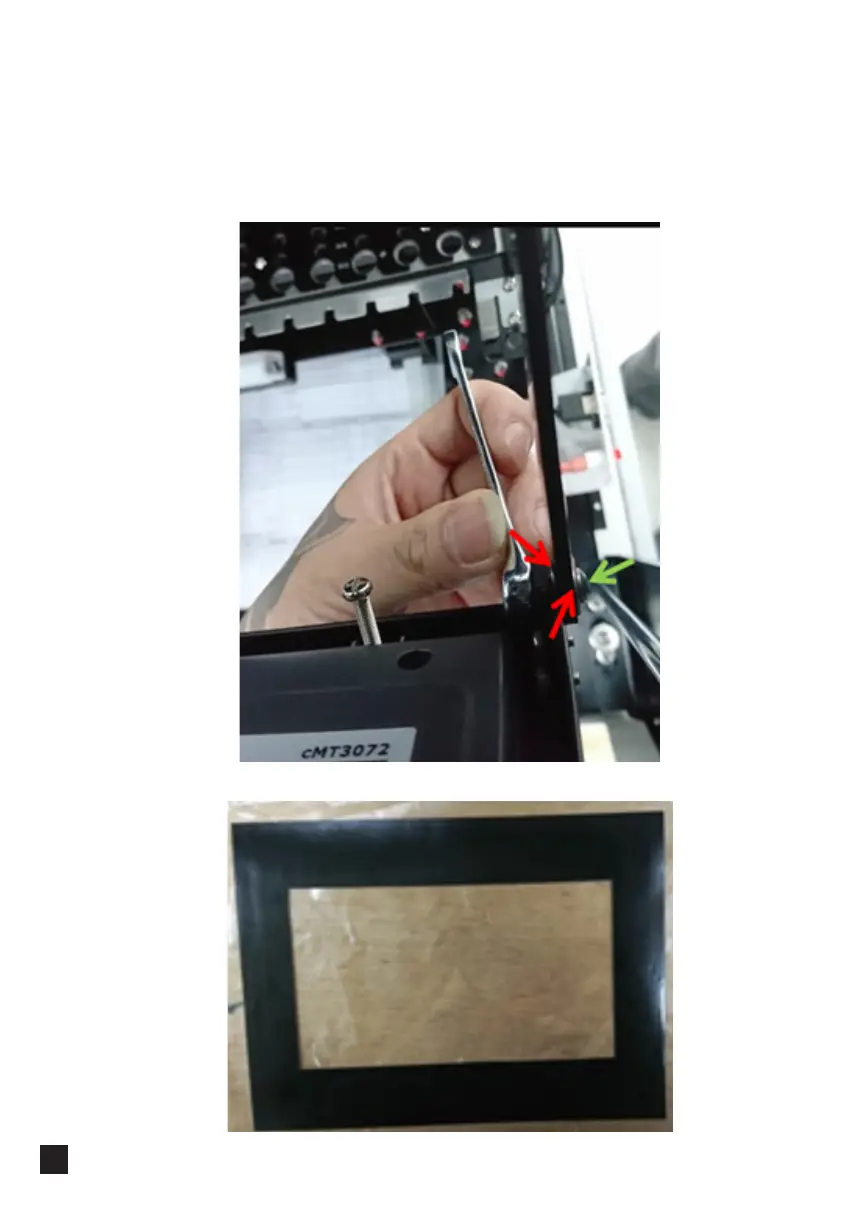
7. Follow the reversed steps to restore the frame. Refer to the picture below, one
washer on each side of the screw hole (marked with red arrows), the tightness of
the screw (marked with a green arrow) is related with the smoothness of the touch
screen panel movement, push and pull the panel for testing and tighten the nut (on
the inner side) when the panel is under adequate smoothness.
8. Paste the black plastic on the HMI.



 To Next Page