40
www.rbcbioscience.com
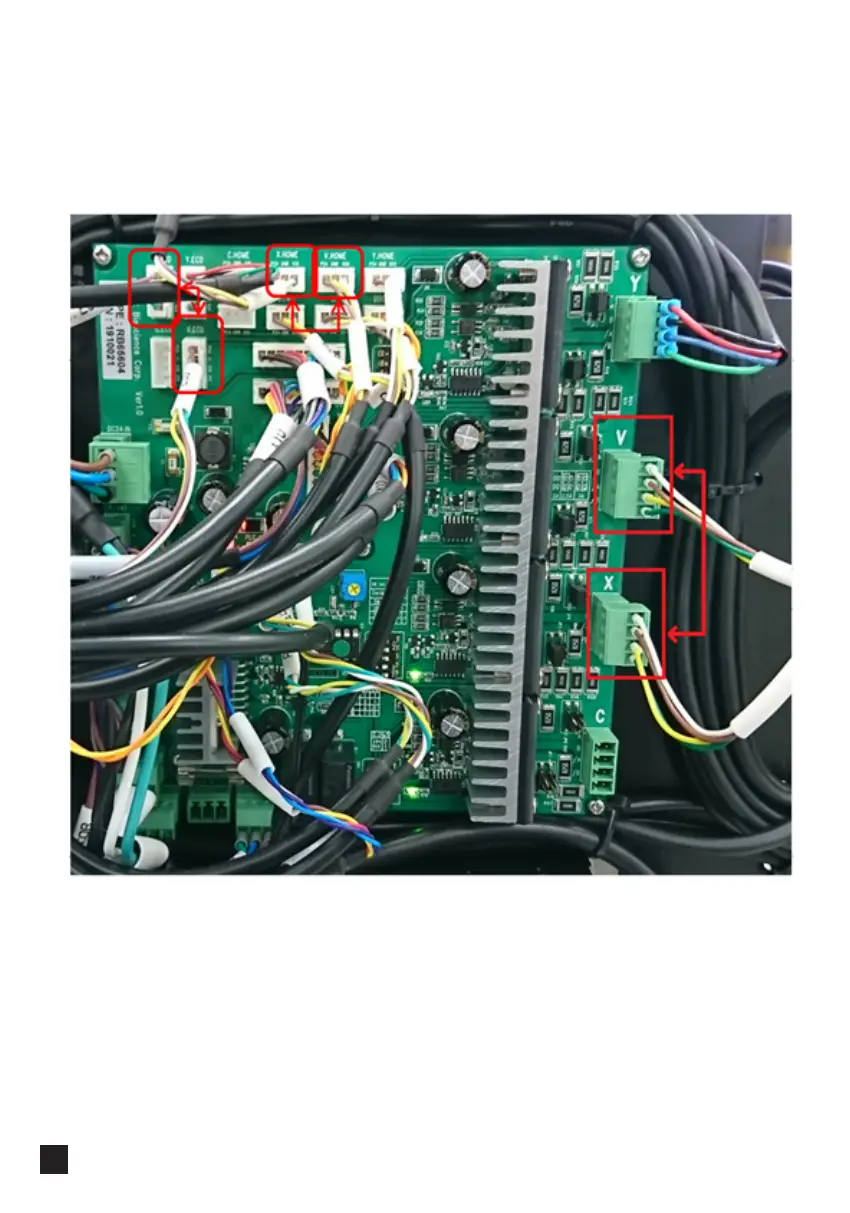
5. Refer to the picture below, switch cable <X.ECD>+<X.HOME>+X motor line with
cable <V.ECD>+<V.HOME>+V motor line
Turn on the power, check if X axis is homing normally during initialization. If it is, X
motor and motor line have no problem, the most likely cause is the malfunction of
X axis driver on the motherboard. Replace the motherboard and test.



 To Next Page