44
www.rbcbioscience.com
4. Check PLC:
Open I/O; place an object in front of the sensor. Check sensor Response on HMI
screen and on PLC to see if they match. If they don't - PLC response time is slow and
you may need to replace it.
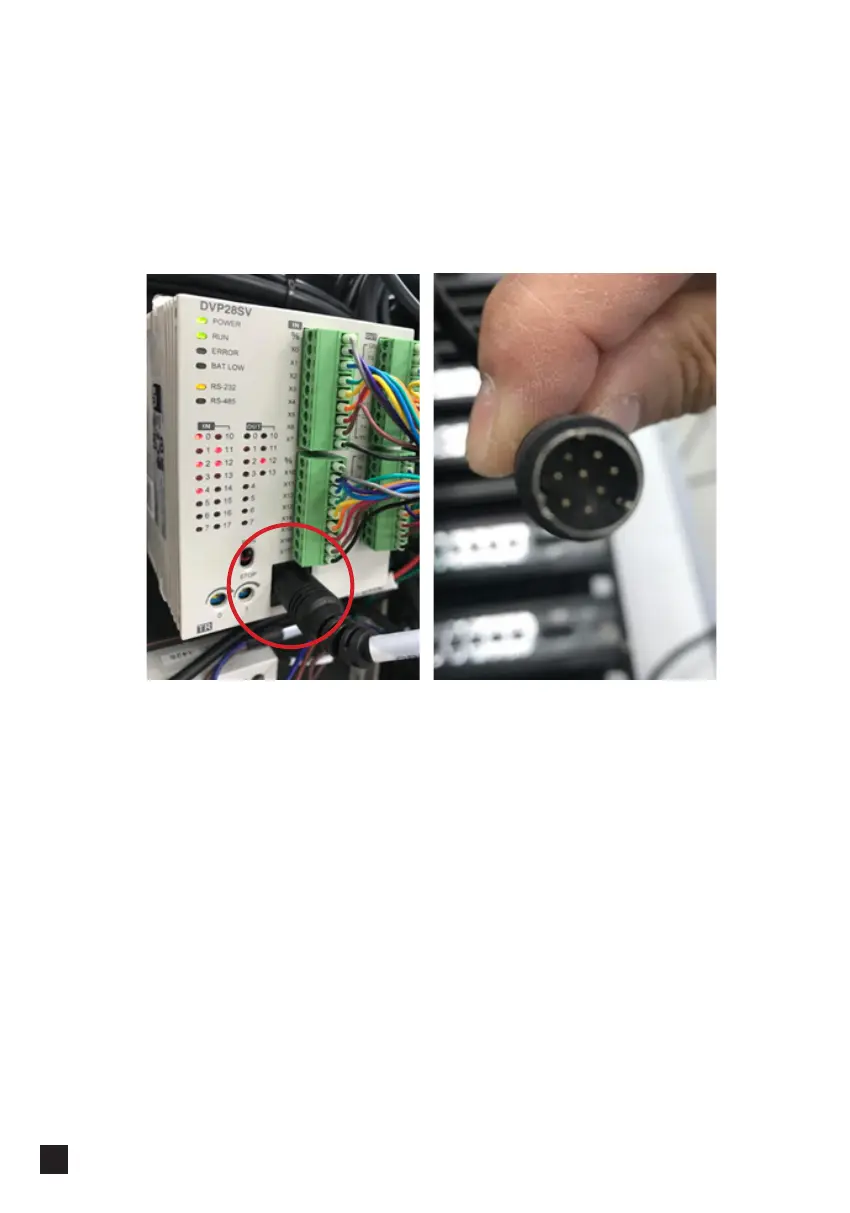
Check wire connections: cable CBL-0032 – make sure green and purple lines are not
loose.
Make sure CBL-C006 is plugged correctly:
The same procedure applies to all other sensors; make sure you are checking
corresponding terminals and wires.
Make sure connector is
not broken and is properly
plugged



 To Next Page