LeadCare
®
II User's Guide 1-12
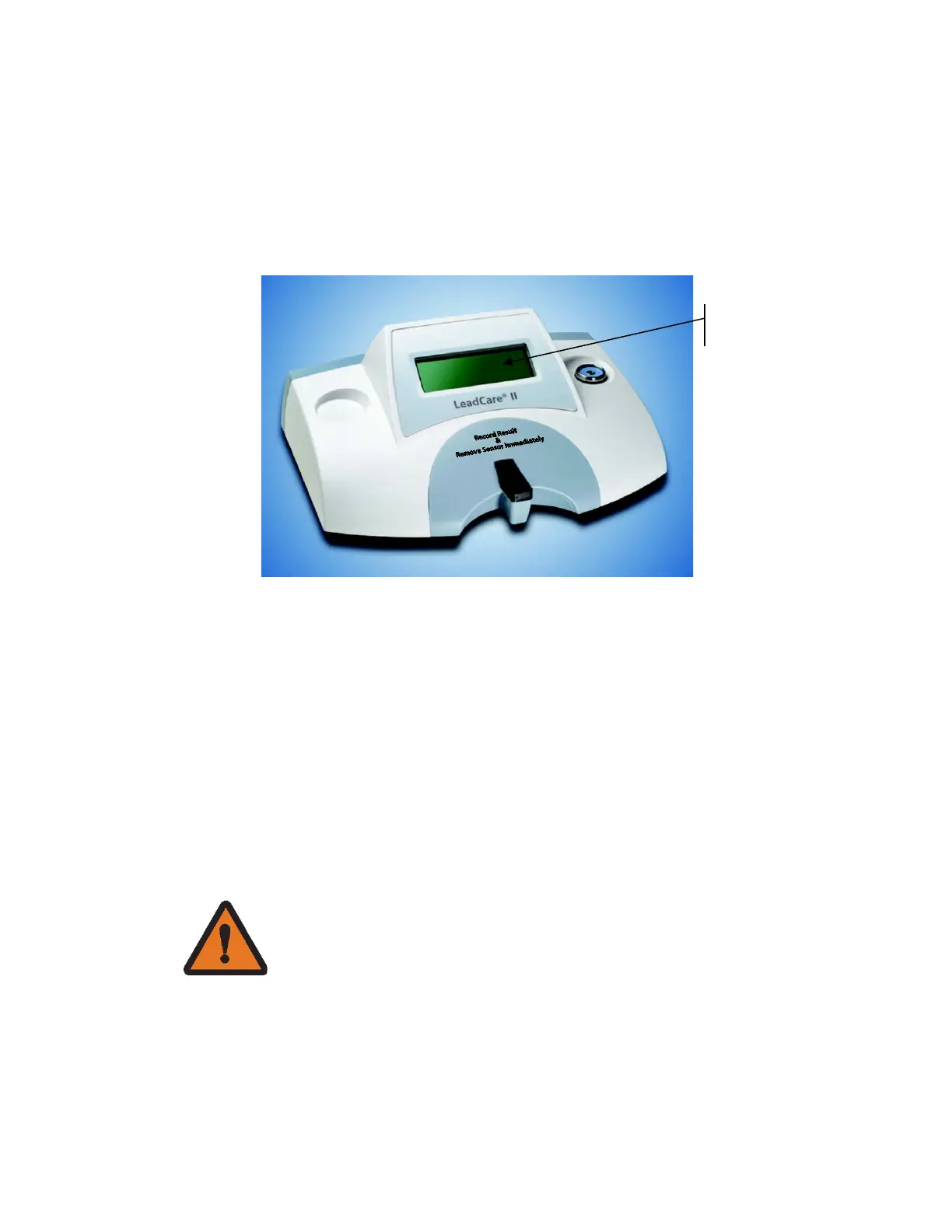
Reading the Analyzer Display
The LeadCare II Blood Lead Analyzer displays messages that guide you through
the test. Do NOT go to the next step until the message tells you to proceed.
The test takes three (3) minutes. When the test is complete, the blood lead level
appears on the display. The test result remains on the screen until you insert a
new sensor or for a minimum of 15 minutes.
Figure 1-7 Message Display
The analyzer monitors the test conditions and displays error messages on the
screen if a problem is detected. Chapter 5, Troubleshooting and Maintenance,
includes a list of the messages and what to do if they appear.
Important Precautions
This section lists important things you need to know about using the LeadCare II
Blood Lead Analyzer. Understand these precautions.
Precautions When Preparing Samples
WARNING: Use universal precautions while collecting
and handling blood samples. Blood can transmit
infectious diseases. Follow the procedures set up by
your institution for meeting local, state and federal


 To Next Page